SCANIA RS RJL EIDSETER A/S SKIN
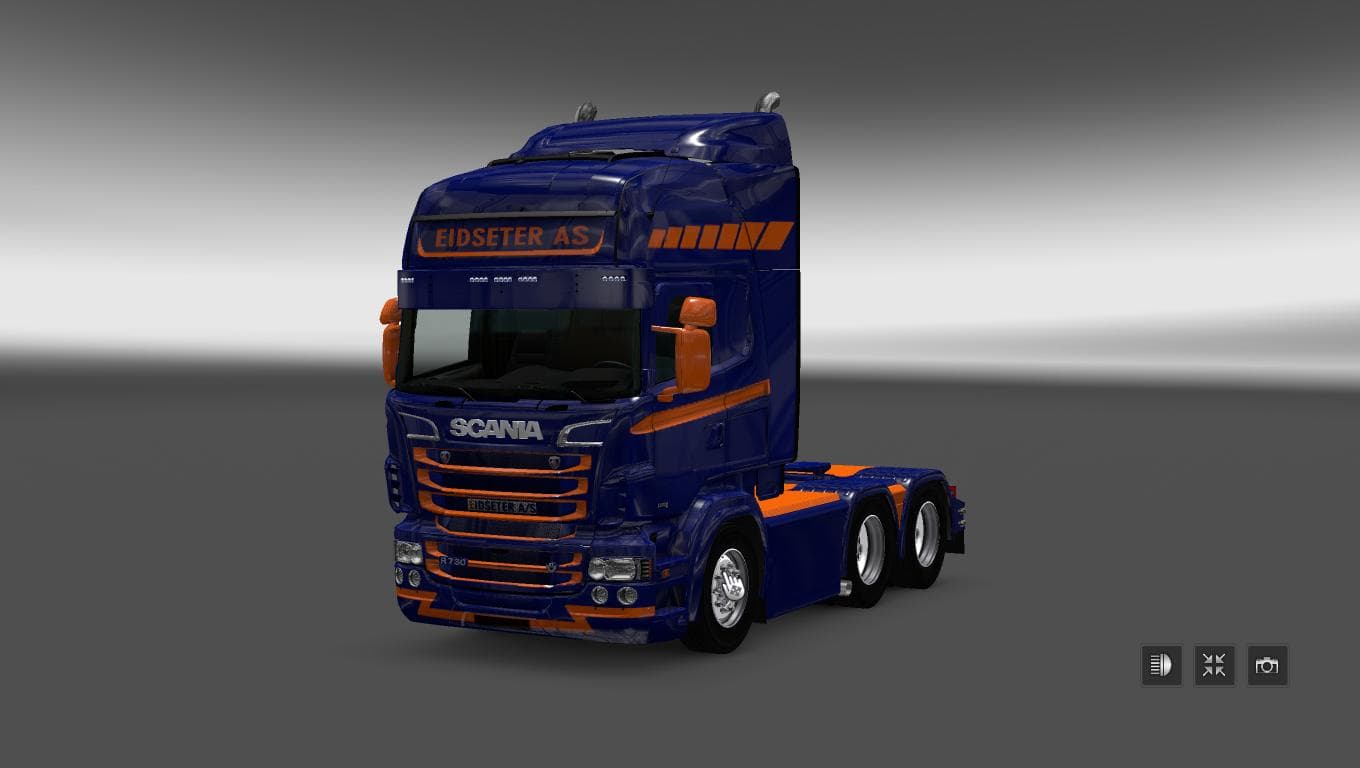
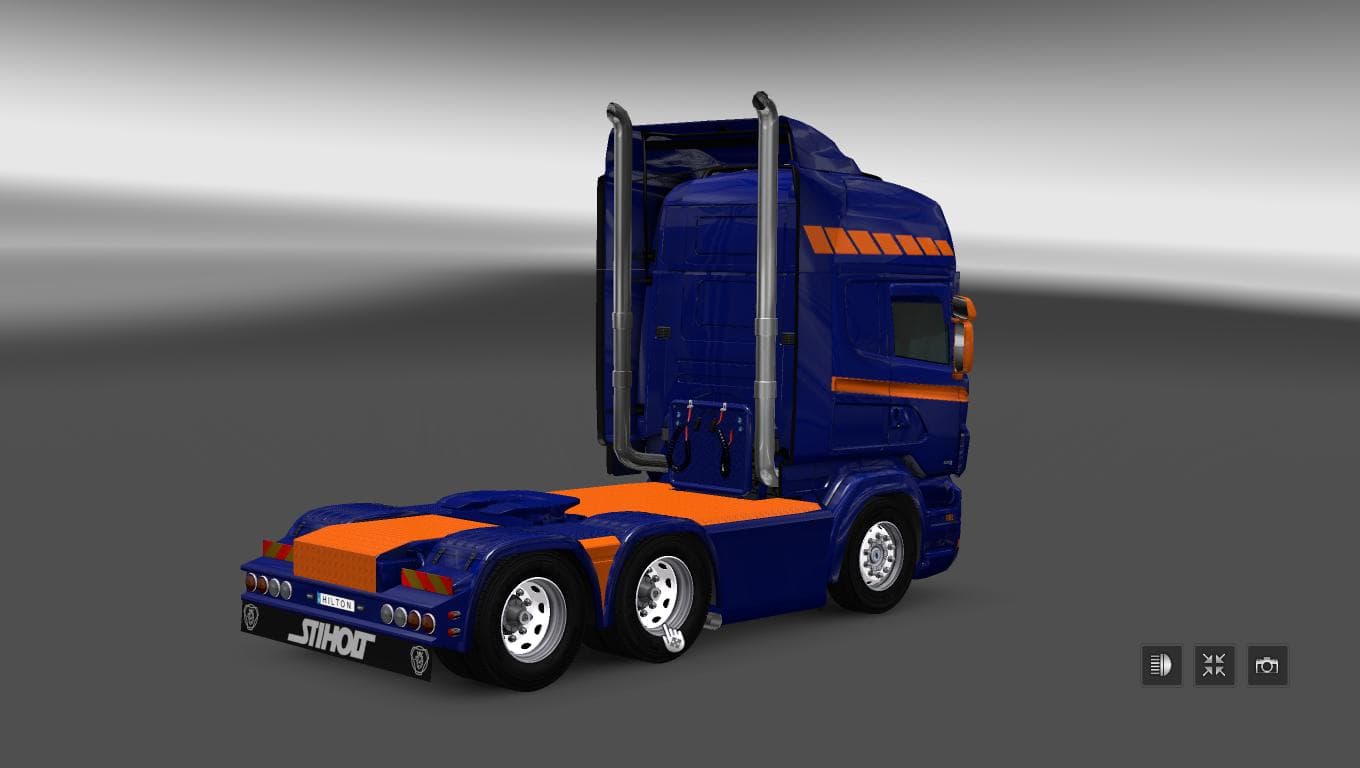
This mod is a skin for the Scania RS RJL truck in Euro Truck Simulator 2, created by Euro truck simulator 2. It is compatible with ETS2 version 1.22 and has a f
The SCANIA RS RJL EIDSETER A/S SKIN is a paint job mod specifically designed for the Scania RS RJL truck model in Euro Truck Simulator 2. This type of mod doesn't change the shape or mechanics of the truck but instead offers a fresh look by repainting the existing vehicle with a unique design. Skins like this one are applied through the in-game paint shop and rely on having the compatible base truck model installed to work properly.
Skin mods such as this one add variety and personalization options to your fleet without affecting gameplay or performance. They let players express their style or bring more authenticity to their virtual trucking experience, especially if they want their trucks to stand out on European roads. Because it targets a specific model, it fits neatly into any modded setup that includes the Scania RS RJL by RJL Mods or similar packs.
When managing multiple skins and mods, it's advisable to keep an eye on load order so that skins override each other correctly without conflicts. Typically, skins load after truck models and tuning mods. If you use several paint jobs for the same truck, only one skin can be active at once, which is handled within the game’s customization interface.
This particular skin supports ETS2 version 1.22, meaning it was made compatible with that update cycle. Users running newer game versions might need to check for updates or compatibility patches before applying it. Since details about its creator are not provided, users should consider community feedback or test it in offline mode first.
Players who enjoy customizing their Scania trucks will find this mod useful for adding a different visual option to their collection. It works well alongside other cosmetic mods and can complement map expansions or cargo packs by enhancing immersion with consistent vehicle appearances.
How to install
1. Download the .scs file. 2. Drop it into `Documents/Euro Truck Simulator 2/mod/`. 3. Enable in Mod Manager. 4. Apply the skin in the truck/trailer paint shop.
After the mod loads, save your game inside a safe area (parking lot or service) before deciding whether to keep it. If the game refuses to load with the mod enabled, check that all required DLCs are installed and that the supported ETS2 version chips on this page include your installed game patch.
Reviews
No ratings yetNo reviews yet — be the first to rate this mod.





