SCANIA RS RJL CATERPILLAR SKIN 1.22
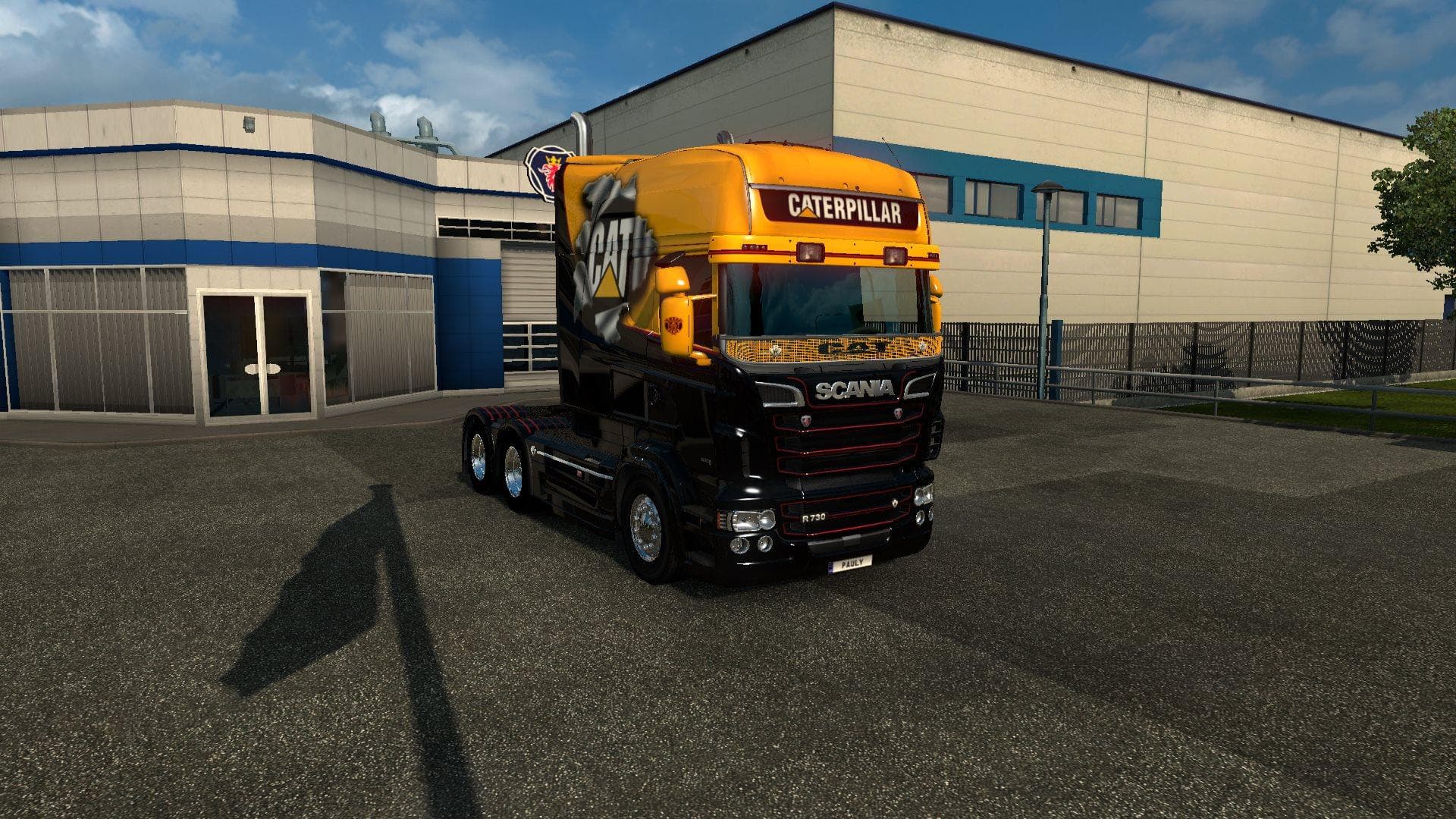
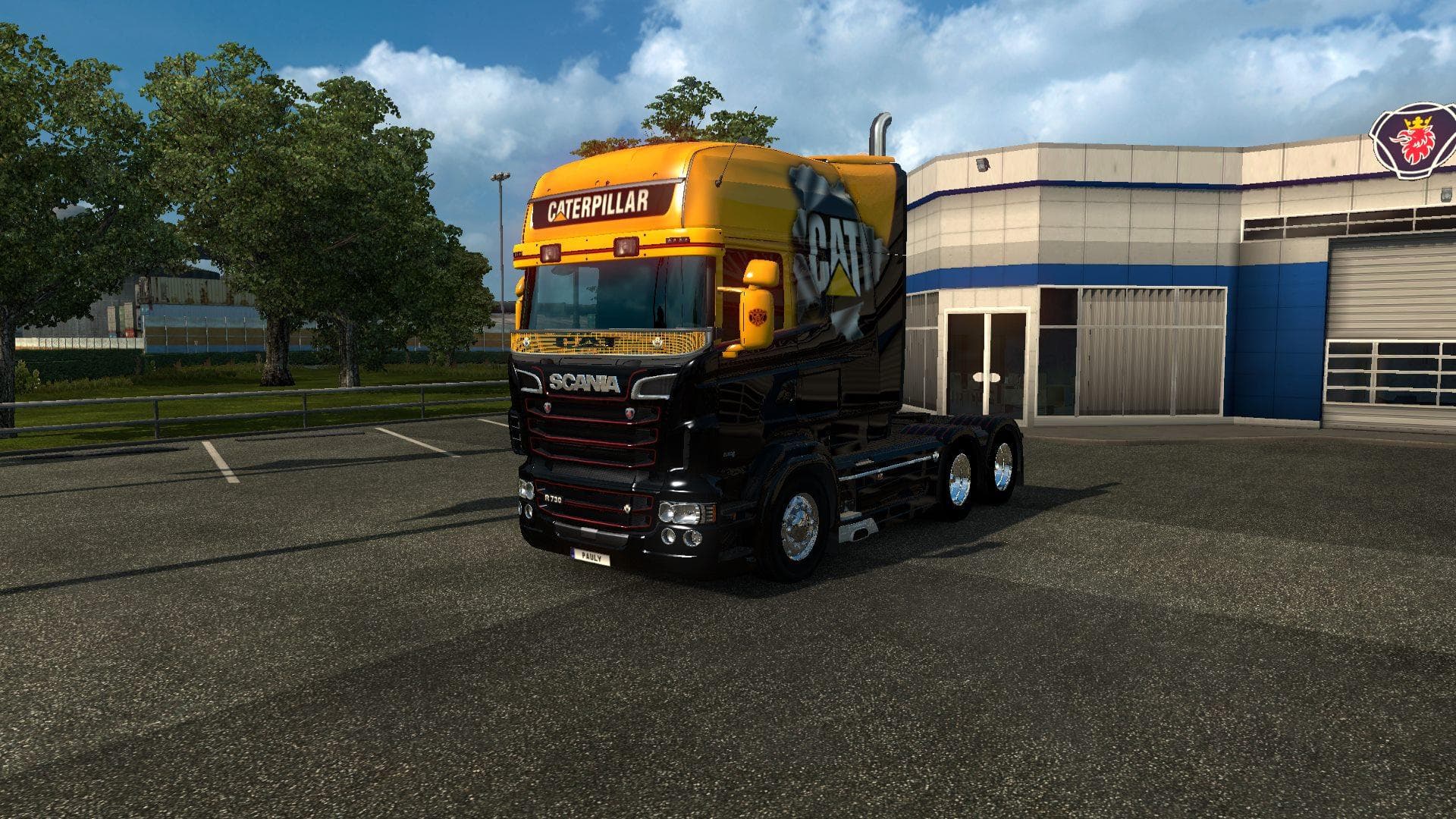
This mod is a Caterpillar skin for the Scania RS RJL truck in ETS2 version 1.22. Created by Euro truck simulator 2, the file size is 393 KB and it has been test
The SCANIA RS RJL CATERPILLAR SKIN 1.22 is a paint job designed for the Scania RS RJL truck model in Euro Truck Simulator 2. This type of mod doesn't alter the truck's structure or performance but simply changes its exterior look by applying a new texture in the game's paint shop. It gives your Scania RS RJL a distinctive Caterpillar-themed appearance, offering a fresh visual option without touching any gameplay elements.
Skin mods like this one are straightforward to use since they rely on the base vehicle model and must be compatible with the game version—here, it's tested for ETS2 version 1.22. Typically, these skins are loaded alongside other mods that don't conflict with truck textures or models. Players often add them to their mod list after installing larger vehicle or map mods to avoid overwriting issues.
In a modded setup, it's advisable to keep skin mods lower in the load order than model-changing mods but before any gameplay tweaks that might affect trucks globally. That way, you preserve the new look without interfering with other functional modifications. Compatibility depends mostly on having the matching truck and correct game version; otherwise, the skin won't display properly.
This skin suits players who enjoy customizing their fleet visually while sticking to popular truck models like the Scania RS RJL. If you're aiming for thematic consistency or want your rig to stand out on European roads, adding such skins can refresh your driving experience without altering how you haul loads.
Since the creator is unknown and file size isn't specified, always back up your profiles before installing and check for updates or community feedback if you encounter issues. Skins like this provide simple yet effective personalization for those focused on aesthetics within ETS2.
How to install
1. Download the .scs file. 2. Drop it into `Documents/Euro Truck Simulator 2/mod/`. 3. Enable in Mod Manager. 4. Apply the skin in the truck/trailer paint shop.
After the mod loads, save your game inside a safe area (parking lot or service) before deciding whether to keep it. If the game refuses to load with the mod enabled, check that all required DLCs are installed and that the supported ETS2 version chips on this page include your installed game patch.
Reviews
No ratings yetNo reviews yet — be the first to rate this mod.





