SCANIA RS RJL BLACK & WHITE V8 SKIN
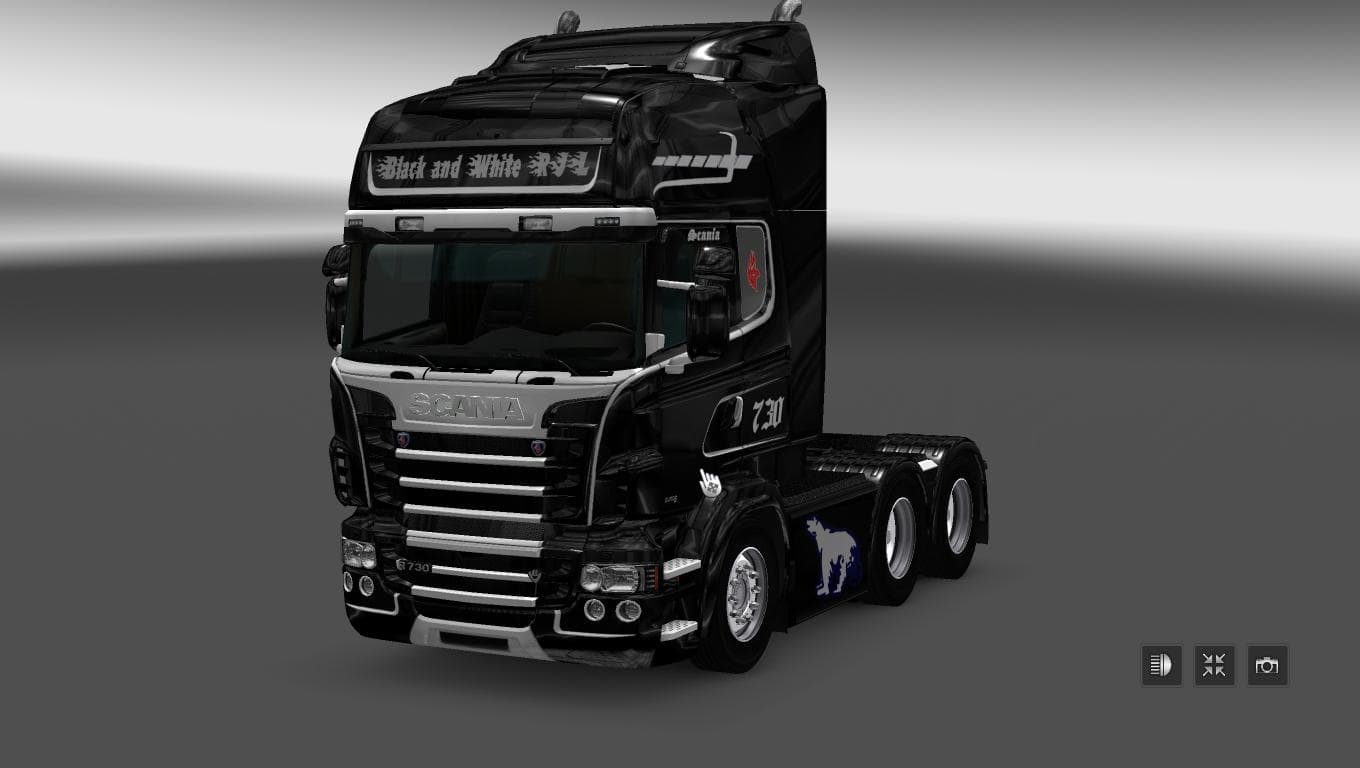
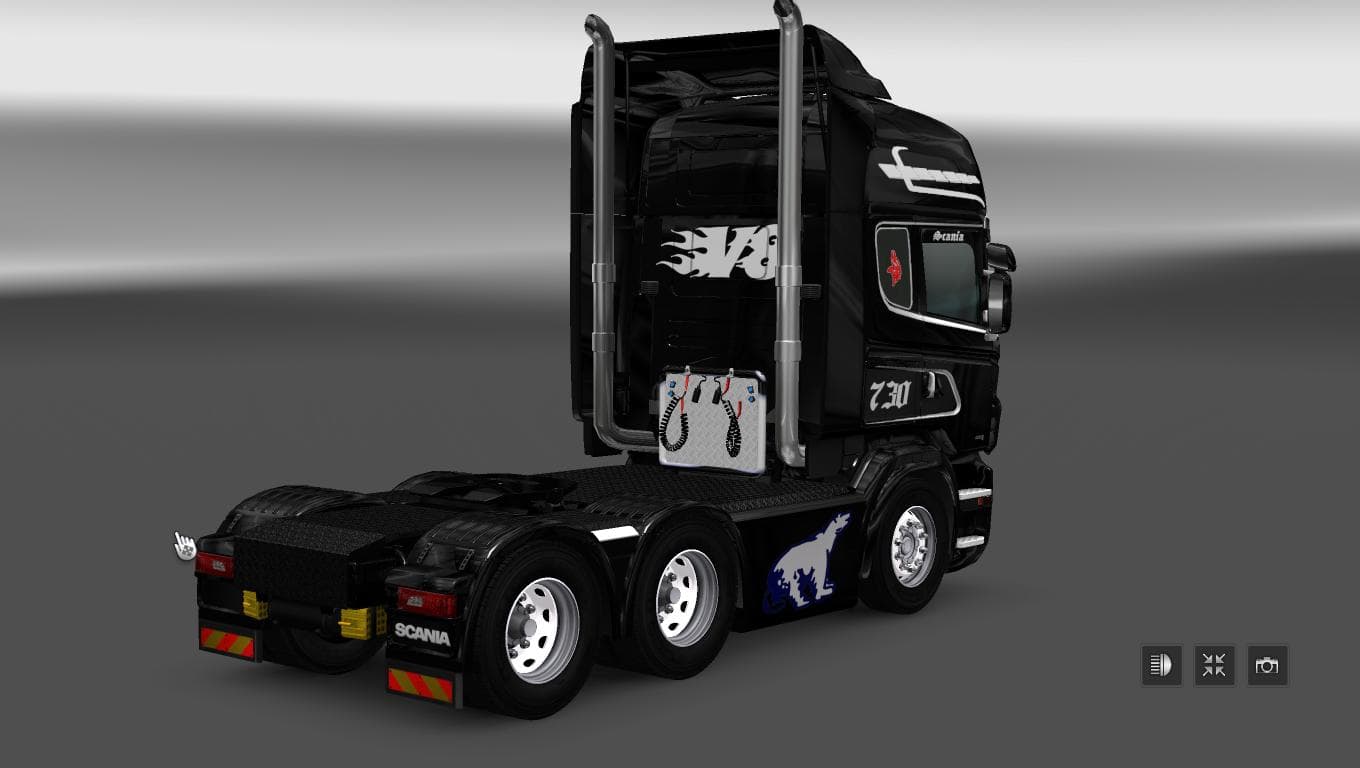
This mod offers a Scania RS RJL Black & White V8 skin for Euro Truck Simulator 2 version 1.22. The file size is 221 KB and the creator is Euro Truck Simulator 2
The SCANIA RS RJL BLACK & WHITE V8 SKIN mod gives your Scania RS RJL truck a distinctive black and white appearance without altering the truck's actual model. This kind of mod focuses solely on repainting the vehicle, allowing players to customize their trucks' look while keeping all the original functionality intact. Since it's a skin, it needs to be applied through the game's paint shop and only works with the specific base vehicle it's designed for.
Skin mods like this one are straightforward to install and usually don't conflict with gameplay or other mods that add new trucks or gameplay features. However, players should ensure that the mod is loaded after any larger truck mods to prevent texture overrides. Because this skin supports ETS2 version 1.22, compatibility with later game versions might require updates or additional tweaks.
In a modded setup, skins help personalize your fleet without demanding extra system resources or causing compatibility issues common with more complex modifications. They blend well alongside map expansions or gameplay enhancements since they simply refresh visual elements rather than adding new mechanics.
This particular skin fits those who prefer a clean yet bold look for their Scania RS RJL, especially if you favor a monochrome style that highlights the V8 engine branding visually. It suits players who enjoy tweaking aesthetics and want something different from the default paint jobs provided in Euro Truck Simulator 2.
Overall, SCANIA RS RJL BLACK & WHITE V8 SKIN is ideal for truck enthusiasts who appreciate detailed customizations at the visual level without changing how their trucks perform on European roads. It's an easy way to switch up your vehicle's appearance while keeping everything familiar under the hood.
How to install
1. Download the .scs file. 2. Drop it into `Documents/Euro Truck Simulator 2/mod/`. 3. Enable in Mod Manager. 4. Apply the skin in the truck/trailer paint shop.
After the mod loads, save your game inside a safe area (parking lot or service) before deciding whether to keep it. If the game refuses to load with the mod enabled, check that all required DLCs are installed and that the supported ETS2 version chips on this page include your installed game patch.
Reviews
No ratings yetNo reviews yet — be the first to rate this mod.





