SCANIA RS RJL BLACK ARROW SKIN
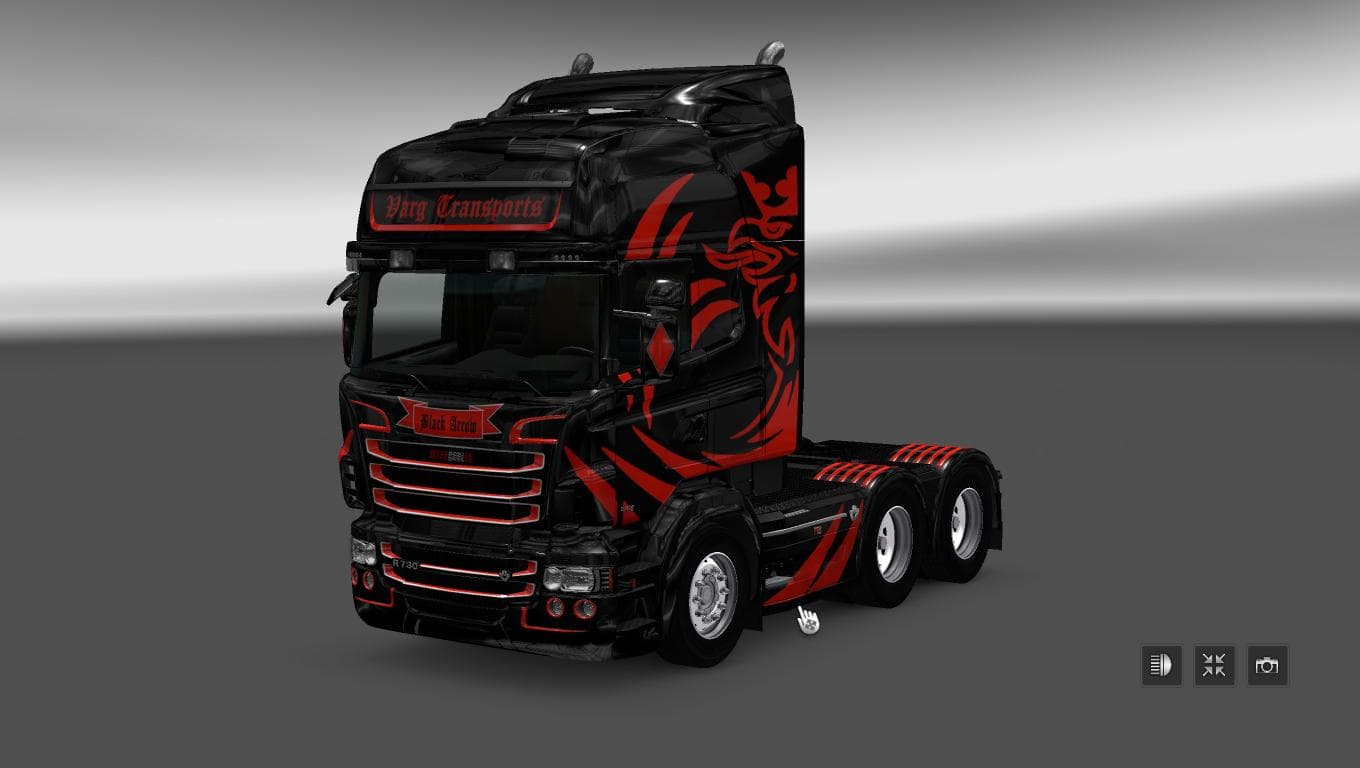
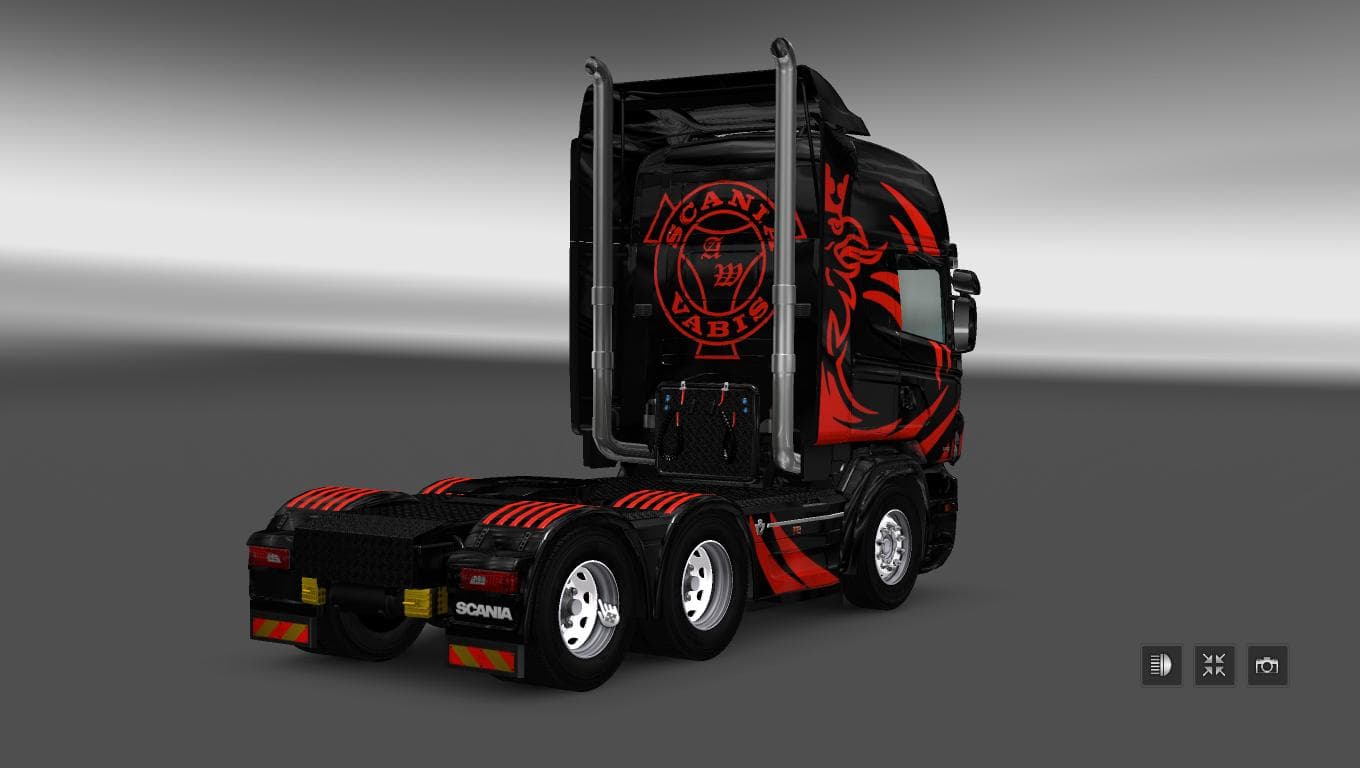
This mod is a skin for the Scania RS RJL truck in ETS2, specifically designed for version 1.22 of the game. Created by Euro Truck Simulator 2, the Black Arrow S
The SCANIA RS RJL BLACK ARROW SKIN is a repaint mod designed specifically for the Scania RS RJL truck model in Euro Truck Simulator 2. It changes the appearance of the vehicle by applying a black-themed paint job, offering players a fresh look without altering the truck's structure or performance. Skins like this one are installed through the game's paint shop and rely on having the base Scania RS RJL model available to function properly.
Skin mods in ETS2 don't add new trucks but rather modify how existing ones look. This means that while they don't affect gameplay mechanics, they do provide visual variety that can make your fleet stand out on the road. Since this skin is tailored for version 1.22 of ETS2, compatibility with other versions might vary, so users should check their game version before installing.
In a modded setup, skins usually load after truck or cabin mods to ensure that visual changes apply correctly. Conflicts are rare with skin mods unless multiple skins target the same vehicle, which would require careful load order management or disabling duplicates. This particular skin fits well into collections focused on Scania trucks or those emphasizing darker paint schemes.
Players who enjoy customizing their trucks visually will find this skin appealing, especially if they prefer a sleek black design over standard factory colors. It's suitable for those who want to personalize their Scania RS RJL without adding extra components or changing gameplay balance.
Since details like file size and creator remain unknown, it's advisable to follow typical installation steps for ETS2 skins: placing the mod file in your mod folder and activating it through the game's mod manager. This straightforward process makes it easy to test different looks and switch back if needed.
How to install
1. Download the .scs file. 2. Drop it into `Documents/Euro Truck Simulator 2/mod/`. 3. Enable in Mod Manager. 4. Apply the skin in the truck/trailer paint shop.
After the mod loads, save your game inside a safe area (parking lot or service) before deciding whether to keep it. If the game refuses to load with the mod enabled, check that all required DLCs are installed and that the supported ETS2 version chips on this page include your installed game patch.
Reviews
No ratings yetNo reviews yet — be the first to rate this mod.





