SCANIA RS RJL BARONESS PURPLE SKIN
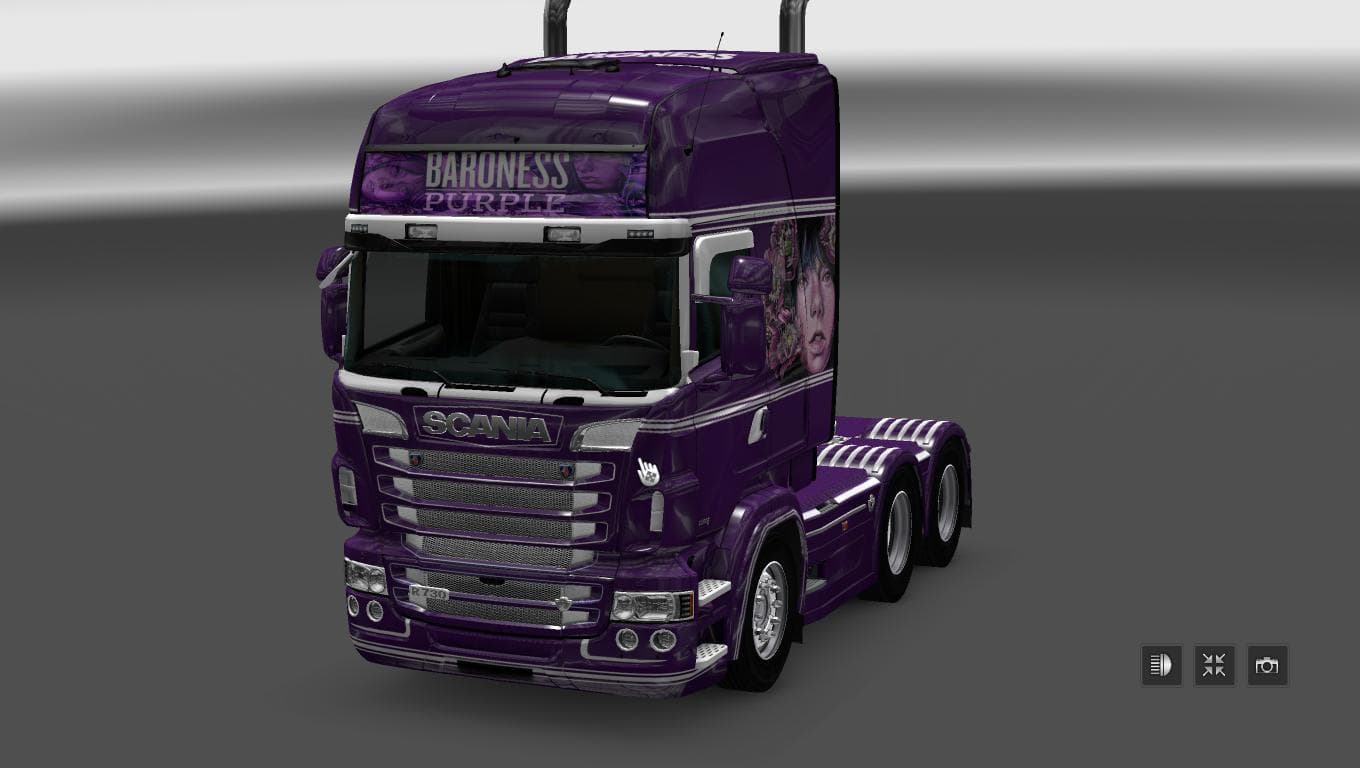
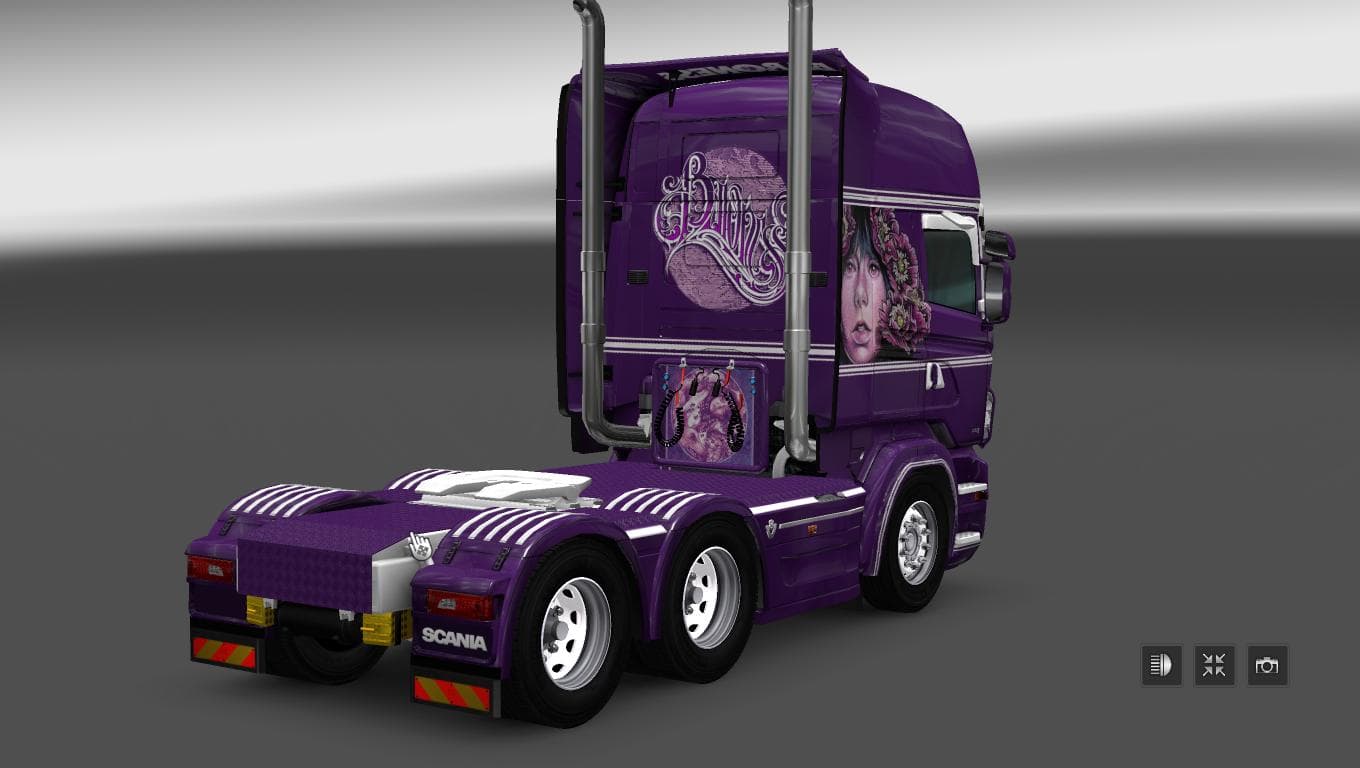
This mod is a skin for the Scania RS RJL truck in Euro Truck Simulator 2, featuring a purple design inspired by the band Baroness. It is compatible with ETS2 ve
The SCANIA RS RJL BARONESS PURPLE SKIN is a paint job designed for the Scania RS RJL truck in Euro Truck Simulator 2, specifically compatible with version 1.22 of the game. This kind of mod doesn't alter the truck's model or performance but changes its exterior look by applying a new color scheme and graphics. In this case, it features a purple theme that adds a distinct visual flair to the vehicle.
Skin mods like this one are installed through the game's paint shop interface and rely on the base vehicle they were created for, meaning you need to have the original Scania RS RJL model to use it. They fit well within a modded setup as they don't interfere with gameplay mechanics or other types of mods such as map expansions or tuning parts. However, it's generally recommended to load skins after truck model mods to ensure proper display.
Since this skin is made for an older ETS2 version, players running 1.22 will find it straightforward to use without compatibility issues common in later updates. Users should keep in mind that newer versions of ETS2 might require updated skin files for flawless integration. Being a cosmetic modification, it usually won’t conflict with other mods unless another skin targets the exact same truck variant.
This skin appeals mainly to players who enjoy customizing their trucks' appearance and want a unique color option beyond the default offerings. Purple isn’t among the most common colors in ETS2 skins, so drivers looking for something different may appreciate what this mod provides.
Because it’s a lightweight repaint, adding this skin won't impact game performance noticeably. It’s an easy way to refresh your fleet visually without changing driving dynamics or engine sounds.
Overall, if you’re running ETS2 version 1.22 and want to personalize your Scania RS RJL with a purple theme, this skin serves as a simple yet effective option.
How to install
1. Download the .scs file. 2. Drop it into `Documents/Euro Truck Simulator 2/mod/`. 3. Enable in Mod Manager. 4. Apply the skin in the truck/trailer paint shop.
After the mod loads, save your game inside a safe area (parking lot or service) before deciding whether to keep it. If the game refuses to load with the mod enabled, check that all required DLCs are installed and that the supported ETS2 version chips on this page include your installed game patch.
Reviews
No ratings yetNo reviews yet — be the first to rate this mod.





