SCANIA RJL WOLF SKIN 1.21.X
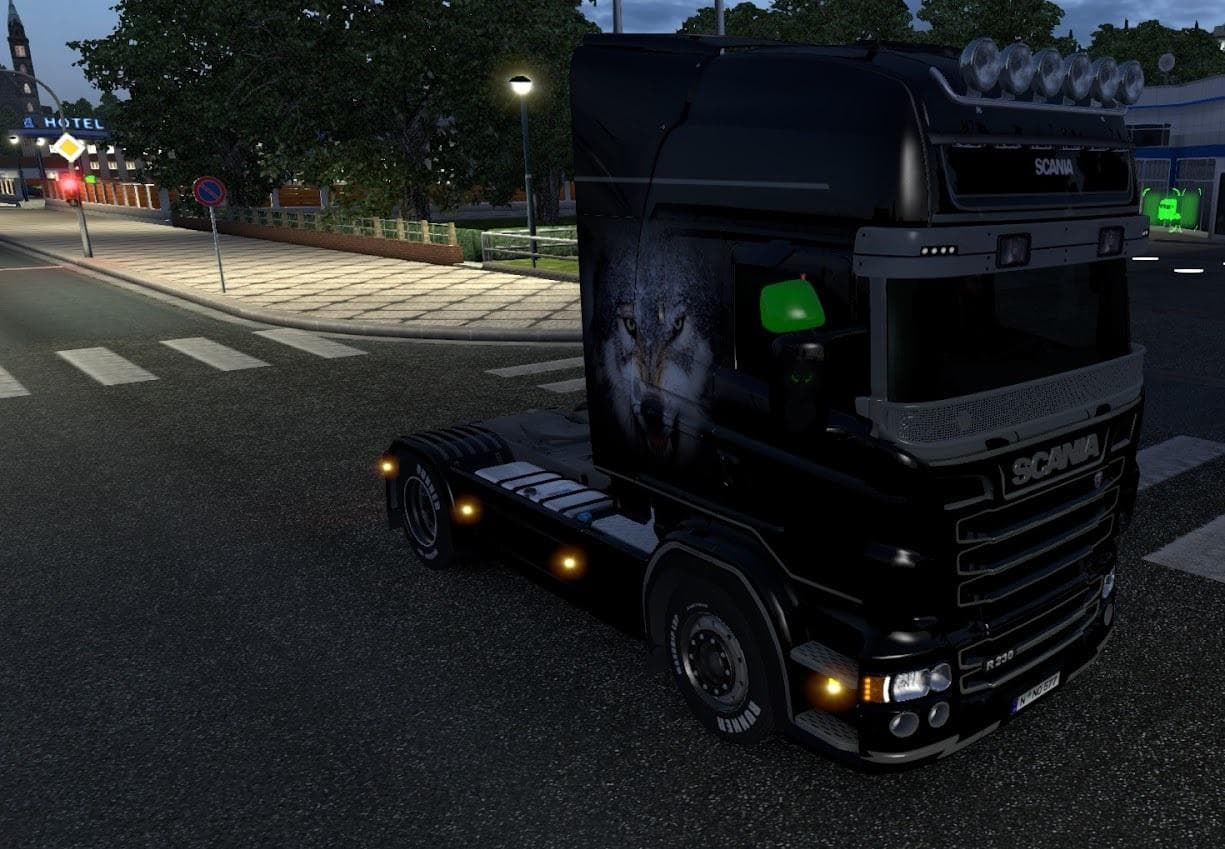
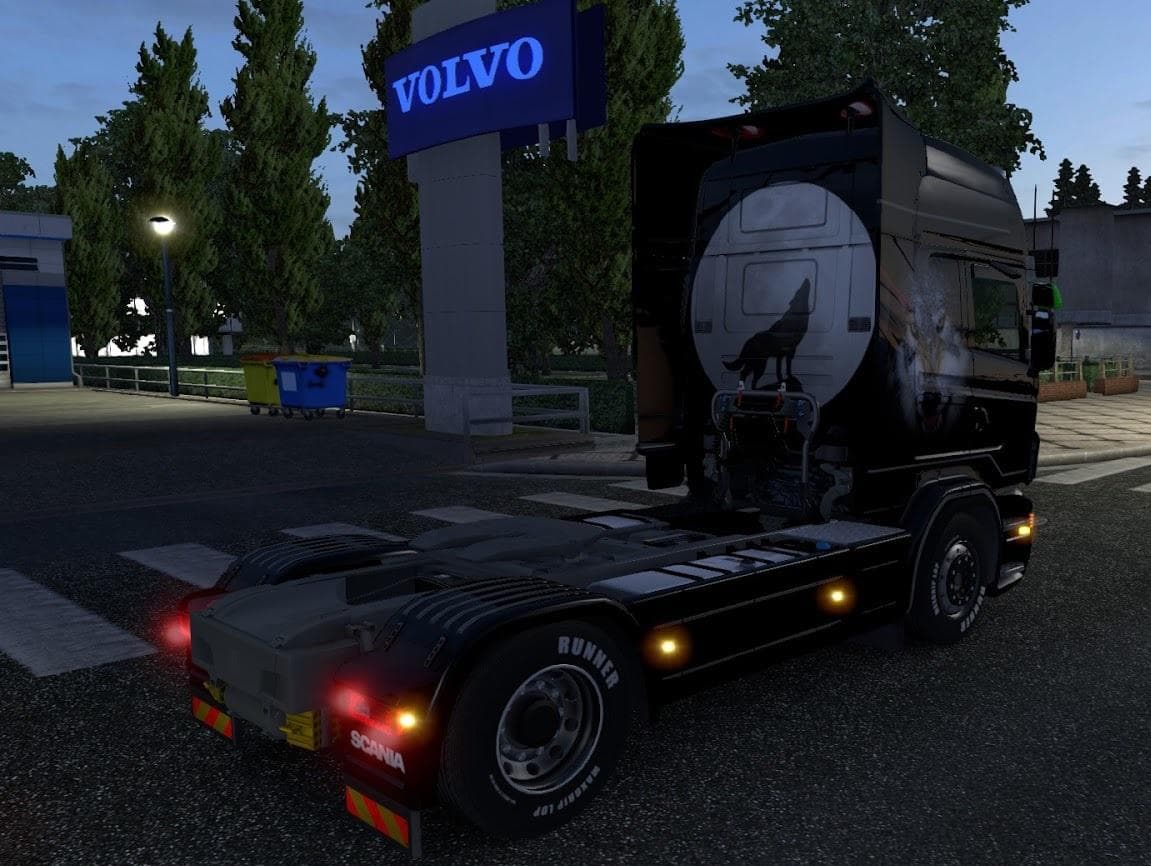
This skin mod for Scania RJL trucks includes manifest files and is created by Euro Truck Simulator 2. The file size is 2.2 MB and it is compatible with ETS2 ver
The SCANIA RJL WOLF SKIN 1.21.X is a repaint mod designed for the Scania RJL truck in Euro Truck Simulator 2, compatible with version 1.21 of the game. This type of mod replaces the default paint job with a new visual design without altering the truck's model or performance. Skins like this one are applied through the game's paint shop and rely on having the corresponding base vehicle installed to work properly.
Skin mods offer players a way to personalize their trucks and add variety to their fleet's appearance. Since they don't change gameplay mechanics, they're typically easy to install and don't cause conflicts with other mods that affect physics or AI traffic. However, it's worth noting that these skins need to match the exact version of both the base truck and the game to display correctly.
For those running multiple mods, skin packs like this fit neatly into a modded setup as cosmetic enhancements. When managing load order, skins generally should be placed below any mods that alter models or textures globally but above any universal compatibility patches. This ensures that the skin visuals load correctly without being overridden or causing issues.
This particular skin includes manifest files, which help integrate it smoothly into your mod list and prevent errors during game launch. Although details about its creator aren't provided, this skin serves as a straightforward way to refresh your Scania RJL's look if you enjoy custom appearances without affecting your driving experience.
Players who appreciate customizing their trucks with distinct designs will find this skin useful. It suits those who want a fresh style on their Scania RJL without messing around with heavy modifications or overhauls. Given its focus on aesthetics alone, it's great for anyone looking to change things up visually while sticking close to stock gameplay.
How to install
1. Download the .scs file. 2. Drop it into `Documents/Euro Truck Simulator 2/mod/`. 3. Enable in Mod Manager. 4. Apply the skin in the truck/trailer paint shop.
After the mod loads, save your game inside a safe area (parking lot or service) before deciding whether to keep it. If the game refuses to load with the mod enabled, check that all required DLCs are installed and that the supported ETS2 version chips on this page include your installed game patch.
Reviews
No ratings yetNo reviews yet — be the first to rate this mod.





