Scania RJL White Flowers Skin
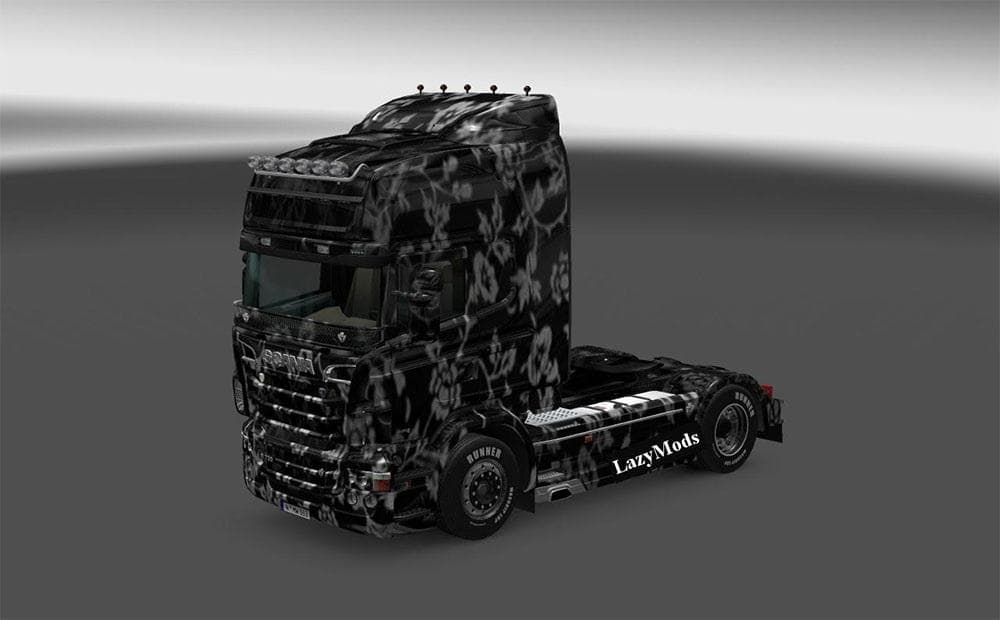
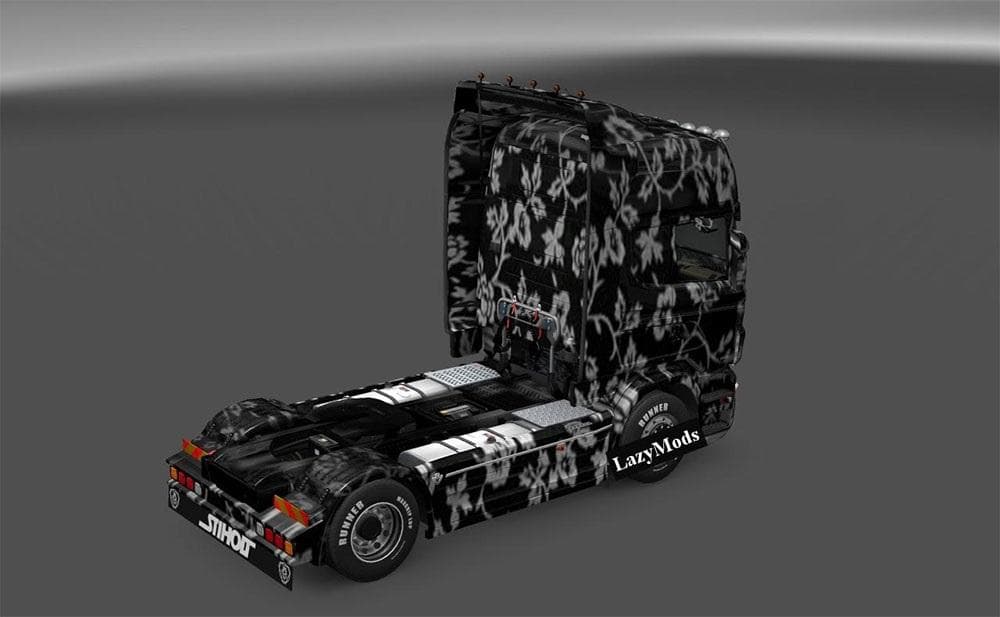
This skin mod for Scania RJL features a white flowers design, created by Euro Truck Simulator 2. It is compatible with ETS2 version 1.19 and has been tested for
The Scania RJL White Flowers Skin is a repaint mod designed specifically for the Scania RJL truck model in Euro Truck Simulator 2. It changes the truck's exterior appearance by applying a floral-themed white design without altering any of the vehicle's core attributes or performance. Skins like this one are installed through the paint shop within the game, where they replace the default look with a new visual style that matches the base model it was made for.
Skin mods generally focus on aesthetics rather than gameplay mechanics, so they’re compatible with most setups and other mods as long as those don’t modify the same truck textures. This particular skin has been tested and confirmed to work with ETS2 version 1.19, making it suitable for players who keep their game updated around that patch. When using multiple skins or paint jobs, it’s advisable to check load order so that your preferred skin displays correctly, although conflicts are rare if they target different vehicles.
In a modded setup, skins like this fit perfectly alongside tuning packs or map expansions since they only affect how your truck looks on screen. They add variety and personalization options without interfering with gameplay balance or causing performance issues. Drivers who enjoy customizing their trucks visually will appreciate having a themed option like this one to stand out from standard liveries.
This floral white design offers a fresh take on the classic Scania RJL look and could appeal to players who prefer something lighter or more decorative than typical commercial liveries. It’s also useful for those who want to create unique convoys or roleplay scenarios where aesthetics matter as much as function.
Installing such skins is straightforward: download and place them in your mod folder, then activate them via the game's mod manager. Since no changes are made to the truck’s model itself, this skin won't conflict with other vehicle upgrades or tuning mods targeting the Scania RJL.
How to install
1. Download the .scs file. 2. Drop it into `Documents/Euro Truck Simulator 2/mod/`. 3. Enable in Mod Manager. 4. Apply the skin in the truck/trailer paint shop.
After the mod loads, save your game inside a safe area (parking lot or service) before deciding whether to keep it. If the game refuses to load with the mod enabled, check that all required DLCs are installed and that the supported ETS2 version chips on this page include your installed game patch.
Reviews
No ratings yetNo reviews yet — be the first to rate this mod.





