SCANIA RJL VAN DER MEER SKIN
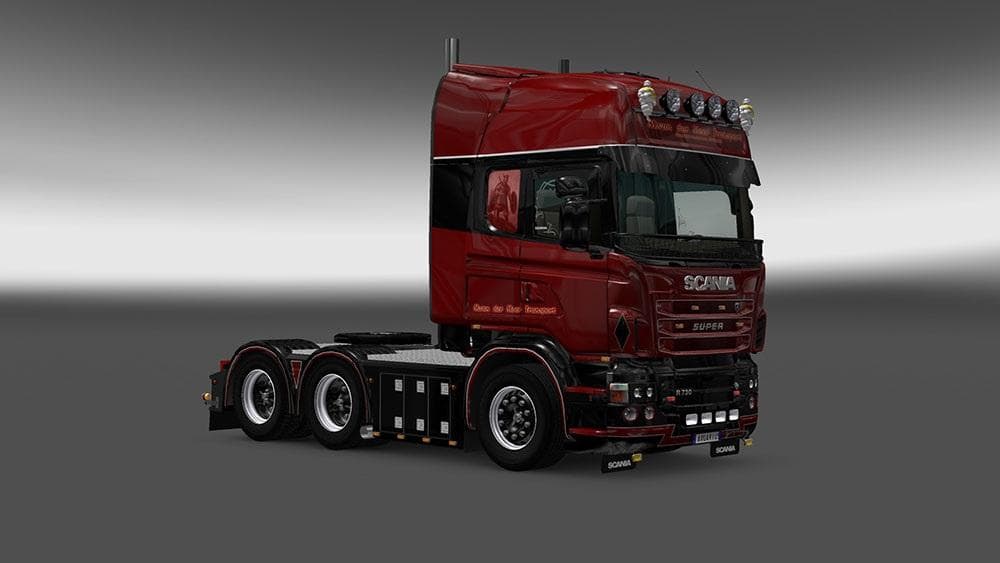
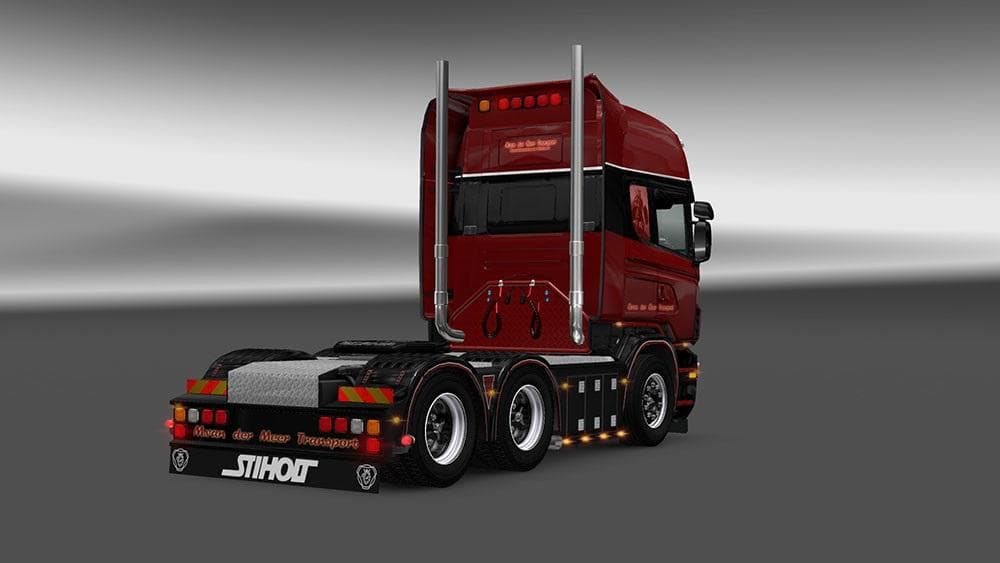
The SCANIA RJL VAN DER MEER SKIN is a paint job mod designed specifically for the Scania RJL truck in Euro Truck Simulator 2. This type of mod doesn't alter the truck's physical model but changes its visual appearance through a new skin applied in the game's paint shop. Players can customize their Scania with this particular design, adding variety to their fleet without affecting performance or handling.
Skin mods like this one rely on the base vehicle they were created for—in this case, the RJL Scania mod. It's essential to have that truck installed first; otherwise, the skin won't show up in your customization options. Since it's tested on ETS2 version 1.19, compatibility with that game version is assured, though using it with other versions might lead to unexpected issues.
In a modded setup, skins are generally among the last items to load because they depend on models from other mods or the base game itself. When running multiple skins or vehicle mods, keeping track of load order helps prevent conflicts and ensures your chosen designs display correctly. This particular skin fits neatly into any collection focused on enhancing truck visuals without adding extra features or gameplay changes.
This repaint targets players who enjoy personalizing their trucks with unique looks and want more options beyond what's available in vanilla ETS2. If you're using the RJL Scania mod and want to diversify its appearance, this skin offers a straightforward way to do so. It suits those who prefer cosmetic changes that keep things simple but noticeable on the road.
While information about the creator or file size isn't provided, it's common practice not to reupload such mods elsewhere to respect original distribution links and maintain update integrity. Always check if you have the right base vehicle installed before applying skins like this one, ensuring they work as intended without glitches.
How to install
1. Download the .scs file. 2. Drop it into `Documents/Euro Truck Simulator 2/mod/`. 3. Enable in Mod Manager. 4. Apply the skin in the truck/trailer paint shop.
After the mod loads, save your game inside a safe area (parking lot or service) before deciding whether to keep it. If the game refuses to load with the mod enabled, check that all required DLCs are installed and that the supported ETS2 version chips on this page include your installed game patch.
Reviews
No ratings yetNo reviews yet — be the first to rate this mod.





