SCANIA RJL LONGLINE SKIN
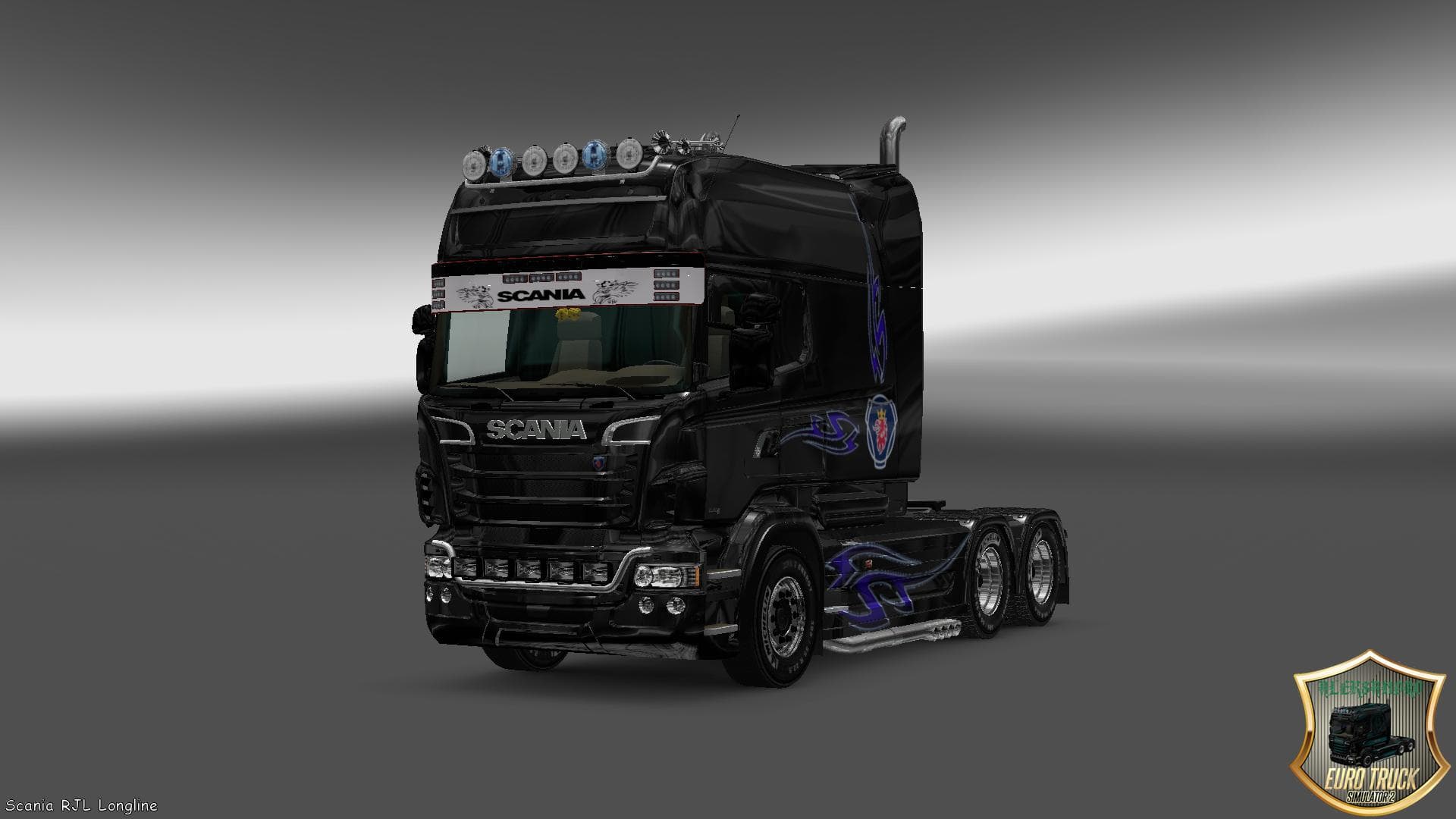
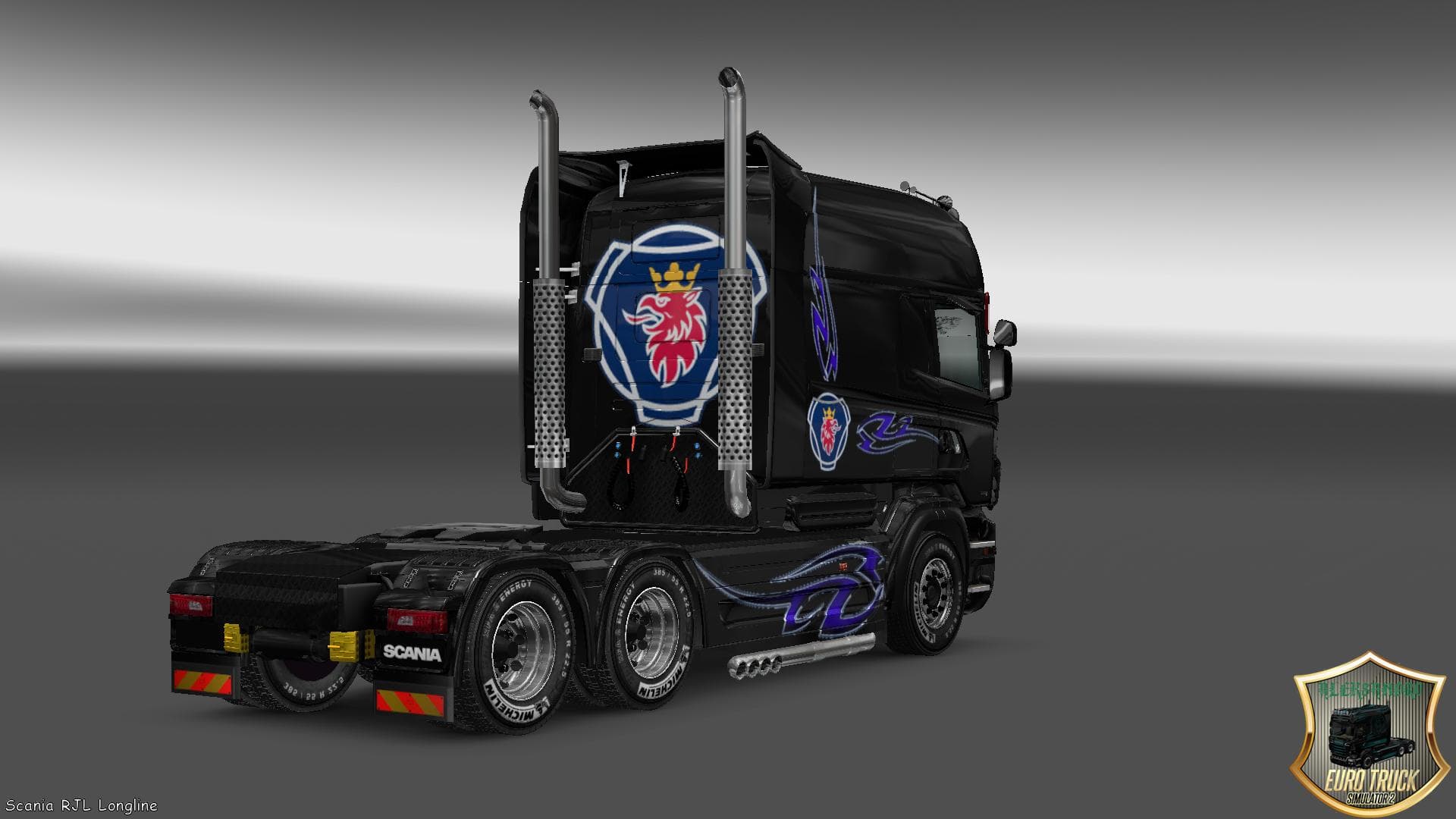
SCANIA RJL LONGLINE SKIN - ETS2 mods download is an ETS2 skins.
The SCANIA RJL LONGLINE SKIN is a repaint designed specifically for the Scania RJL Longline truck in Euro Truck Simulator 2. It doesn't alter the truck's model or performance but changes its visual appearance to give a fresh look. Skins like this one are applied through the in-game paint shop, provided you have the corresponding base vehicle installed.
Skin mods work by replacing or adding textures to existing trucks or trailers without affecting gameplay mechanics. This means they’re a straightforward way to customize your fleet’s style while keeping your favorite vehicles unchanged under the hood. Since this mod is tailored for the Scania RJL Longline, it won’t work with other truck models.
In a modded setup, skins generally come near the end of your load order because they modify visuals rather than game functions. Keeping skins loaded after any model or sound mods helps avoid conflicts and ensures that your truck appears as intended. Compatibility issues are rare with skins unless they overlap with other visual mods targeting the same vehicle.
Drivers who prefer personalizing their trucks will appreciate adding this skin to their collection. Whether you’re cruising through Germany, France, or any part of Europe, having a unique look for your Scania can make long hauls more engaging. It fits well into setups focused on realism and visual diversity without complicating gameplay.
How to install
1. Download the .scs file. 2. Drop it into `Documents/Euro Truck Simulator 2/mod/`. 3. Enable in Mod Manager. 4. Apply the skin in the truck/trailer paint shop.
After the mod loads, save your game inside a safe area (parking lot or service) before deciding whether to keep it. If the game refuses to load with the mod enabled, check that all required DLCs are installed and that the supported ETS2 version chips on this page include your installed game patch.
Reviews
No ratings yetNo reviews yet — be the first to rate this mod.





