SCANIA RJL LONGLINE RAVEN SKIN
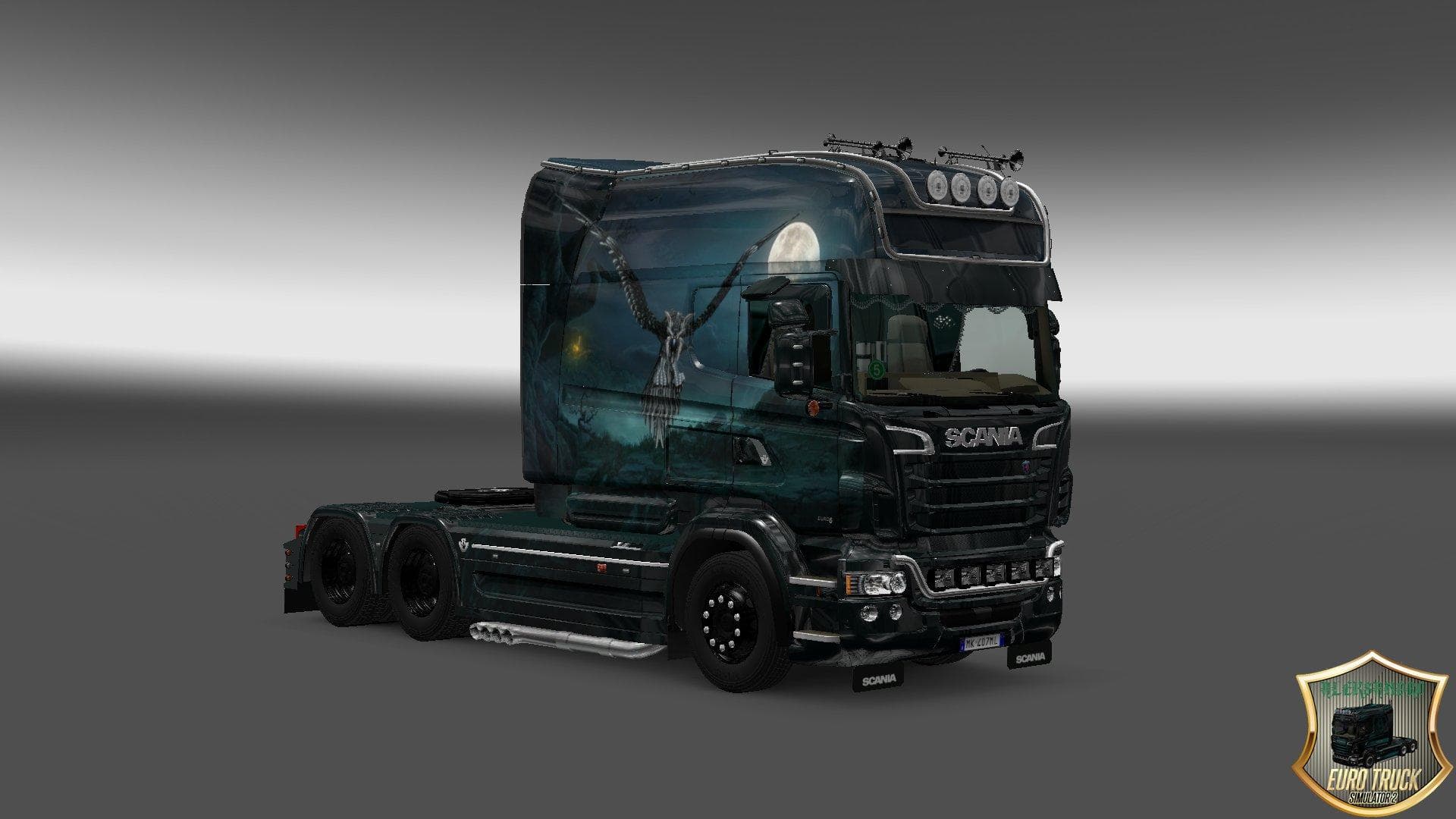
The SCANIA RJL Longline Raven Skin is a paint job mod designed specifically for the Scania RJL Longline truck in Euro Truck Simulator 2. This type of mod doesn’t alter the truck’s model or performance but changes its external appearance, giving it a fresh look without affecting gameplay mechanics. It’s applied through the in-game paint shop, where you can select it if you own the base Scania RJL Longline model.
Skin mods like this one are popular among players who want to personalize their fleet without switching trucks entirely. Since it’s a repaint, it relies on the original vehicle files and usually fits well with other cosmetic mods, such as interior upgrades or trailer skins. Load order generally places skins after map and gameplay mods to avoid conflicts, but they rarely cause issues since they only change textures.
Compatibility is straightforward with skin mods; they typically support specific ETS2 versions—in this case, version 1.20.x—so make sure your game matches or is close to this version to avoid problems. Users often combine these skins with other visual enhancements for a cohesive aesthetic across their trucks and trailers.
This Raven Skin would suit anyone looking to add some character to their Scania RJL Longline without overhauling their setup. If you enjoy customizing your vehicles' appearance in subtle ways or prefer a darker-themed design, this repaint offers that option while keeping things simple and effective.
How to install
1. Download the .scs file. 2. Drop it into `Documents/Euro Truck Simulator 2/mod/`. 3. Enable in Mod Manager. 4. Apply the skin in the truck/trailer paint shop.
After the mod loads, save your game inside a safe area (parking lot or service) before deciding whether to keep it. If the game refuses to load with the mod enabled, check that all required DLCs are installed and that the supported ETS2 version chips on this page include your installed game patch.
Reviews
No ratings yetNo reviews yet — be the first to rate this mod.





