SCANIA RJL GAGARIN SKIN 1.21.1
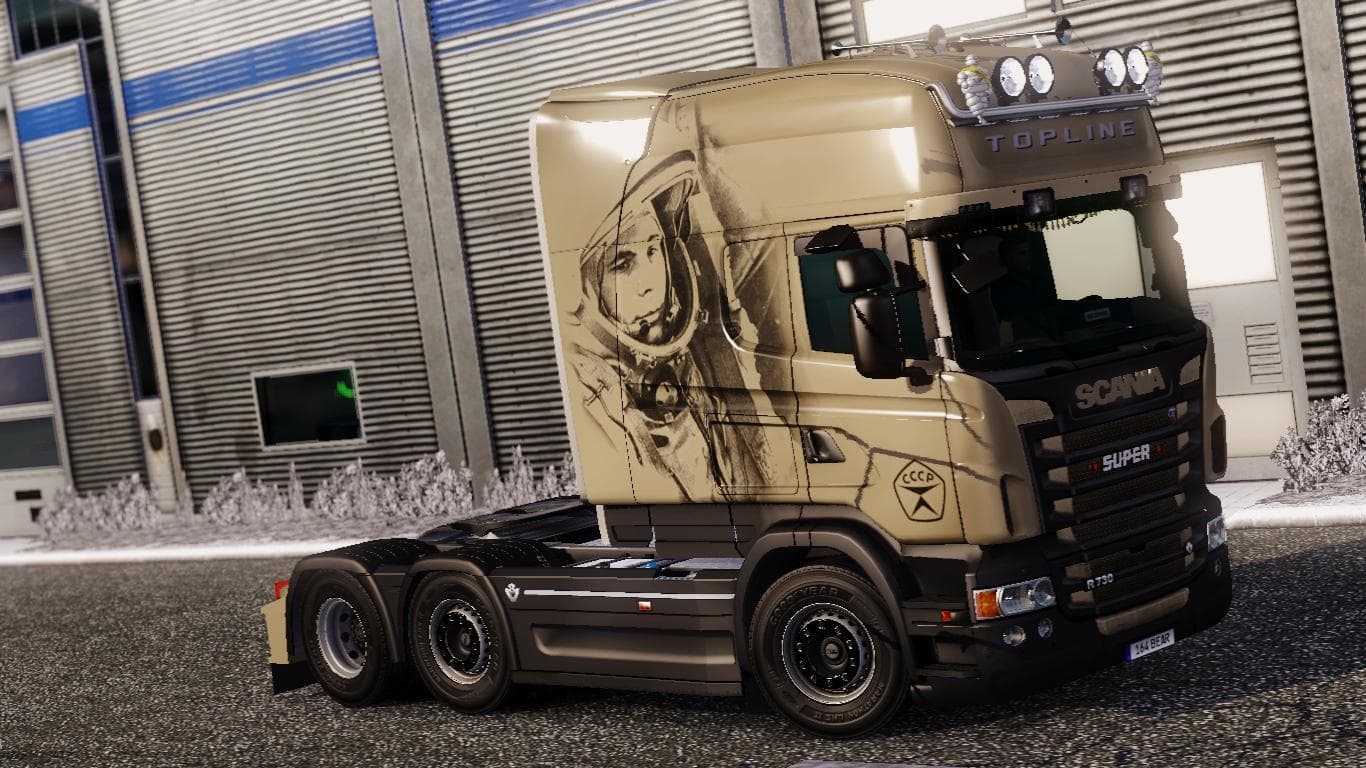
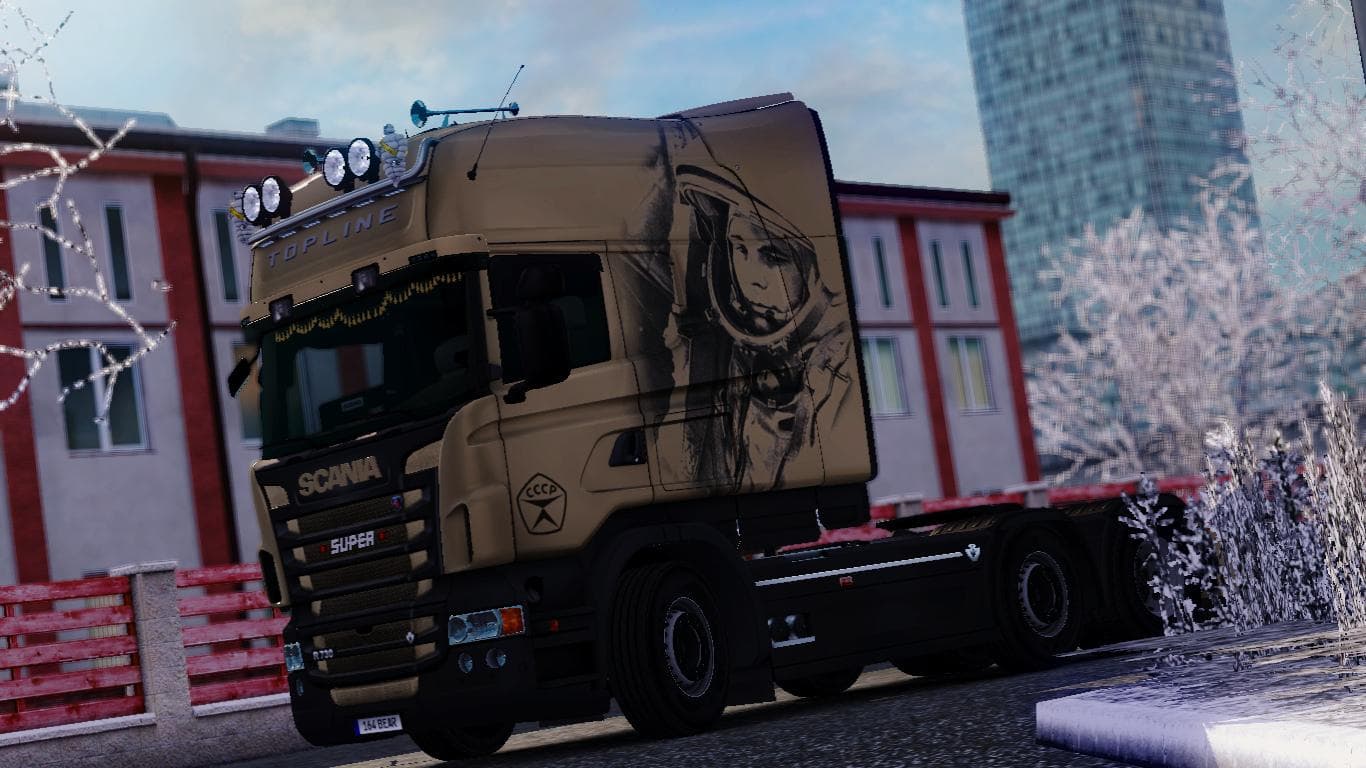
This mod is a skin for the Scania RJL truck in Euro Truck Simulator 2, version 1.21.1. Created by Euro truck simulator 2, the file size is 21.7 MB and it is ava
The SCANIA RJL GAGARIN SKIN 1.21.1 is a repaint mod designed specifically for the Scania RJL truck model in Euro Truck Simulator 2. It updates the look of this popular vehicle without altering any of its physical features or mechanics. Skins like this one are applied through the in-game paint shop, allowing players to customize their trucks with new designs that reflect different styles or themes.
Skin mods generally work by replacing or adding texture files on existing truck models. They don’t add new parts but give your vehicle a fresh appearance, which can fit well into a modded game setup where aesthetics matter as much as functionality. Since this skin targets the Scania RJL, it requires that base truck to be installed first and is compatible with ETS2 version 1.21.
When integrating skins into your mod collection, load order is usually straightforward since skins rarely conflict with other mods unless they modify the same textures or models. This means you can safely use multiple skins for different trucks without worrying about compatibility issues, making it easy to switch between looks depending on your mood or haul.
This particular skin fits players who enjoy personalizing their Scania RJL trucks and want something unique without changing gameplay mechanics. If you appreciate subtle visual updates or want to add some variety to your fleet's appearance, this mod suits those preferences well.
Since it’s tested on ETS2 1.21, users should ensure their game version matches to avoid any unexpected problems when loading the skin. Like other skins, it’s relatively simple to install by placing the file in your mods folder and activating it through the game's mod manager before starting a profile.
Overall, this skin is a straightforward way to refresh your Scania RJL’s look while maintaining all original driving dynamics and features of the base truck model.
How to install
1. Download the .scs file. 2. Drop it into `Documents/Euro Truck Simulator 2/mod/`. 3. Enable in Mod Manager. 4. Apply the skin in the truck/trailer paint shop.
After the mod loads, save your game inside a safe area (parking lot or service) before deciding whether to keep it. If the game refuses to load with the mod enabled, check that all required DLCs are installed and that the supported ETS2 version chips on this page include your installed game patch.
Reviews
No ratings yetNo reviews yet — be the first to rate this mod.





