SCANIA R & STREAMLINE RJL METALLIC SKIN 1.22
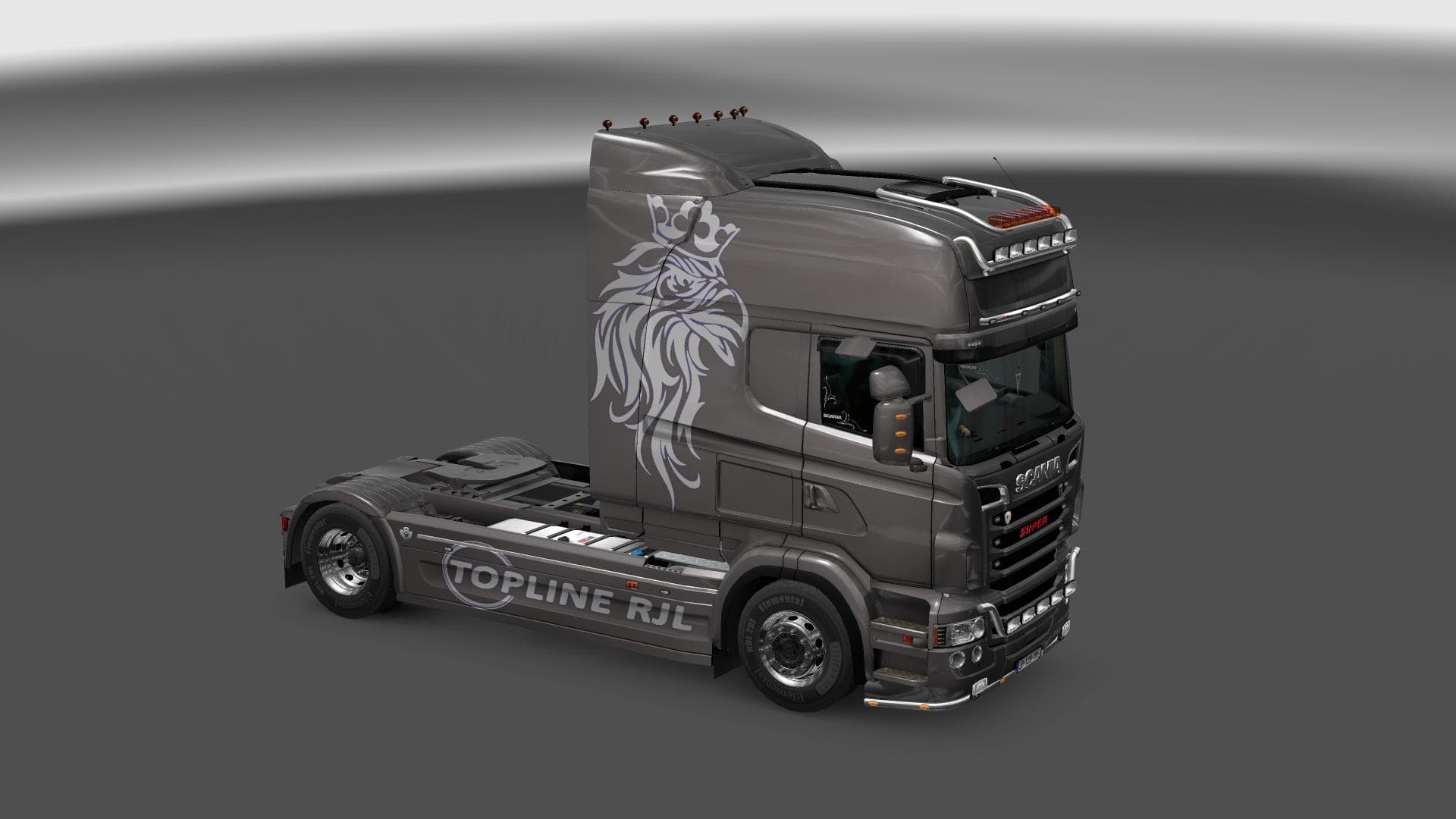
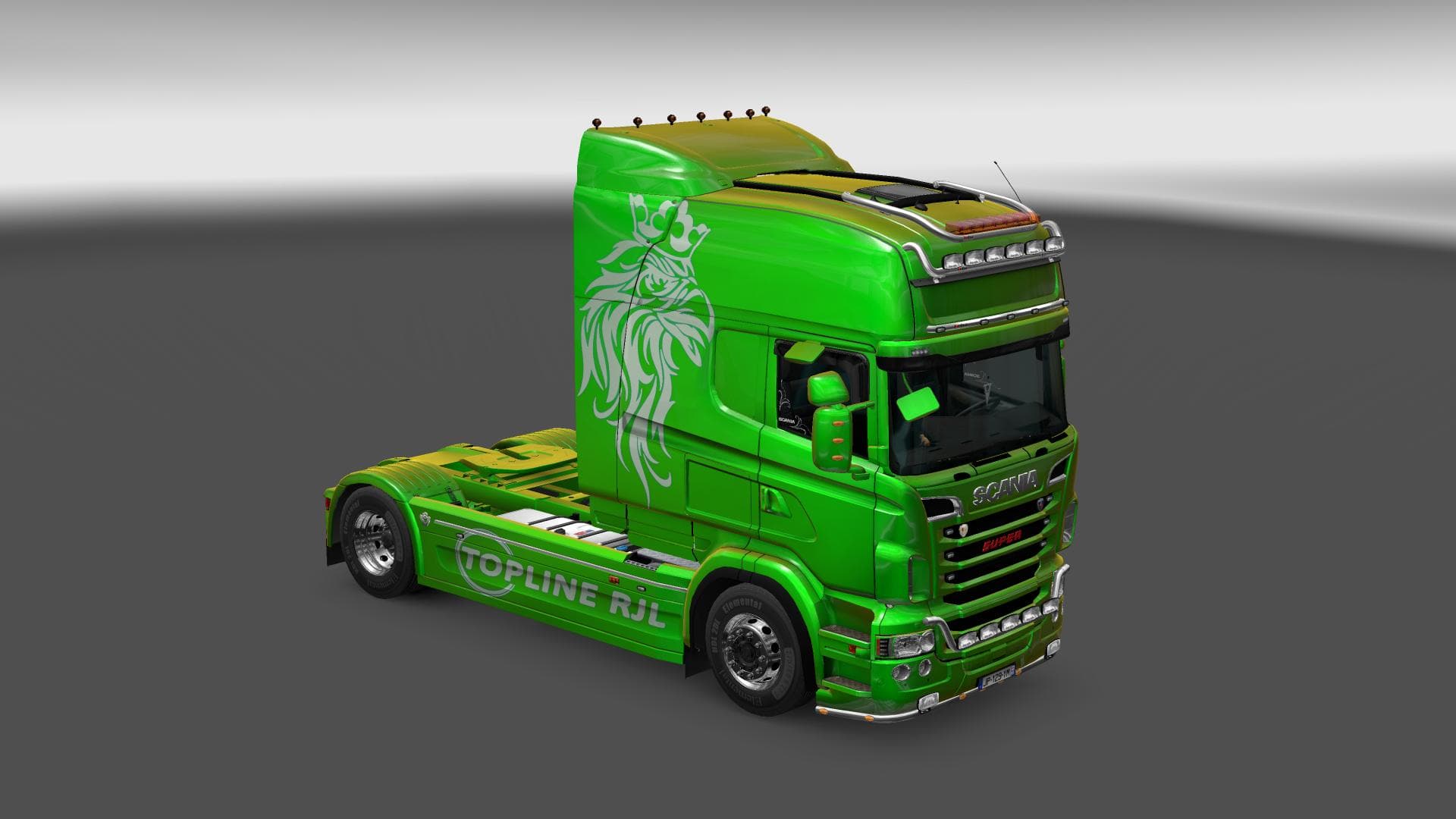
This mod is a metallic custom skin for the Scania R & Streamline RJL trucks in ETS2 version 1.22. Created by Euro Truck Simulator 2, the file size is 738 KB.
The SCANIA R & STREAMLINE RJL METALLIC SKIN 1.22 is a repaint mod designed specifically for the Scania R and Streamline models in Euro Truck Simulator 2. It applies a metallic finish, giving these trucks a refreshed appearance without altering their original structure or performance. This type of mod is installed through the paint shop where players can select it as an alternative skin option for their vehicles.
Skin mods like this one focus solely on changing the visual style of trucks rather than adding new parts or mechanics. They rely on the base model they were created for, so compatibility depends on using the correct truck variant within ETS2 version 1.22, which this mod supports. Because it doesn’t interfere with gameplay elements or other core files, it generally fits well into any modded setup alongside gameplay or map mods.
When managing load order in a heavily modded environment, skin mods are usually placed towards the end since they only affect visuals and don’t conflict with gameplay mechanics or AI behavior changes. Players should ensure that no other skin mod overrides this metallic paint if they want to keep its look intact. It’s also helpful to check that the Scania RJL models are present and updated to avoid any missing textures.
This repaint appeals to drivers who enjoy customizing their fleet's look with subtle but noticeable changes. If you prefer your Scania R or Streamline trucks to have a sleek metallic sheen without switching out your entire truck model, this skin offers an easy way to personalize your ride while maintaining immersion in ETS2’s world.
Overall, those running version 1.22 of ETS2 who want to enhance their Scania trucks visually will find this mod straightforward to use. It slots neatly into existing setups that include other cosmetic or functional mods, making it a practical choice for players seeking simple customization options.
How to install
1. Download the .scs file. 2. Drop it into `Documents/Euro Truck Simulator 2/mod/`. 3. Enable in Mod Manager. 4. Apply the skin in the truck/trailer paint shop.
After the mod loads, save your game inside a safe area (parking lot or service) before deciding whether to keep it. If the game refuses to load with the mod enabled, check that all required DLCs are installed and that the supported ETS2 version chips on this page include your installed game patch.
Reviews
No ratings yetNo reviews yet — be the first to rate this mod.





