SCANIA R RJL - MARTINI RACING 1.22
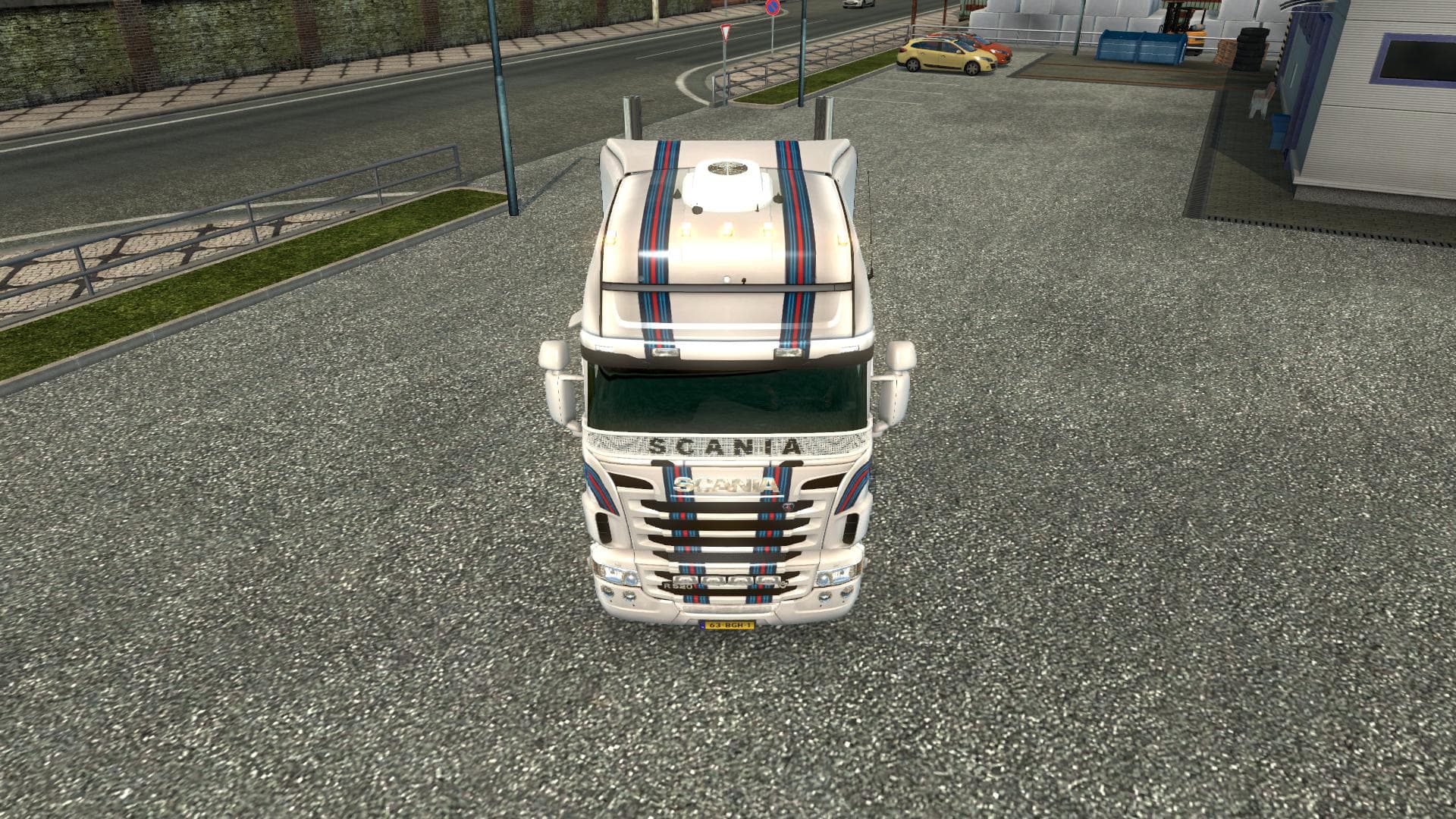
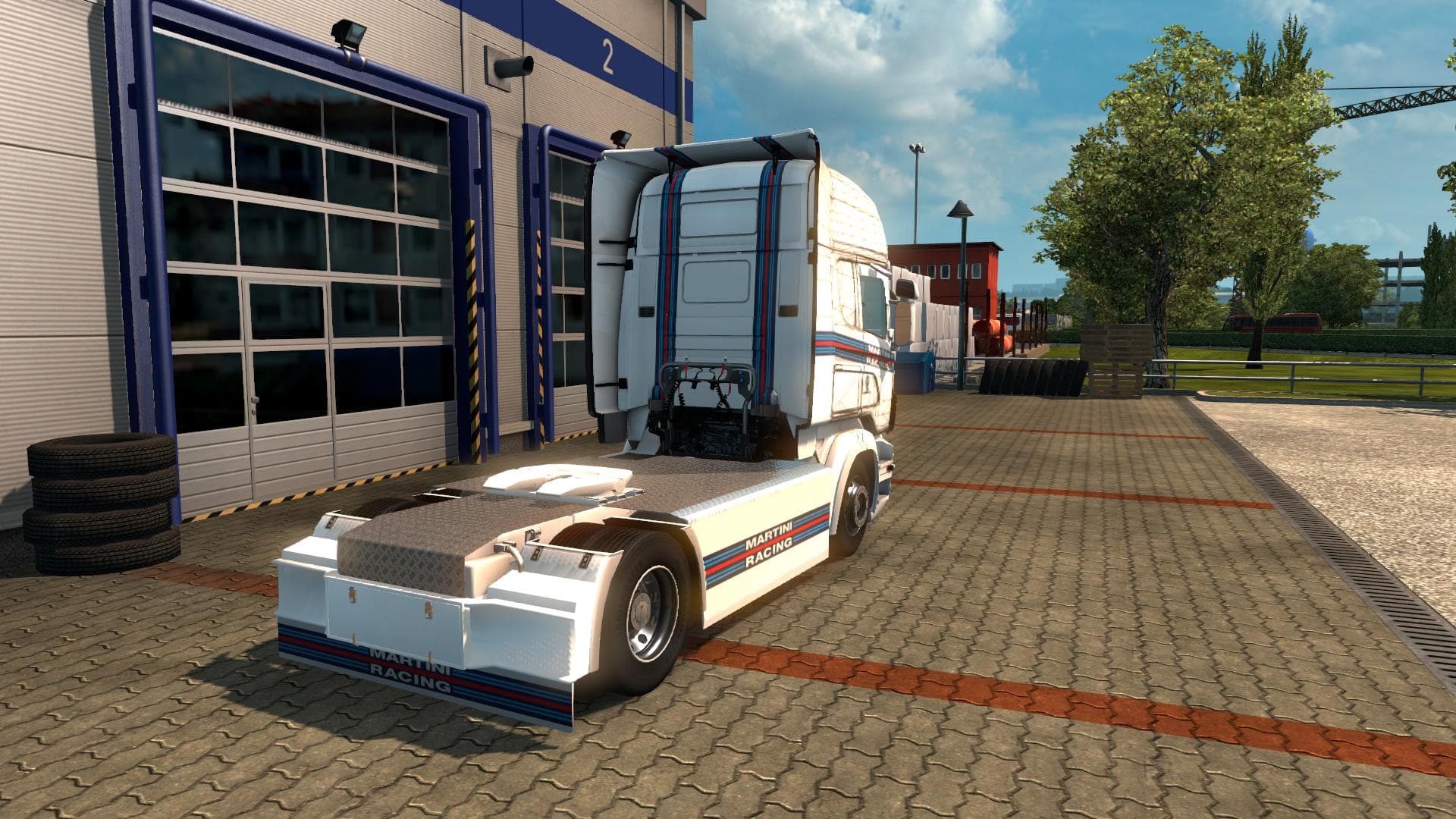
This mod adds the Scania R RJL skin featuring Martini Racing to Euro Truck Simulator 2 version 1.22. Created by nportegies skins, the file size is 122.9 MB.
This mod features a skin for the Scania R RJL truck styled with a Martini Racing theme, designed specifically for ETS2 version 1.22. It doesn't change the truck's model but gives it a fresh coat of paint that reflects the iconic racing livery. Skins like this one are applied directly in the paint shop and rely on having the base Scania R RJL truck available in your game.
Skin mods such as this repaint existing vehicles without altering their mechanics or performance. They offer a straightforward way to customize your fleet's appearance and add personal flair to your driving experience. Since they only modify textures, they usually have minimal impact on game stability or performance.
When adding skins to a modded setup, it's good practice to place them after any mods that affect the same truck model in your load order. This helps ensure the skin applies correctly without being overridden by other visual mods. Compatibility is generally solid as long as you're running ETS2 version 1.22, matching what this skin supports.
Truck enthusiasts who enjoy customizing their rides with authentic or thematic liveries will find this Martini Racing skin a neat option. It fits well into setups that focus on Scania trucks or those wanting to show off a motorsport-inspired look while hauling across Europe.
This particular skin doesn’t require additional dependencies beyond owning the compatible Scania R RJL truck mod and running ETS2 1.22. Installation typically involves placing the mod archive into your mod folder and activating it through the game's mod manager before starting a profile.
Overall, if you appreciate cosmetic upgrades tied to real-world racing designs, this Scania R RJL Martini Racing skin offers an easy way to refresh your vehicle’s exterior without fussing over complex installs or compatibility issues.
How to install
1. Download the .scs file. 2. Drop it into `Documents/Euro Truck Simulator 2/mod/`. 3. Enable in Mod Manager. 4. Apply the skin in the truck/trailer paint shop.
After the mod loads, save your game inside a safe area (parking lot or service) before deciding whether to keep it. If the game refuses to load with the mod enabled, check that all required DLCs are installed and that the supported ETS2 version chips on this page include your installed game patch.
Reviews
No ratings yetNo reviews yet — be the first to rate this mod.





