SCANIA R 2009 BATIK SKIN + TRAILER AERO DYNAMIC
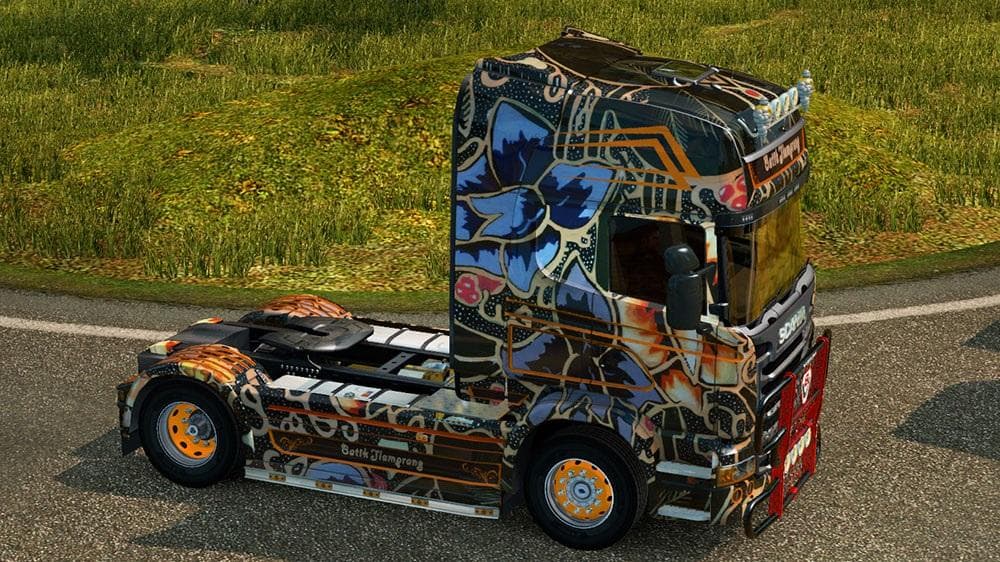
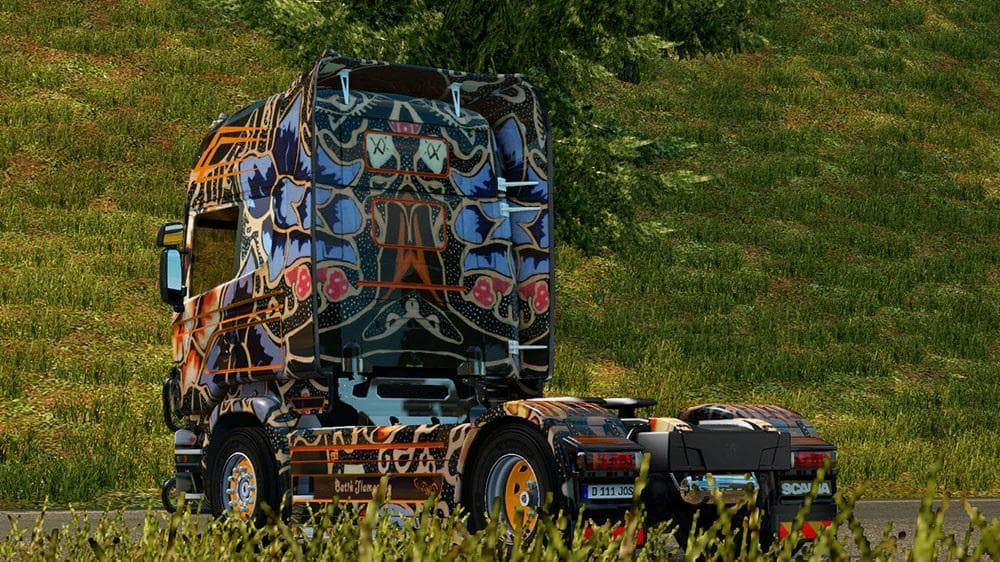
This skin mod for the Scania R 2009 includes a trailer with an aerodynamic design. It is supported for ETS2 version 1.14 and above, with credits to SCS Software
The SCANIA R 2009 BATIK SKIN + TRAILER AERO DYNAMIC is a skin mod designed for the Scania R 2009 truck in Euro Truck Simulator 2. This type of mod doesn't alter the truck model itself but instead repaints it, giving your vehicle a fresh, unique look that stands out on the road. It also includes a trailer skin, which matches the aesthetic of the truck for a cohesive appearance.
Skin mods like this one are applied directly in the paint shop within ETS2 and rely on the base vehicle they were created for. Since this particular skin supports ETS2 version 1.14, it should work well with setups using that or later versions. However, skins generally must be loaded after any model or tuning mods affecting the same vehicle to ensure proper display without conflicts.
In a modded game setup, skins can enhance immersion by adding variety and personalization without impacting gameplay mechanics. They usually coexist smoothly with other cosmetic or functional mods if loaded in an appropriate order, typically after core truck or trailer models are loaded. Compatibility issues are rare but always worth checking if you use multiple mods targeting the same truck or trailer.
This skin would appeal to players who want to customize their Scania R 2009 and its trailer with a distinctive look while keeping everything consistent between truck and cargo. It’s particularly suitable for those who enjoy running fleets or simply want their rig to have some character during long hauls across various European regions.
Given its focus on repainting and compatibility with version 1.14 and above, this mod fits nicely into collections aiming for visual diversity without altering game performance. If you like tweaking your trucks' appearances while preserving original models, this kind of skin mod is worth trying out.
How to install
1. Download the .scs file. 2. Drop it into `Documents/Euro Truck Simulator 2/mod/`. 3. Enable in Mod Manager. 4. Apply the skin in the truck/trailer paint shop.
After the mod loads, save your game inside a safe area (parking lot or service) before deciding whether to keep it. If the game refuses to load with the mod enabled, check that all required DLCs are installed and that the supported ETS2 version chips on this page include your installed game patch.
Reviews
No ratings yetNo reviews yet — be the first to rate this mod.





