Scania l6 sound
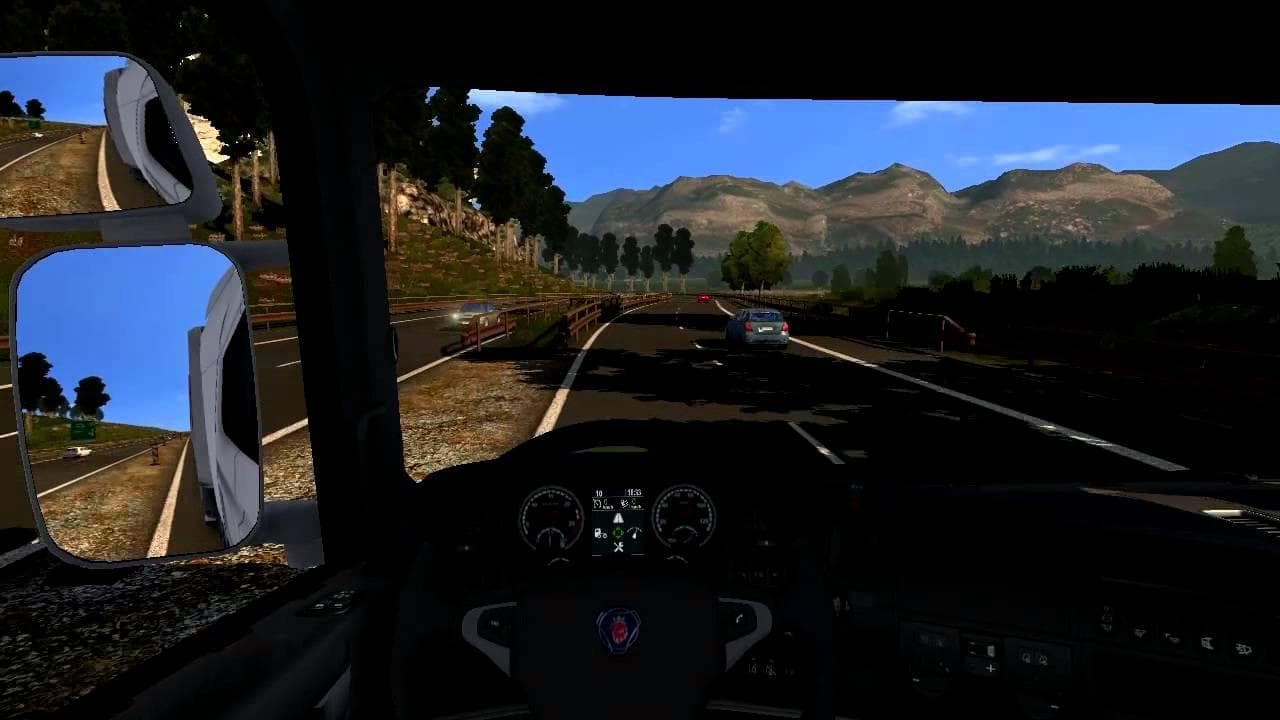
The "Scania l6 sound" mod for Euro Truck Simulator 2 offers an updated sound experience for Scania trucks. The mod's version, file size, and supported game vers
The Scania l6 sound mod changes the audio profile of Scania trucks in Euro Truck Simulator 2, focusing specifically on engine and other truck-related sounds. Mods like this one swap out the default noises for different engine roars, exhaust pops, or other mechanical sounds to give a fresh feel to your driving experience. While the exact version and compatibility details aren't specified, sound mods generally enhance immersion by offering variety beyond the stock game sounds.
Sound mods in ETS2 usually replace key audio elements such as engines or horns. They often need to be placed near the top of your mod load order to work properly because they override sounds from truck models or other vehicle mods that might otherwise block their effects. This means if you're running several truck mods alongside this one, make sure the Scania l6 sound mod loads after them to hear its changes clearly.
Integrating a sound mod like this into a heavily modded setup can add depth without affecting gameplay mechanics or visuals. It fits well for players who want to customize their auditory experience without altering map layouts or vehicle skins. Since no specific conflicts are noted, it likely plays nicely with most popular truck and map mods as long as load order is observed.
This type of mod appeals mainly to drivers who enjoy tuning every detail of their virtual rig, including how it sounds when accelerating down the highway. If you’re someone who spends hours behind the wheel and appreciates authentic or alternative engine noises, a dedicated sound mod for your Scania can make long hauls more engaging and personal.
How to install
1. Download the .scs file. 2. Drop it into `Documents/Euro Truck Simulator 2/mod/`. 3. Enable in Mod Manager. Sound mods usually need to load **above** truck mods in load order. 4. Restart the game so the audio engine picks up new samples.
After the mod loads, save your game inside a safe area (parking lot or service) before deciding whether to keep it. If the game refuses to load with the mod enabled, check that all required DLCs are installed and that the supported ETS2 version chips on this page include your installed game patch.
Reviews
No ratings yetNo reviews yet — be the first to rate this mod.





