Scania 164L 580 V8 Sound
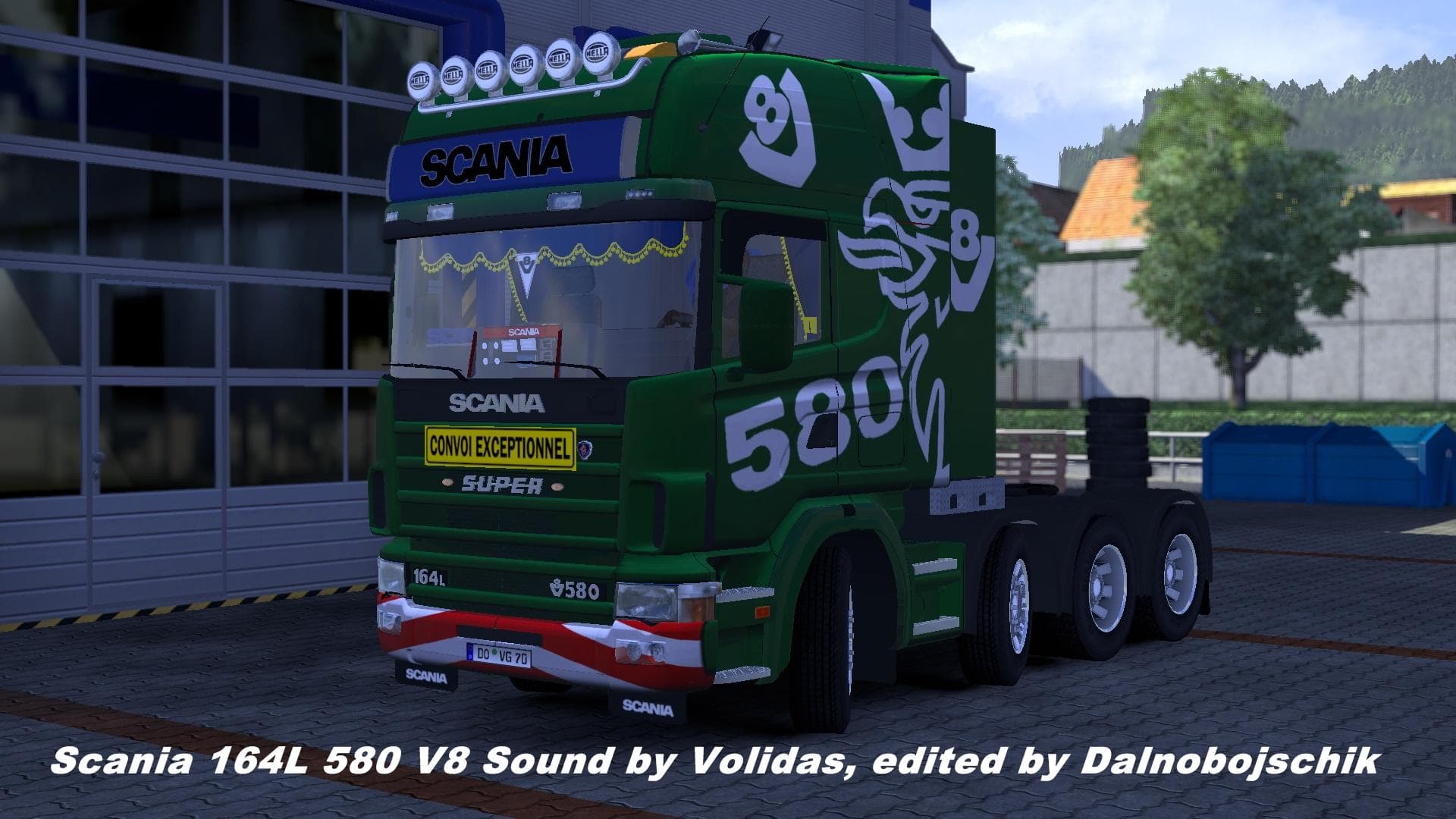
The Scania 164L 580 V8 Sound mod for Euro Truck Simulator 2 offers an updated sound experience for players. The mod's version, file size, and supported game ver
The Scania 164L 580 V8 Sound mod changes the audio experience of this particular truck model in Euro Truck Simulator 2. It swaps out the original engine noises for a different sound profile, aiming to replicate or enhance the distinctive roar and character of the Scania 164L's V8 engine. Mods like this focus exclusively on sound, leaving visuals untouched but adding to immersion by tweaking how your truck behaves sonically.
Sound mods in ETS2 typically replace core elements such as engine growls, horns, or environmental sounds. These mods don't affect gameplay mechanics but do influence how players perceive their vehicle's power and presence on the road. They usually require being placed high in the load order within your mod manager, often above any truck skins or models they are meant to complement.
When integrated into a modded setup, sound replacements like this one can help create a more personalized driving feel. Players who use multiple truck mods might want matching sounds to go along with visual upgrades. Just keep in mind that conflicts may arise if more than one sound mod targets the same vehicle, so carefully arranging load priority is necessary.
This type of mod suits players who care about audio detail and want their Scania trucks to sound distinct from default game sounds. It's particularly appealing if you're running a fleet of classic Scanias or simply enjoy hearing an authentic-sounding V8 engine while cruising across maps like Germany or France.
As with most sound modifications for Euro Truck Simulator 2, installation involves copying files into your mods folder and activating them through the game's mod manager interface. Since specific version compatibility is unknown, it's wise to back up original files and test after enabling to ensure smooth performance without crashes.
How to install
1. Download the .scs file. 2. Drop it into `Documents/Euro Truck Simulator 2/mod/`. 3. Enable in Mod Manager. Sound mods usually need to load **above** truck mods in load order. 4. Restart the game so the audio engine picks up new samples.
After the mod loads, save your game inside a safe area (parking lot or service) before deciding whether to keep it. If the game refuses to load with the mod enabled, check that all required DLCs are installed and that the supported ETS2 version chips on this page include your installed game patch.
Reviews
No ratings yetNo reviews yet — be the first to rate this mod.





