RUSSIAN TRAFFIC PACK BY JAZZYCAT V1.5
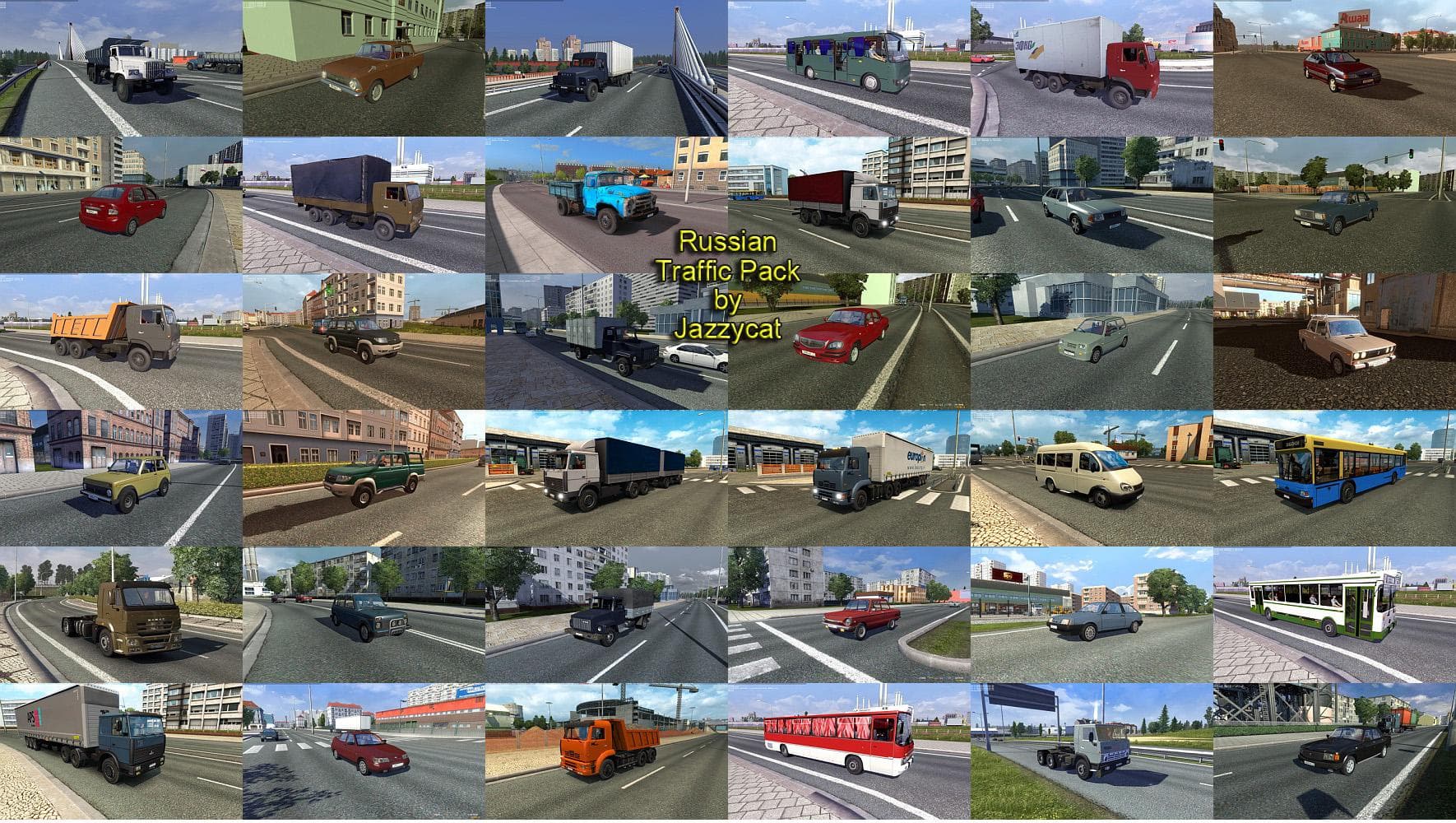
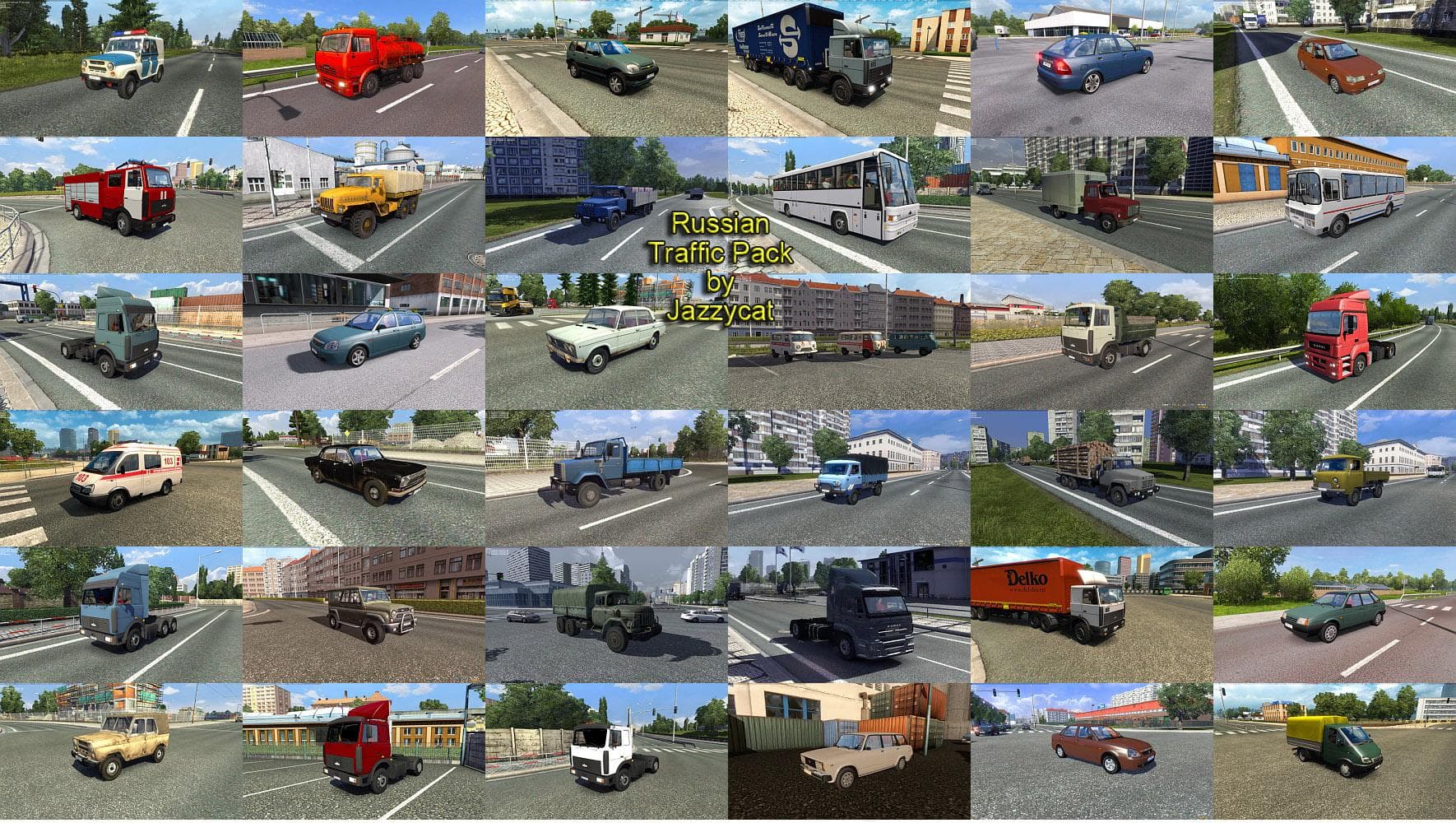
RUSSIAN TRAFFIC PACK BY JAZZYCAT adds 84 standalone Russian vehicles to ETS2 traffic. Compatible with all map mods and other packs by the creator. Tested on ver
The RUSSIAN TRAFFIC PACK BY JAZZYCAT V1.5 adds a variety of Russian vehicles to the traffic system in Euro Truck Simulator 2. It features 84 standalone models that blend into any map without replacing existing traffic, which means it brings new visual diversity to the roads across different regions you might be driving through.
Mods like this one typically enhance the in-game environment by introducing unique vehicle models from specific countries or themes. Since this pack is standalone, it doesn't conflict with other traffic mods, allowing it to coexist smoothly in a modded setup. Players can enjoy more authentic Russian road scenes regardless of the map they use.
When integrating traffic packs, load order can matter if you’re running multiple mods affecting traffic or world objects. This pack has been tested on ETS2 version 1.22 and supports earlier versions like 1.5, so compatibility with those builds is confirmed. Usually, placing standalone traffic mods higher in the load order helps ensure their vehicles spawn correctly alongside others.
This mod fits well for players aiming to diversify their road experience with Eastern European flair or who want to simulate driving environments that include Russian cars and trucks. It's especially suitable for those who prefer an immersive experience without heavily modifying the base game’s maps or other major elements.
If you’re looking to add some distinct flavor to your game’s traffic patterns without risking conflicts, RUSSIAN TRAFFIC PACK BY JAZZYCAT offers a straightforward way to do so. It works nicely with various other packs and maps, making it a flexible addition for many Euro Truck Simulator 2 setups.
How to install
1. Download the file(s) from the original source linked above. 2. Drop them into `Documents/Euro Truck Simulator 2/mod/`. 3. Enable in Mod Manager and restart the game.
After the mod loads, save your game inside a safe area (parking lot or service) before deciding whether to keep it. If the game refuses to load with the mod enabled, check that all required DLCs are installed and that the supported ETS2 version chips on this page include your installed game patch.
Reviews
No ratings yetNo reviews yet — be the first to rate this mod.





