RTXMAP v1.1 ETS2 - Euro Truck Simulator 2 Mods | American Truck Simulator Mods
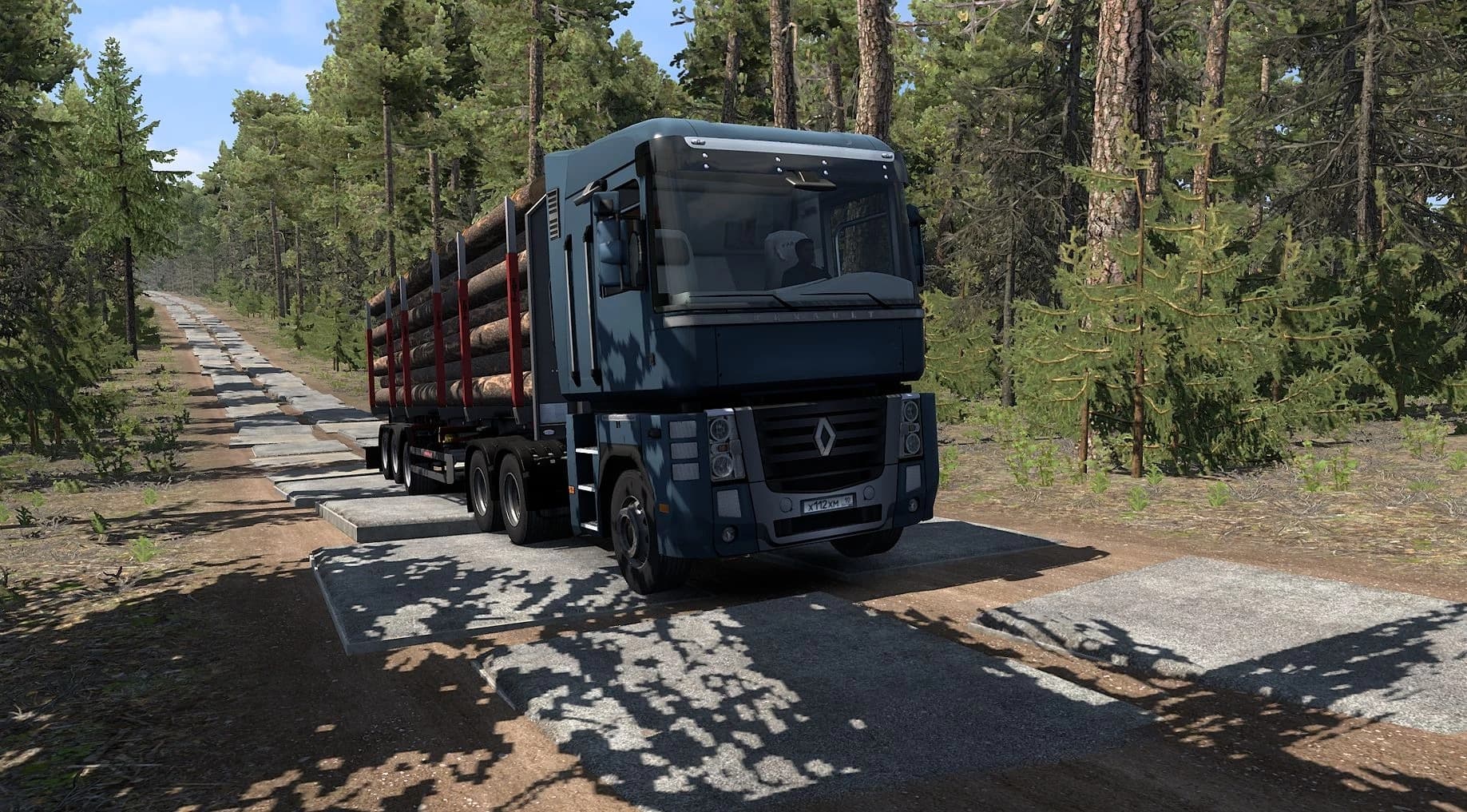
RTXMAP v1.1 by ETS2Mods is a demanding map mod for Euro Truck Simulator 2, featuring dirt roads, forests, and mountains at a 1:10 scale. It requires all map DLC
RTXMAP v1.1 is a map mod for Euro Truck Simulator 2 and American Truck Simulator that offers a scaled-down world at a 1:10 ratio, focusing on rugged landscapes with dirt roads, forests, and mountains. This type of mod expands the drivable area by introducing new terrain features rather than urban environments or highways, providing a different kind of exploration experience compared to standard maps.
Map mods like this one usually come as .scs files and require careful attention to load order since conflicts can arise if not loaded properly. RTXMAP demands all official map DLCs be installed to function correctly, which is common for expansive map overhauls that build upon existing content. It’s also noted to be resource-heavy, so players should expect some performance impact on less powerful PCs.
Since it’s incompatible with certain game builds and requires specific ETS2 versions (1.1 and 1.59), players need to ensure their game version matches before adding it to their setup. Using a separate profile when testing such mods is advisable because they can significantly change gameplay or cause conflicts with other mods. Installation involves placing files in the standard mod folder within the documents directory.
This mod suits players looking for a more naturalistic trucking environment without the usual paved roads and cities. It fits well into heavily modded setups that aim for variety in terrain types or those who want to explore off-the-beaten-path areas within ETS2 or ATS frameworks. The focus on forests and mountains gives it a niche appeal among map expansions.
Overall, RTXMAP v1.1 is designed for users comfortable managing dependencies like DLCs and version compatibility while seeking an alternative driving experience centered on wilderness routes rather than traditional road networks.
How to install
1. Download every .scs file from the source page (map mods often ship multiple files). 2. Copy all files to `Documents/Euro Truck Simulator 2/mod/`. 3. Enable each file in Mod Manager **in the order documented by the modder**. Load order matters for maps. 4. Start a new save or use an existing save that already supports the map's base regions.
After the mod loads, save your game inside a safe area (parking lot or service) before deciding whether to keep it. If the game refuses to load with the mod enabled, check that all required DLCs are installed and that the supported ETS2 version chips on this page include your installed game patch.
Known conflicts
No conflicts reported for this mod yet. Running a big mod list? Check your whole setup for conflicts →
Reviews
No ratings yetNo reviews yet — be the first to rate this mod.