Romanian Radios V4.0
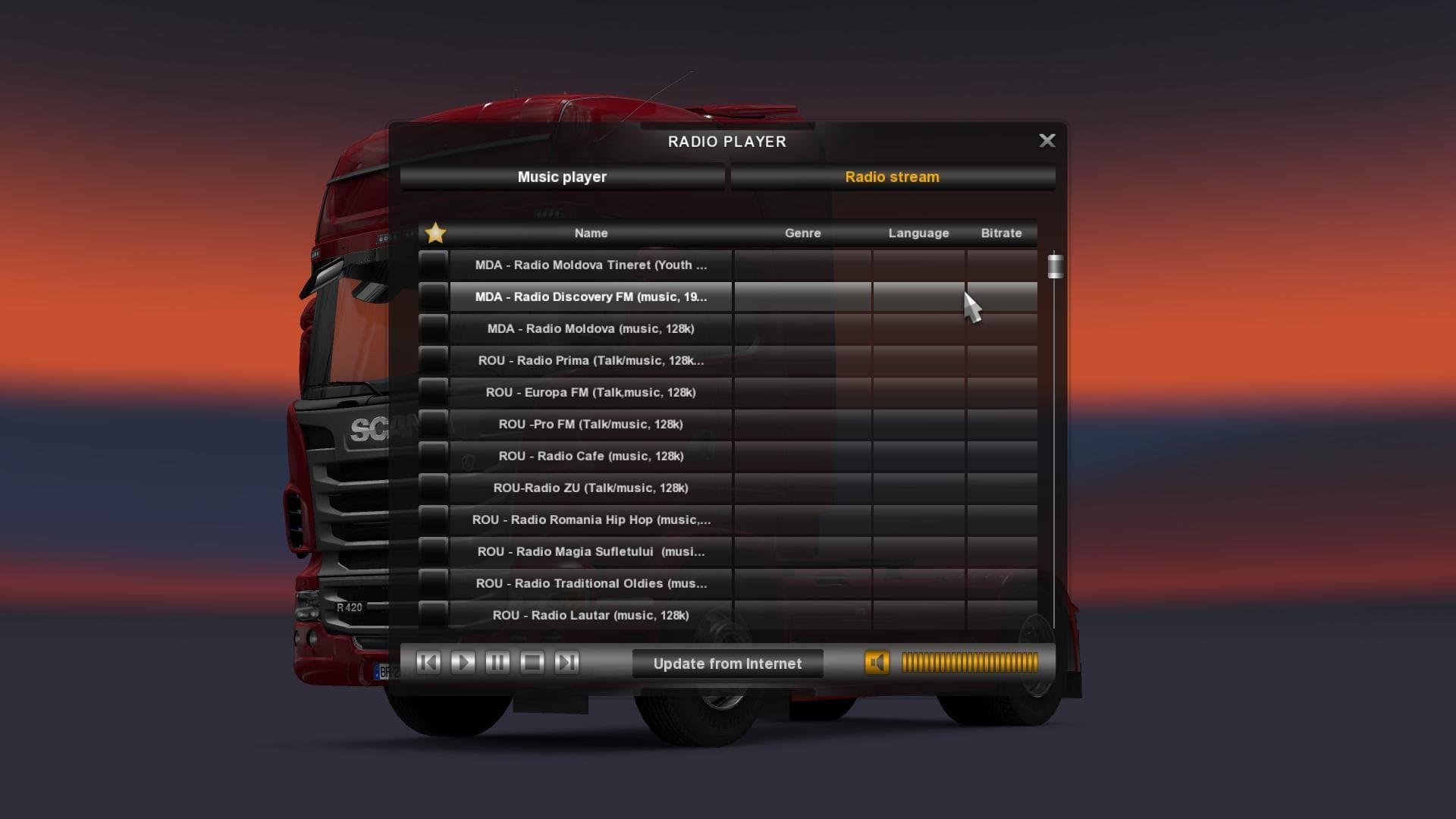
Romanian Radios mod version 4.0 adds 45 Romanian radio stations to ETS2, fulfilling popular demand. Compatible with all game versions, it offers a variety of mu
Romanian Radios V4.0 brings a collection of Romanian radio stations to Euro Truck Simulator 2, expanding the in-game audio landscape. This sound mod offers players 45 different Romanian radio channels, enhancing immersion for those who enjoy having a variety of music and broadcasts while trucking across Europe.
Sound mods like this one replace or add to the game's audio elements, often focusing on music, engine sounds, or environmental effects. In this case, the mod targets the radio content inside trucks, allowing users to listen to regional stations that aren't part of the base game. These mods typically need to be placed higher in the load order than truck mods that might also modify sounds to ensure proper functionality.
When building a modded ETS2 setup, Romanian Radios V4.0 fits well alongside other sound mods and map expansions that cater to Eastern Europe or specifically Romania. Players who run multiple mods should keep an eye on their load order so that audio replacements work correctly without conflicts. Since it updates previous versions, it’s good practice to remove older variants before activating this one.
This mod will appeal especially to players who want more authentic audio experiences reflecting Romanian culture and music during their hauls. Fans of Balkan or The Balkans region content might find it complements their other regional mods nicely. Anyone looking to diversify their truck cabin atmosphere with fresh radio options could give this a try.
How to install
1. Download the .scs file. 2. Drop it into `Documents/Euro Truck Simulator 2/mod/`. 3. Enable in Mod Manager. Sound mods usually need to load **above** truck mods in load order. 4. Restart the game so the audio engine picks up new samples.
After the mod loads, save your game inside a safe area (parking lot or service) before deciding whether to keep it. If the game refuses to load with the mod enabled, check that all required DLCs are installed and that the supported ETS2 version chips on this page include your installed game patch.
Reviews
No ratings yetNo reviews yet — be the first to rate this mod.





