ROMANIA PACK SKINS (1.22.X) V1.0
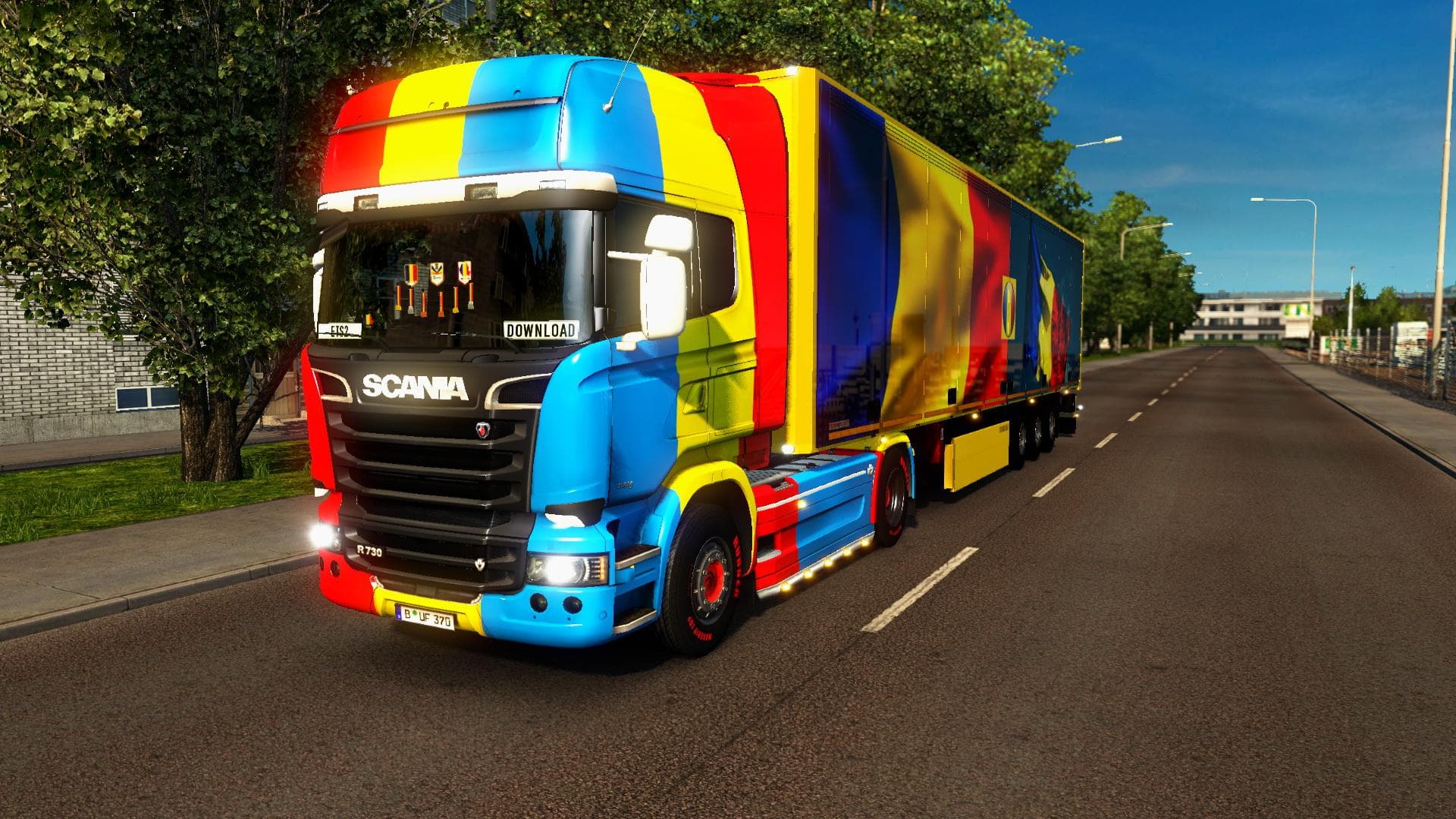
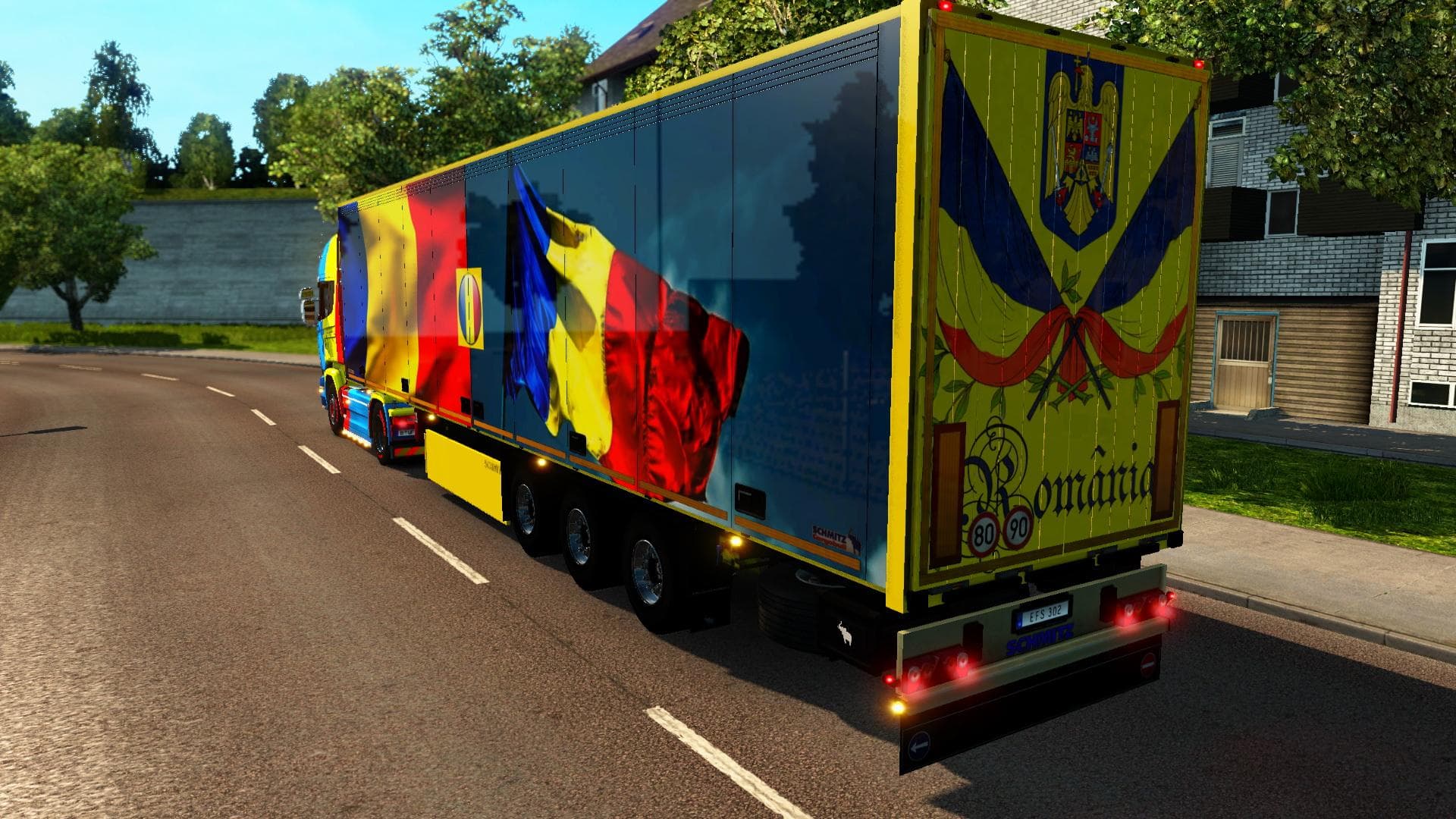
ROMANIA PACK SKINS (1.22.X) is an ETS2 skins. Listed compatible with ETS2 1.22, 1.0.
The ROMANIA PACK SKINS (1.22.X) V1.0 is a skin mod designed to repaint the Scania Streamline truck and trailers with Romanian-themed designs. This kind of mod doesn't alter the truck models themselves but instead changes their appearance through new paint jobs applied in the game's paint shop. These skins help personalize your vehicles, giving them a distinct look that reflects Romanian trucking culture.
Skin mods like this one rely on the base vehicle they were created for, so it's essential to have the matching truck model installed for the skins to show up correctly. In this case, the focus is on the Scania Streamline series and compatible trailers, with the trailer skin also available as standalone traffic vehicles within the game world. That means you might see these painted trailers driving around AI traffic if you use this mod.
When adding skin packs into a modded ETS2 setup, they generally need to be placed lower in your load order than any mods that change truck models or add functionality. Since this pack only changes appearances, it usually plays nicely with other mods unless there are conflicting skins targeting the same trucks. Always check for compatibility notes when combining multiple skin collections.
Players who enjoy customizing their fleet will find this pack fits well if they want to represent Romania while driving across Europe in ETS2. It's especially appealing if you favor Scania trucks and want some variety beyond default paint options or other regional skins from countries like Hungary or Bulgaria nearby.
Since this pack supports ETS2 versions 1.0 and 1.22, it's suitable for players running slightly older game versions as well as those updated to 1.22.X builds. The creator is unknown, but it remains a straightforward addition for anyone seeking **Romania skins** specifically tailored for Scania's Streamline model and associated trailers.
How to install
1. Download the .scs file. 2. Drop it into `Documents/Euro Truck Simulator 2/mod/`. 3. Enable in Mod Manager. 4. Apply the skin in the truck/trailer paint shop.
After the mod loads, save your game inside a safe area (parking lot or service) before deciding whether to keep it. If the game refuses to load with the mod enabled, check that all required DLCs are installed and that the supported ETS2 version chips on this page include your installed game patch.
Reviews
No ratings yetNo reviews yet — be the first to rate this mod.





