Romania Map 1:1 v0.2 for 1.59 ETS2 - Euro Truck Simulator 2 Mods | American Truck Simulator Mods
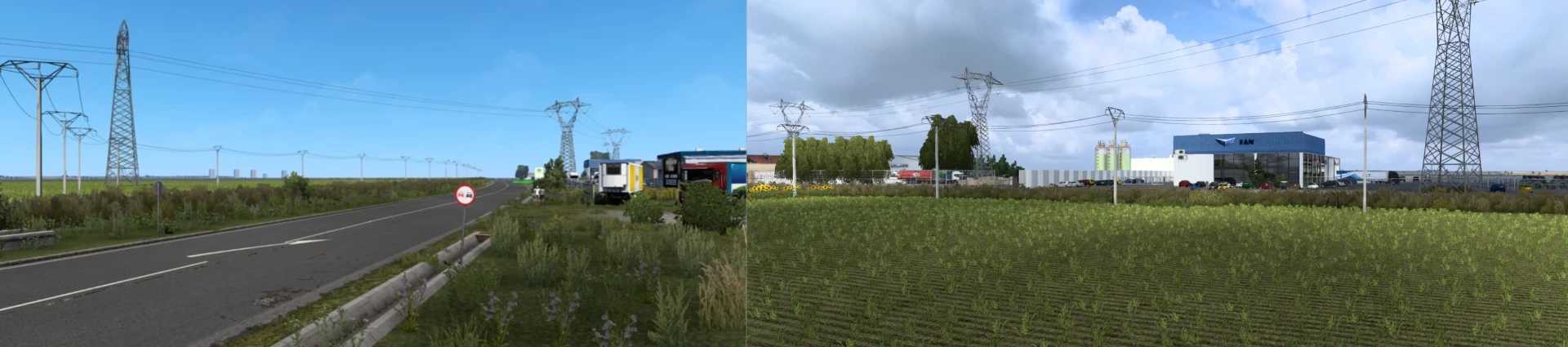
Romania Map 1:1 v0.2 for ETS2 1.59 by ETS2 Mods offers a unique 1:1 scale map of Romania with beautiful landscapes. Updated on September 26, 2025.
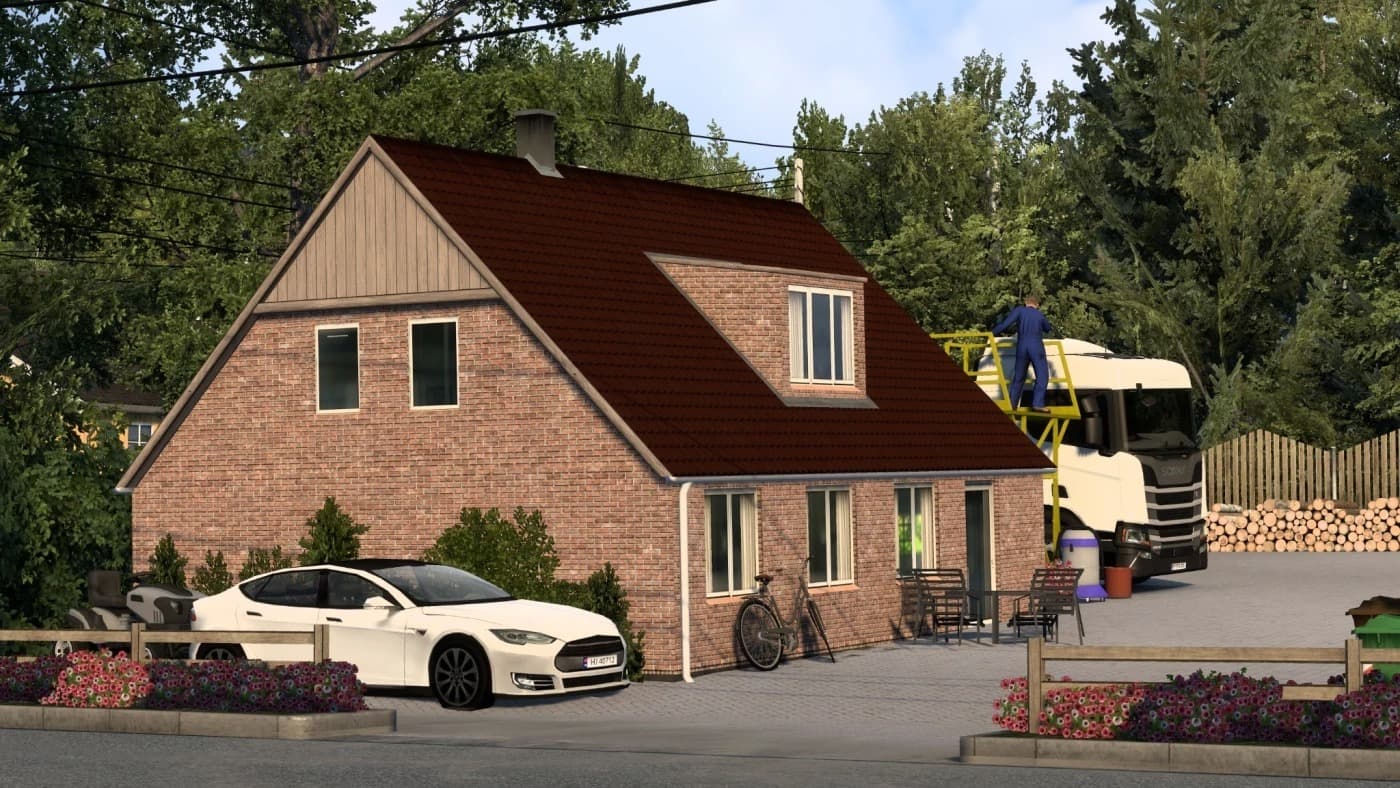
The Romania Map 1:1 v0.2 mod for Euro Truck Simulator 2 brings a detailed representation of Romania's landscape into the game, aiming to replicate the country at full scale. This version is designed for ETS2 update 1.59 and focuses on authenticity by including numerous villages labeled as towns, along with various companies to enhance realism. Players familiar with Romania will likely recognize many locations, offering a fresh perspective on their trucking routes.
Map mods like this one expand the drivable world by adding new roads, cities, and regions not found in the base game. They typically come as .scs files that need to be loaded in a specific order within your mod manager to avoid conflicts. Many require certain base map DLCs and sometimes a clean profile to work properly without glitches or overlapping content.
Integrating the Romania Map 1:1 v0.2 into a modded setup means considering its load priority since map mods can interfere with each other if loaded incorrectly. It fits well alongside other regional expansions or realistic map overhauls but might clash if another mod edits the same areas extensively. Checking compatibility notes and backing up your profiles before use is always wise.
This mod is suited for players who want to explore Eastern Europe more deeply or those who enjoy driving through landscapes that reflect real-world geography closely. It's also appealing for simmers looking to diversify their routes beyond Western Europe and experience the unique environment Romania offers within ETS2.
How to install
1. Download every .scs file from the source page (map mods often ship multiple files). 2. Copy all files to `Documents/Euro Truck Simulator 2/mod/`. 3. Enable each file in Mod Manager **in the order documented by the modder**. Load order matters for maps. 4. Start a new save or use an existing save that already supports the map's base regions.
After the mod loads, save your game inside a safe area (parking lot or service) before deciding whether to keep it. If the game refuses to load with the mod enabled, check that all required DLCs are installed and that the supported ETS2 version chips on this page include your installed game patch.
Known conflicts
No conflicts reported for this mod yet. Running a big mod list? Check your whole setup for conflicts →
Reviews
No ratings yetNo reviews yet — be the first to rate this mod.