ROADSTARS MERCEDES BENZ NEW ACTROS LOUD PIPE
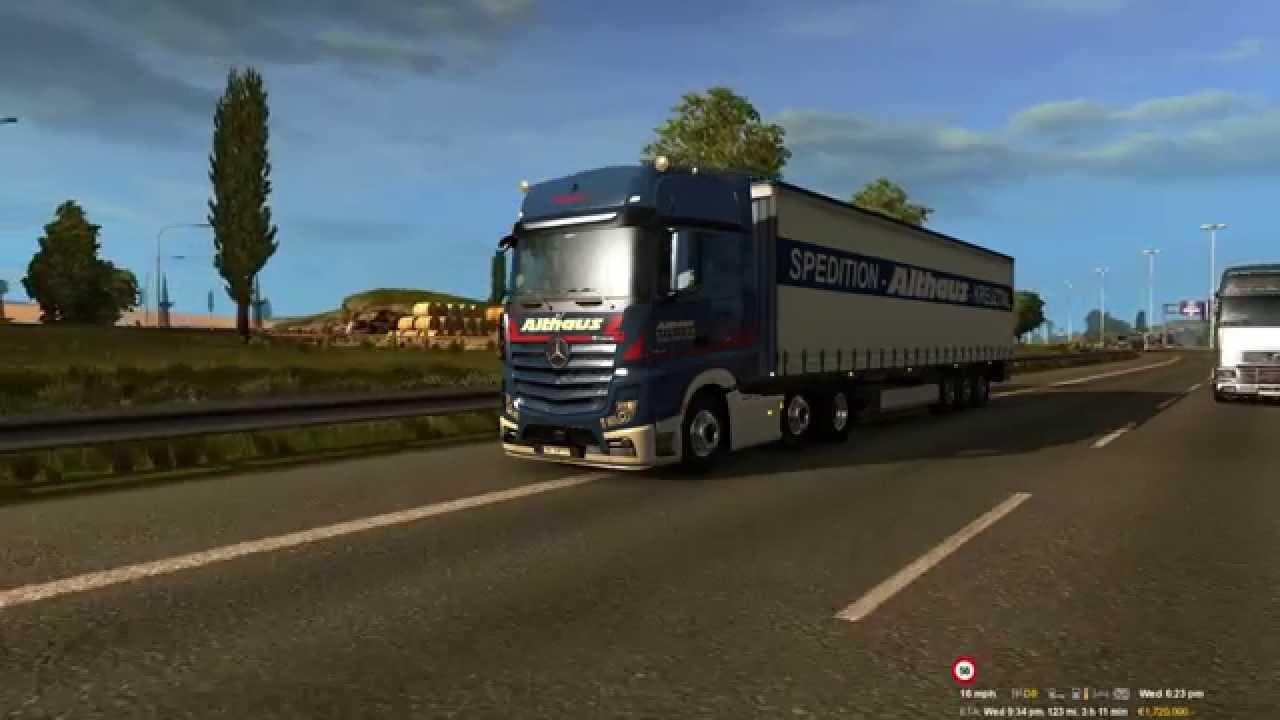
ROADSTARS MERCEDES BENZ NEW ACTROS LOUD PIPE is an ETS2 sounds.
The ROADSTARS MERCEDES BENZ NEW ACTROS LOUD PIPE mod changes the audio experience for the Mercedes Benz New Actros truck in Euro Truck Simulator 2. It focuses on altering the engine and exhaust sounds, giving the truck a distinctive, louder pipe noise that stands out from the stock audio. Sound mods like this one specifically replace or enhance existing truck sounds to add more character or realism while driving.
Sound mods generally work by overriding the game's default audio files for engines, horns, or environmental effects. They usually need to be placed higher in the load order than any truck models they modify to ensure their sound changes take effect. This mod fits well within a setup where you want your Mercedes Benz New Actros to have a unique sound profile without affecting other vehicles.
When building a modded ETS2 setup, it's important to manage load order carefully with sound mods. Placing ROADSTARS MERCEDES BENZ NEW ACTROS LOUD PIPE above other truck mods that modify sounds will help avoid conflicts and ensure you get the loud pipe effect as intended. Compatibility is generally straightforward since it targets specific audio files tied to this truck model.
This type of sound mod appeals to players who enjoy customizing their trucks beyond visuals and want an audible difference during their haul. If you're driving routes across Germany, France, or other European countries where Mercedes trucks are common, having a louder exhaust can make your rig feel more personalized and immersive on long hauls.
While details like version support and file size aren't specified, users should always back up original sound files before installing any sound mod. The ROADSTARS MERCEDES BENZ NEW ACTROS LOUD PIPE offers a way to tweak your trucking experience audibly without changing gameplay mechanics or graphics.
**ROADSTARS MERCEDES BENZ NEW ACTROS LOUD PIPE**
**sound mods**
**engine and exhaust sounds**
**load order**
**truck model**
How to install
1. Download the .scs file. 2. Drop it into `Documents/Euro Truck Simulator 2/mod/`. 3. Enable in Mod Manager. Sound mods usually need to load **above** truck mods in load order. 4. Restart the game so the audio engine picks up new samples.
After the mod loads, save your game inside a safe area (parking lot or service) before deciding whether to keep it. If the game refuses to load with the mod enabled, check that all required DLCs are installed and that the supported ETS2 version chips on this page include your installed game patch.
Reviews
No ratings yetNo reviews yet — be the first to rate this mod.





