RMS Real SemaphoreLight and Traffic
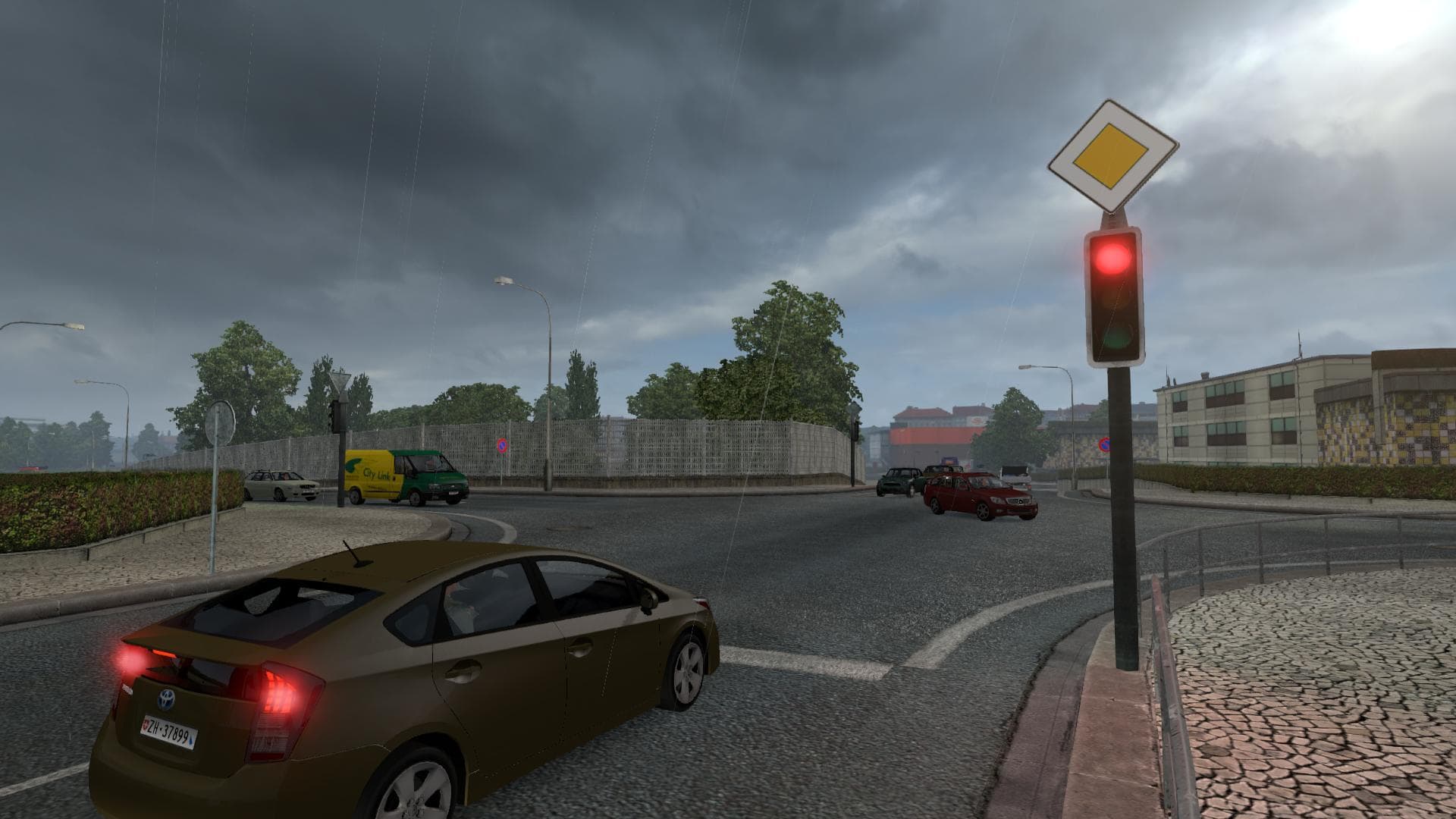
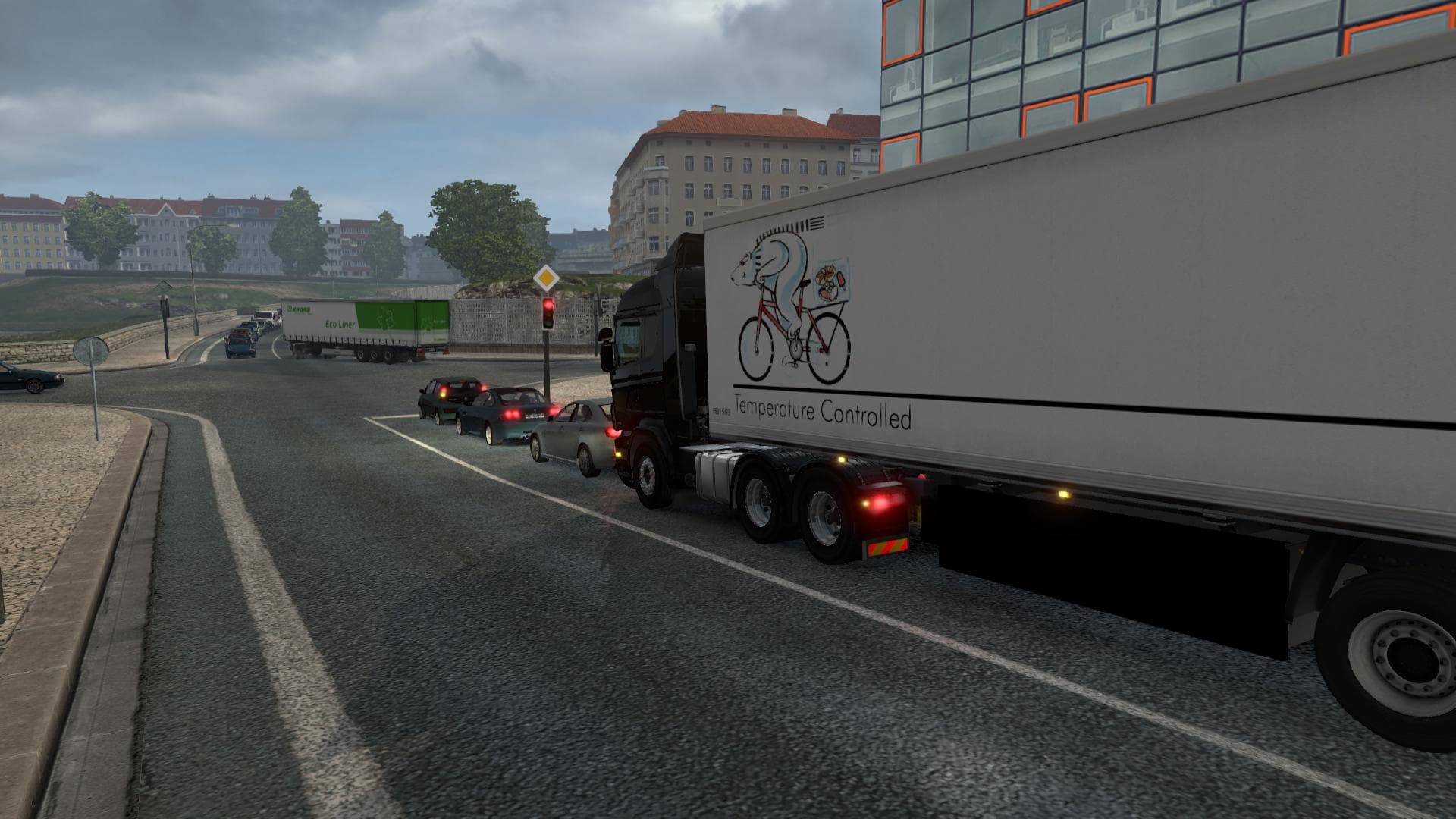
The RMS Real SemaphoreLight and Traffic mod version 2.0 enhances the traffic lights in the game with a realistic time system. Created by an unknown developer, t
RMS Real SemaphoreLight and Traffic is a mod that adjusts how traffic lights operate within Euro Truck Simulator 2. It modifies the timing system for traffic signals, aiming to replicate real-world light sequences more closely than the base game. The version available is 2.0, indicating it has undergone some development or refinement since its initial release.
Mods like this one affect general gameplay by changing environmental elements rather than adding new vehicles or maps. They are typically installed through the in-game Mod Manager, where they can be easily enabled or disabled depending on your preferences. Because it deals with traffic light behavior, it works alongside other mods that influence AI traffic and road rules without direct conflict.
When building a modded setup, it's useful to consider load order since changes to traffic systems might overlap with similar mods. Generally, placing this type of mod after any broad traffic management mods helps ensure its timing adjustments take effect properly. Compatibility tends to be good with map expansions or truck skins because those focus on visuals and geography rather than in-game mechanics like semaphore timings.
Players who enjoy a more realistic driving experience will find this mod interesting as it influences how vehicles respond at intersections, potentially making city driving feel less predictable and more authentic. Those using detailed map mods from regions like Germany, France, or the United Kingdom may notice subtle improvements in how local traffic lights behave if combined thoughtfully.
Since this mod targets the game's core traffic system rather than specific countries or regions, it's versatile across many locations including European countries such as Austria and Poland or US states like California and Texas. This makes it a fitting addition for anyone looking to enhance immersion without limiting their route choices.
How to install
1. Download the file(s) from the original source linked above. 2. Drop them into `Documents/Euro Truck Simulator 2/mod/`. 3. Enable in Mod Manager and restart the game.
After the mod loads, save your game inside a safe area (parking lot or service) before deciding whether to keep it. If the game refuses to load with the mod enabled, check that all required DLCs are installed and that the supported ETS2 version chips on this page include your installed game patch.
Reviews
No ratings yetNo reviews yet — be the first to rate this mod.





