RENAULT T VIKING LOGISTIC SKIN V2
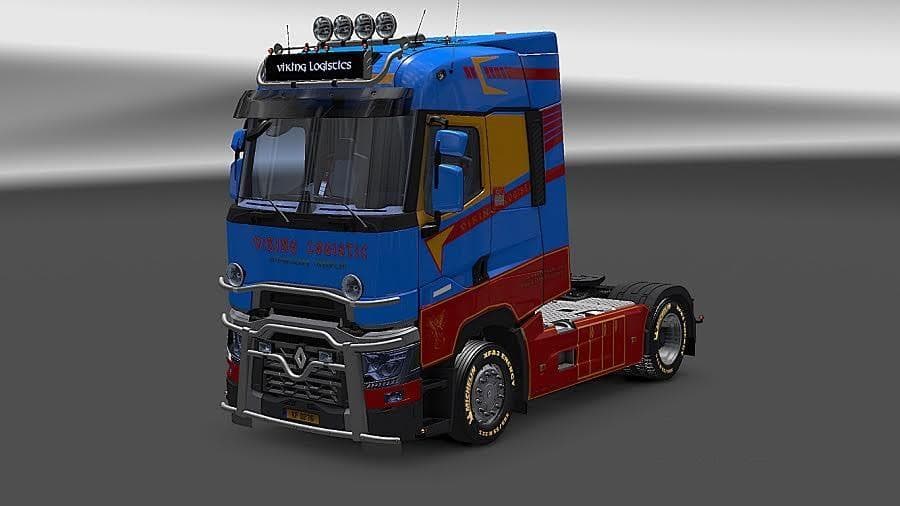
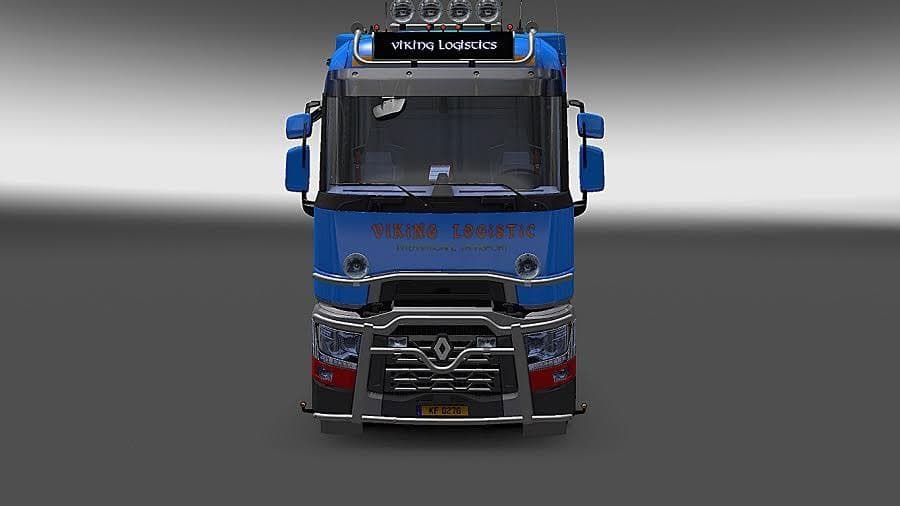
This mod is a Viking Logistic Skin for the Renault T truck by RTA, tested on ETS2 version 1.21. Created by Euro Truck Simulator 2, the file size is 2.0 MB.
The RENAULT T VIKING LOGISTIC SKIN V2 is a repaint mod designed for the Renault T truck in Euro Truck Simulator 2. It applies a new visual design without altering the model itself, so you get a fresh look while keeping all original truck functions intact. Skins like this one are installed through the paint shop in-game and rely on having the base vehicle available.
Skin mods such as this are popular for personalizing your fleet or just adding variety to your driving experience. They change the appearance of trucks by painting over the existing surfaces with new textures, colors, and logos. This particular skin fits neatly into any modded setup that includes the Renault T, enhancing immersion without introducing compatibility issues that more complex mods might bring.
When using skins, load order usually doesn't cause problems since they only affect visuals and don't modify gameplay mechanics or truck physics. However, it's wise to ensure that you have the correct version of Euro Truck Simulator 2 that this skin supports—in this case, version 1.21—to avoid any graphical glitches or crashes.
This skin would appeal mainly to players who enjoy customizing their trucks or want to represent a specific company style in their game. It suits those who already have or plan to use the Renault T model and want an alternative look that adds some character to their virtual trucking routes across Europe.
If you're running other cosmetic mods alongside this one, they should coexist without trouble as long as they target different trucks or parts. Overall, it’s a straightforward way to give your Renault T a new identity and make your driving sessions feel a bit more unique.
How to install
1. Download the .scs file. 2. Drop it into `Documents/Euro Truck Simulator 2/mod/`. 3. Enable in Mod Manager. 4. Apply the skin in the truck/trailer paint shop.
After the mod loads, save your game inside a safe area (parking lot or service) before deciding whether to keep it. If the game refuses to load with the mod enabled, check that all required DLCs are installed and that the supported ETS2 version chips on this page include your installed game patch.
Reviews
No ratings yetNo reviews yet — be the first to rate this mod.





