RENAULT PREMIUM & MAGNUM STONE SKIN
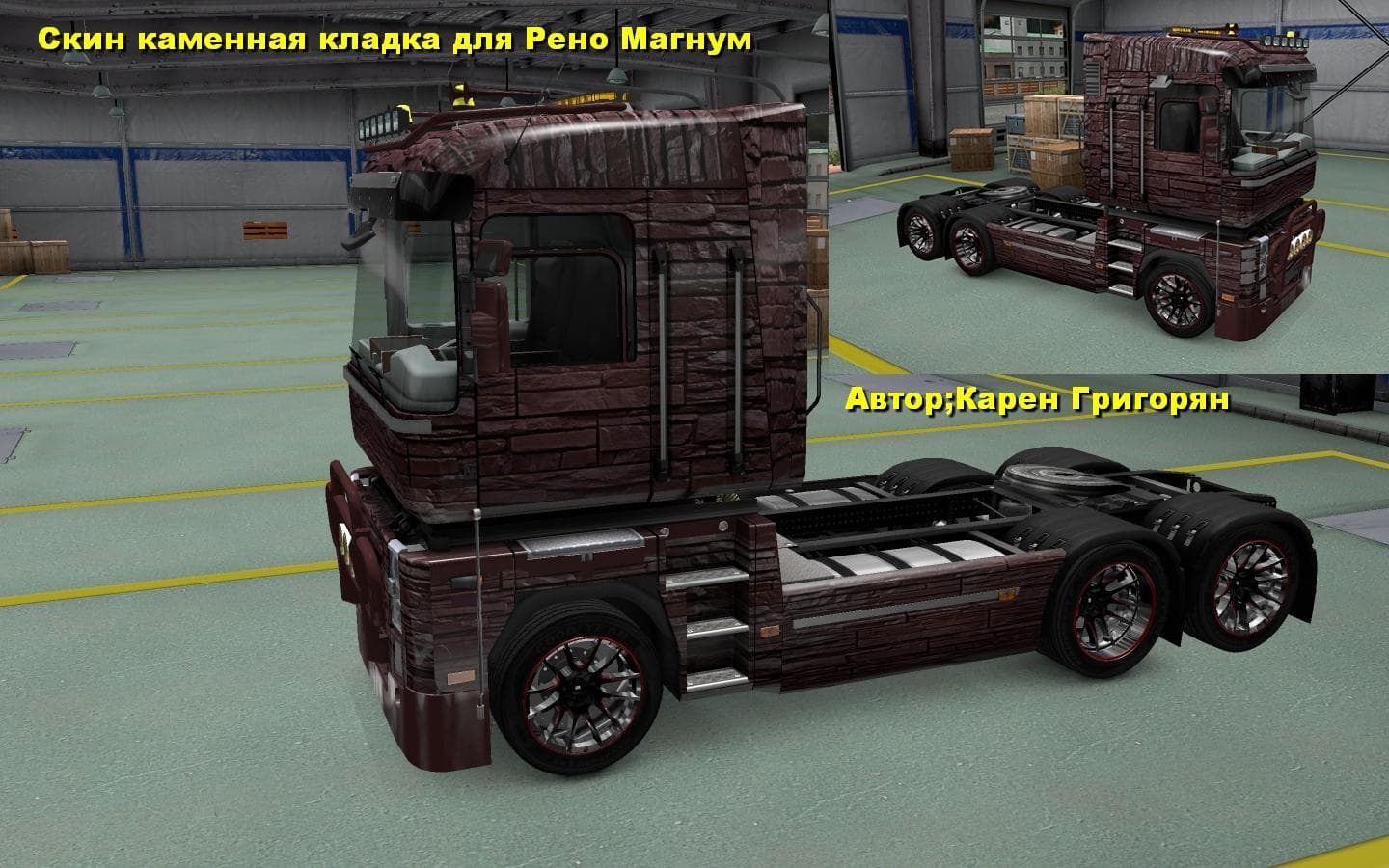
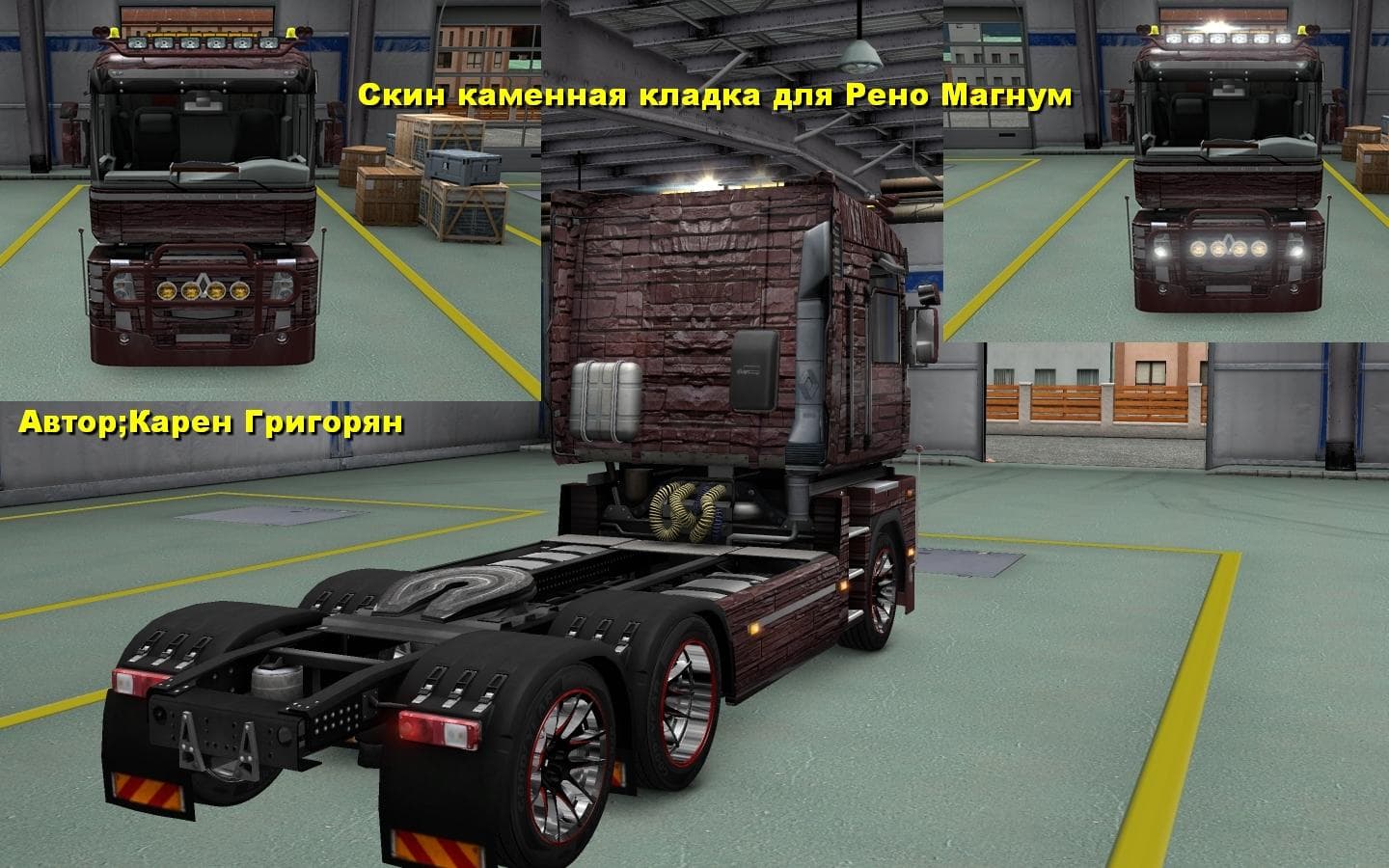
This mod offers Stone Skin for Renault Premium & Magnum trucks in ETS2 version 1.22. Created by Euro Truck Simulator 2, the skin is credited to Карен Григорян.
This mod offers a new paint design specifically for the Renault Premium and Magnum trucks in Euro Truck Simulator 2. It changes the visual appearance of these models by applying a stone-themed skin, giving them a distinct look without altering the underlying truck model. Since it's a skin mod, it works by replacing or adding textures to the trucks, which can be selected in the game's paint shop once installed.
Skin mods like this one don't affect gameplay mechanics but provide cosmetic variety for players who want to customize their fleet's appearance. They usually depend on having the base truck model installed and compatible with the game version; in this case, it's tested with ETS2 version 1.22. Such mods are popular among those who enjoy personalizing their vehicles to stand out on European roads or just prefer a certain aesthetic.
When integrating skin mods into a modded setup, it's important to consider load order because skins need to overwrite default textures correctly without conflicting with other texture-based mods. Generally, skin mods should be loaded after map or gameplay mods but before any mods that might also alter textures of the same truck models. Keeping this order helps avoid visual glitches.
The RENAULT PREMIUM & MAGNUM STONE SKIN fits well within collections focused on Renault trucks or themed paint jobs that add more variety to your garage. Players who drive these specific trucks often appreciate having more options beyond stock designs, especially if they favor rugged or industrial-looking themes such as stone patterns.
Since the creator details and file size are unknown, users should ensure they get this mod from trusted sources and verify compatibility with their current ETS2 setup. It's designed for players running version 1.22, so using it on other versions may lead to issues unless updated accordingly.
How to install
1. Download the .scs file. 2. Drop it into `Documents/Euro Truck Simulator 2/mod/`. 3. Enable in Mod Manager. 4. Apply the skin in the truck/trailer paint shop.
After the mod loads, save your game inside a safe area (parking lot or service) before deciding whether to keep it. If the game refuses to load with the mod enabled, check that all required DLCs are installed and that the supported ETS2 version chips on this page include your installed game patch.
Reviews
No ratings yetNo reviews yet — be the first to rate this mod.





