Renault Premium
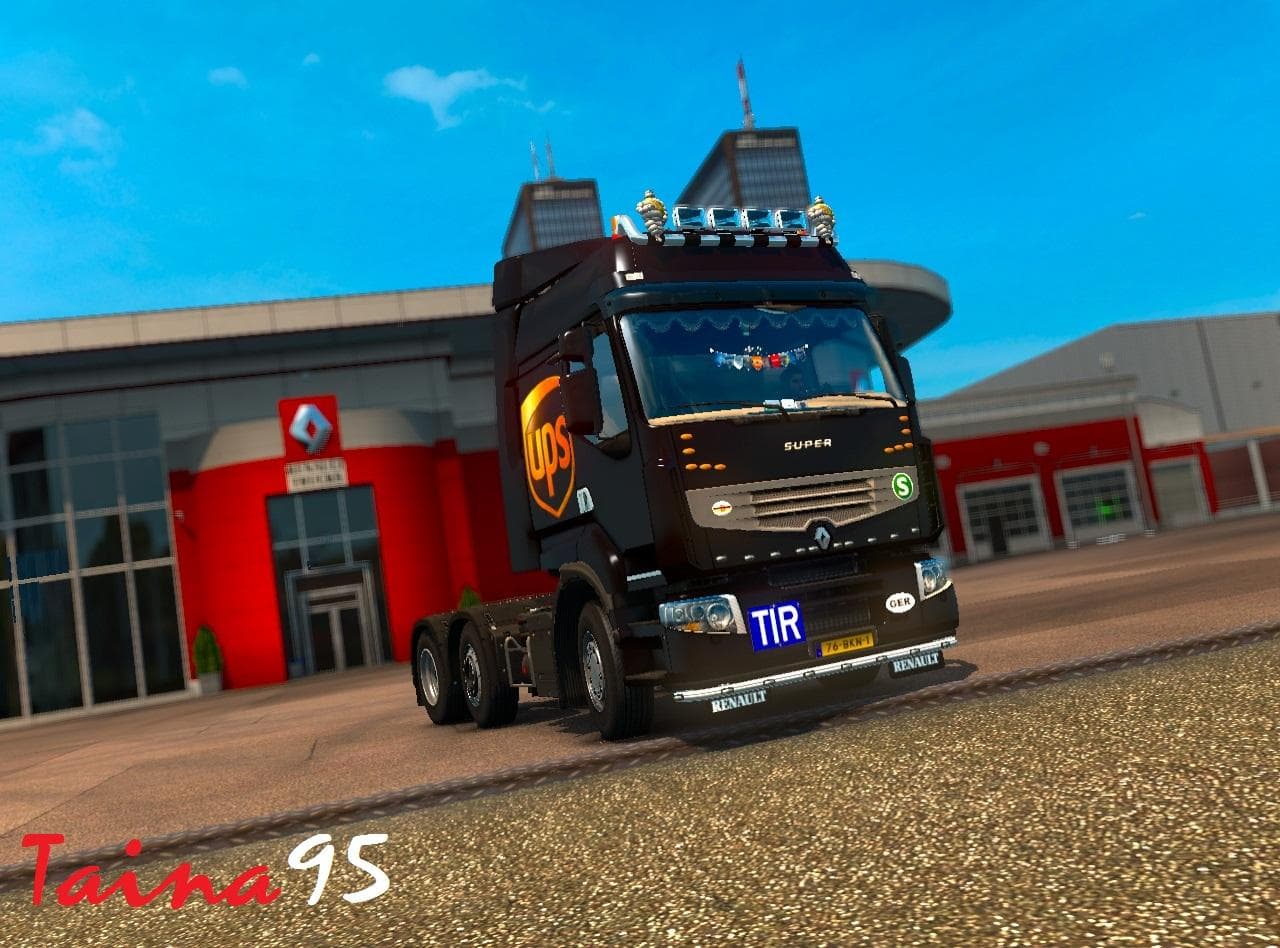
The Renault Premium mod is a skin pack designed specifically for Euro Truck Simulator 2 that updates the look of the Renault Premium truck. It doesn't alter the truck's model or gameplay but provides new paint options and visual tweaks that can be selected in the paint shop. This type of mod focuses on cosmetic changes, allowing players to refresh their vehicle's appearance without affecting performance or compatibility with other mods.
Skin mods like this one are straightforward to use and fit well within a modded setup because they replace textures rather than altering game mechanics. Since this mod supports ETS2 versions 1.18 and 1.20, it works with recent game updates, though it's always wise to check for any conflicts if you run many mods simultaneously. Typically, skins load after trucks and cabin mods, so placing it lower in your mod manager helps prevent overwrite issues.
The update from version 1.18 to 1.20 introduced several additions including a new interior design, multiple new skin variations, as well as accessories like lobar and mudflaps which add some detail to the truck's exterior. These enhancements contribute to a more varied selection when customizing your Renault Premium within the game.
For those who enjoy personalizing their fleet without diving into complex mod installs or risking instability, skin packs such as this one offer an easy way to diversify truck appearances. Players interested in French trucks or looking to enhance their game's realism through detailed visuals might find this particular skin mod appealing.
Because it solely modifies textures and includes no gameplay changes, the Renault Premium skin is unlikely to conflict with map or traffic mods. It fits neatly into any setup focused on enhancing truck aesthetics and blends well with other visual improvements you might have installed.
Overall, if you're running ETS2 on versions compatible with this mod and want more options for your Renault Premium trucks, adding this skin pack could be a simple yet effective way to change things up visually.
How to install
1. Download the .scs file. 2. Drop it into `Documents/Euro Truck Simulator 2/mod/`. 3. Enable in Mod Manager. 4. Apply the skin in the truck/trailer paint shop.
After the mod loads, save your game inside a safe area (parking lot or service) before deciding whether to keep it. If the game refuses to load with the mod enabled, check that all required DLCs are installed and that the supported ETS2 version chips on this page include your installed game patch.
Reviews
No ratings yetNo reviews yet — be the first to rate this mod.





