RENAULT PREMIUM
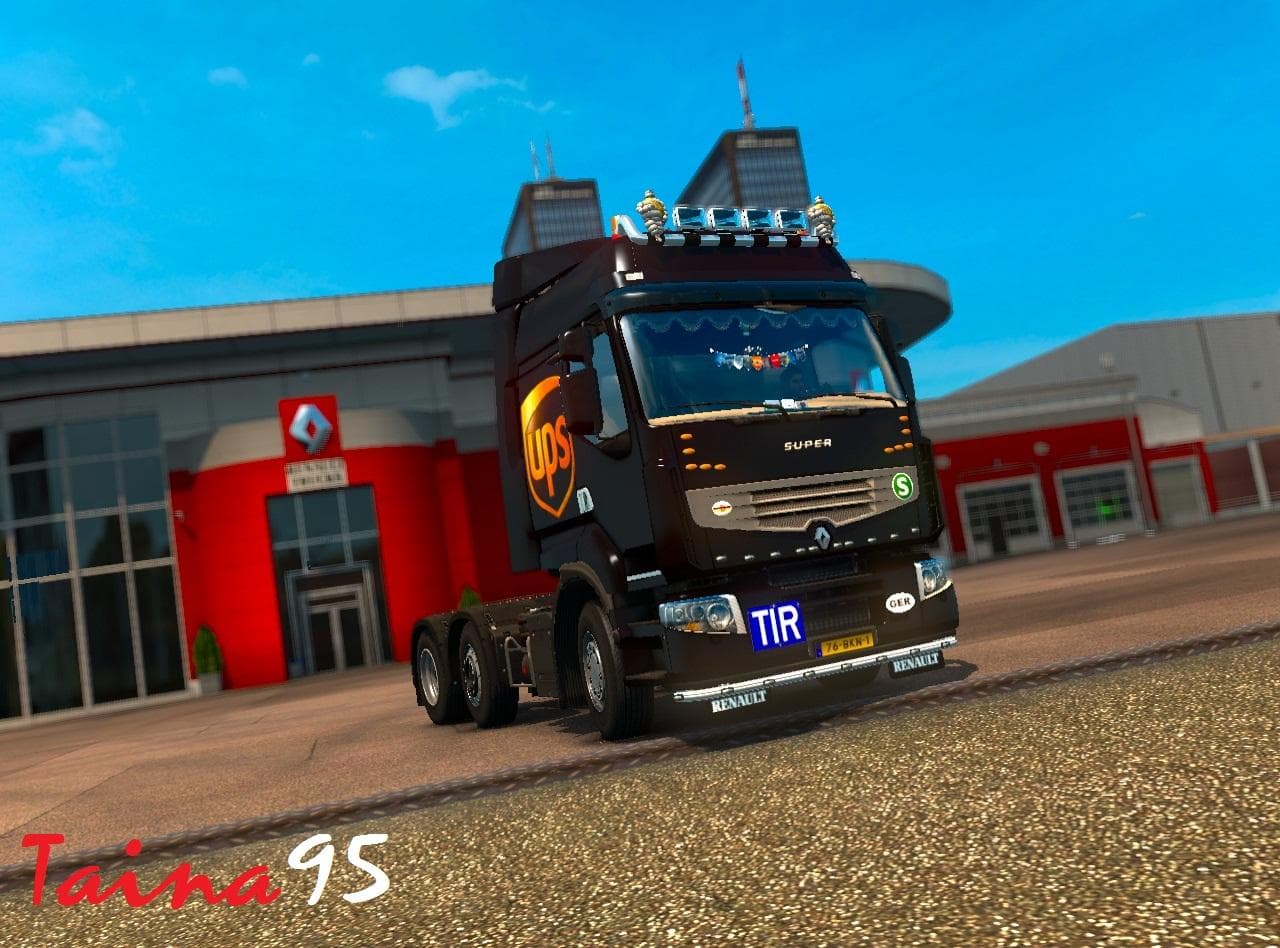
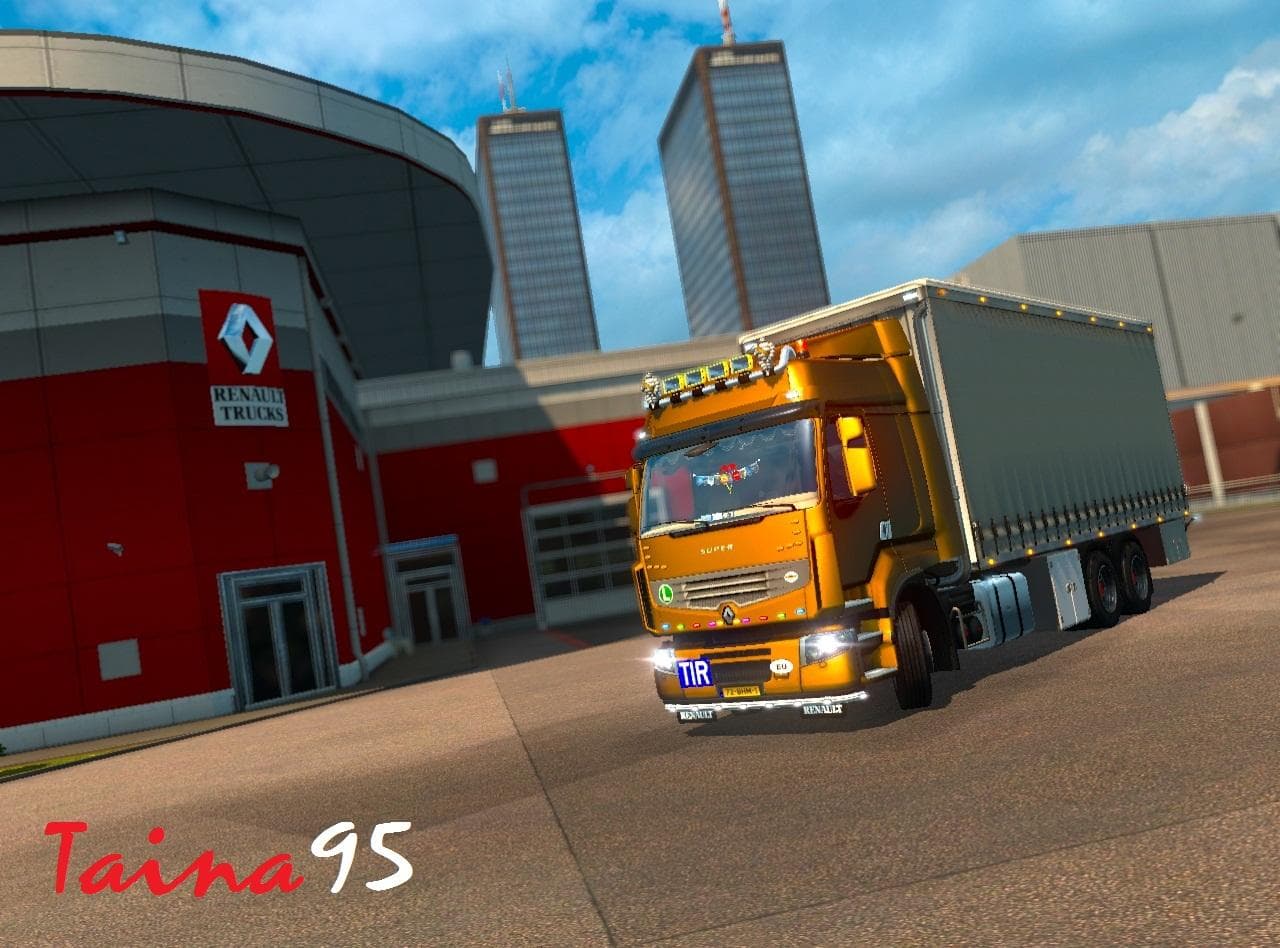
The RENAULT PREMIUM mod is a skin designed specifically for the Renault Premium truck in Euro Truck Simulator 2. It repaints the existing model rather than altering its shape or mechanics, giving the truck a fresh look without changing its core design. Skins like this one are applied through the game's paint shop and depend heavily on the base vehicle they were created for, which means it won't work with trucks other than the Renault Premium.
This type of mod enhances visual variety by providing new color schemes and textures, allowing players to personalize their vehicles beyond what the base game offers. Since it’s a skin mod, it won't affect gameplay mechanics but can significantly improve immersion for those who like customizing their fleet's appearance. The update from version 1.18 to 1.20 added new interiors and several skins, showing ongoing support for newer ETS2 versions.
When integrating this skin into a modded setup, it's generally compatible with other mods as long as they don't modify the same paint or texture files for the Renault Premium. Load order matters mostly if you have multiple skins installed; usually, the last loaded skin will override previous ones on that truck model. Players should ensure compatibility by checking any conflicts with other Renault Premium skins to avoid graphical glitches.
This skin mod suits players who prefer having diverse options for their trucks' looks and enjoy keeping their fleet updated visually alongside ETS2's evolving versions. It works well within themed convoys or roleplay scenarios where matching specific truck appearances is desirable. Since it supports ETS2 versions 1.18 and 1.20, it's useful for those running either of these game builds.
Overall, if you want to add some new style to your Renault Premium without messing with performance or adding heavy modifications, this repaint provides straightforward customization that fits neatly into most mod collections.
How to install
1. Download the .scs file. 2. Drop it into `Documents/Euro Truck Simulator 2/mod/`. 3. Enable in Mod Manager. 4. Apply the skin in the truck/trailer paint shop.
After the mod loads, save your game inside a safe area (parking lot or service) before deciding whether to keep it. If the game refuses to load with the mod enabled, check that all required DLCs are installed and that the supported ETS2 version chips on this page include your installed game patch.
Reviews
No ratings yetNo reviews yet — be the first to rate this mod.





