RENAULT MAGNUM MARLBORO SKIN
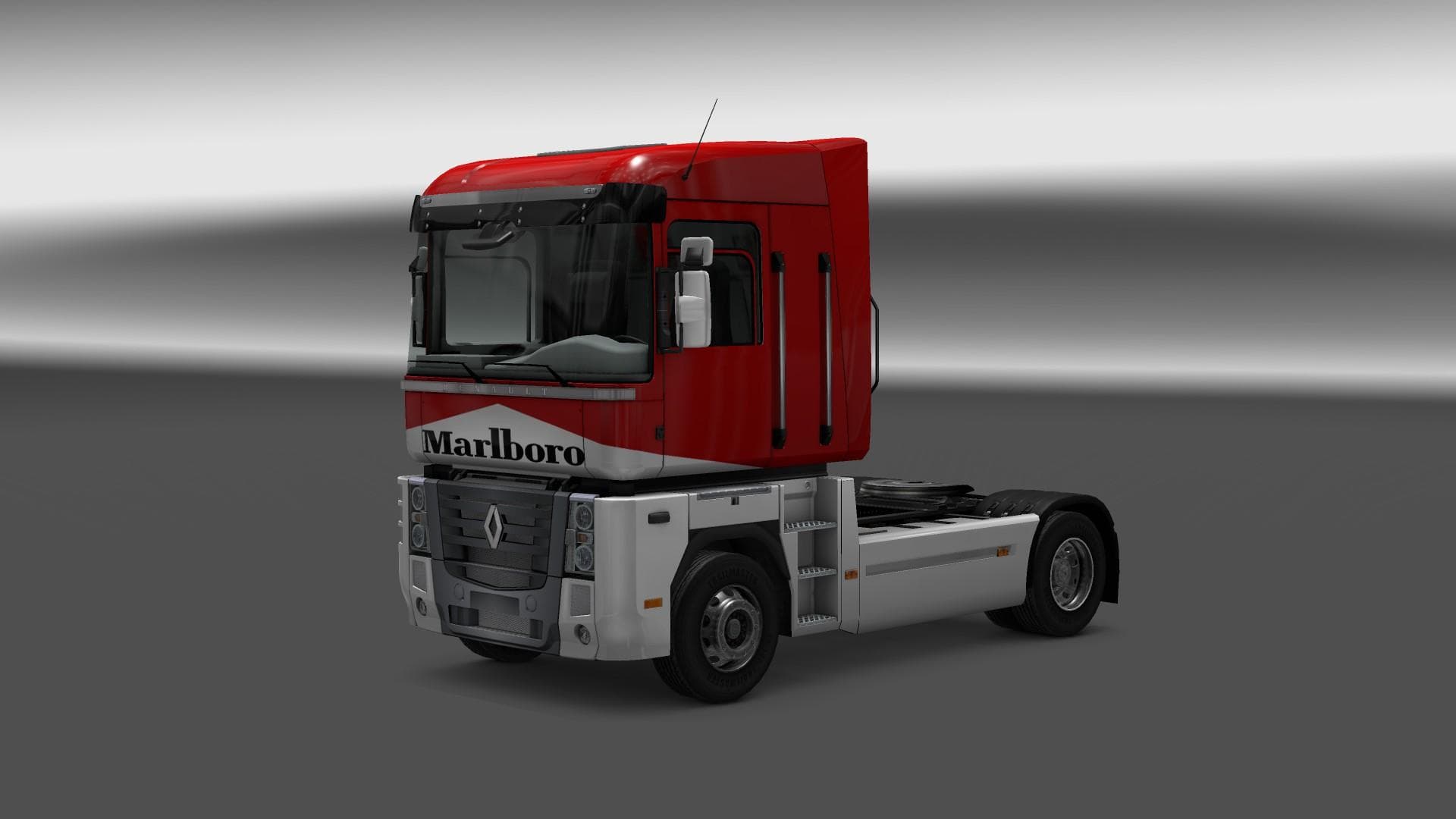
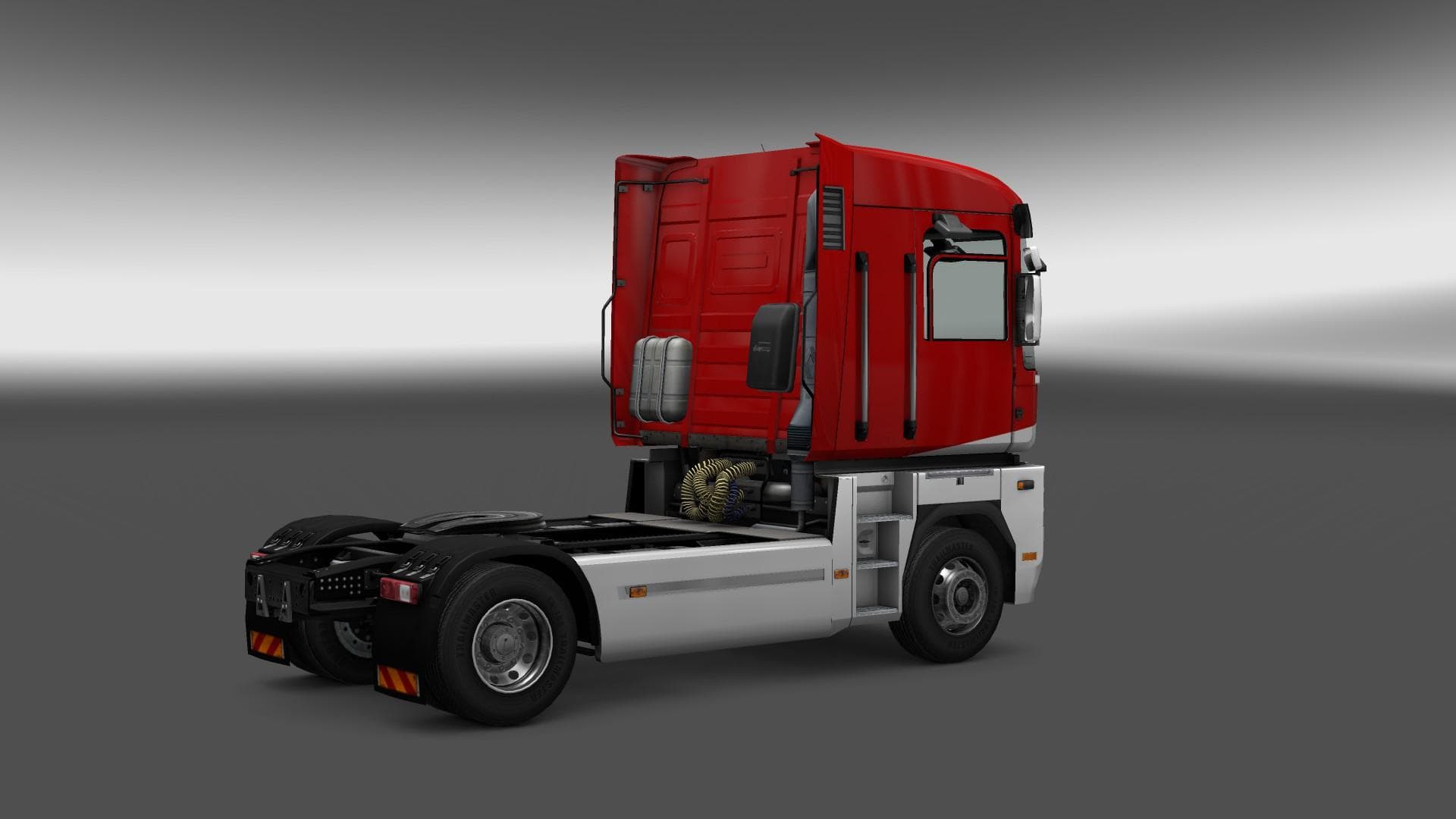
This mod is a skin for the Renault Magnum truck in ETS2, featuring a Marlboro design. It is compatible with ETS2 version 1.22 and credits the creator as Euro Tr
The RENAULT MAGNUM MARLBORO SKIN is a repaint mod designed for the Renault Magnum truck in Euro Truck Simulator 2. It changes the truck's exterior appearance by applying a Marlboro-themed design, giving your vehicle a distinct look without altering its model or functionality. This type of mod is installed via the paint shop in-game and works only with the Renault Magnum base vehicle.
Skin mods like this one don't add new trucks or parts but rather provide a fresh aesthetic to existing models. Since they rely on the original truck, players need to have that specific vehicle available in their game for the skin to appear correctly. Applying skins is straightforward: once loaded, you select them from the paint options when customizing your truck.
When building a modded setup, skins generally sit lower in load order compared to gameplay-affecting mods, but conflicts are rare because they only change textures. Still, it's wise to ensure compatibility if you use multiple skins or mods that alter the same truck. This skin was tested on ETS2 version 1.22, so users running that or close versions should expect it to work without issues.
Truck enthusiasts who want to personalize their rides often turn to skin mods like this one. The Marlboro branding gives an old-school trucking vibe and might appeal to those who appreciate classic livery styles or want their Renault Magnum to stand out on European roads.
While creator details and file size aren't specified, installation typically involves placing files into the mod folder and activating them through the game's mod manager. Skins don’t usually impact performance, making them a lightweight way to customize your experience.
How to install
1. Download the .scs file. 2. Drop it into `Documents/Euro Truck Simulator 2/mod/`. 3. Enable in Mod Manager. 4. Apply the skin in the truck/trailer paint shop.
After the mod loads, save your game inside a safe area (parking lot or service) before deciding whether to keep it. If the game refuses to load with the mod enabled, check that all required DLCs are installed and that the supported ETS2 version chips on this page include your installed game patch.
Reviews
No ratings yetNo reviews yet — be the first to rate this mod.





