Renault Magnum DTI13 EEV Formula Sounds
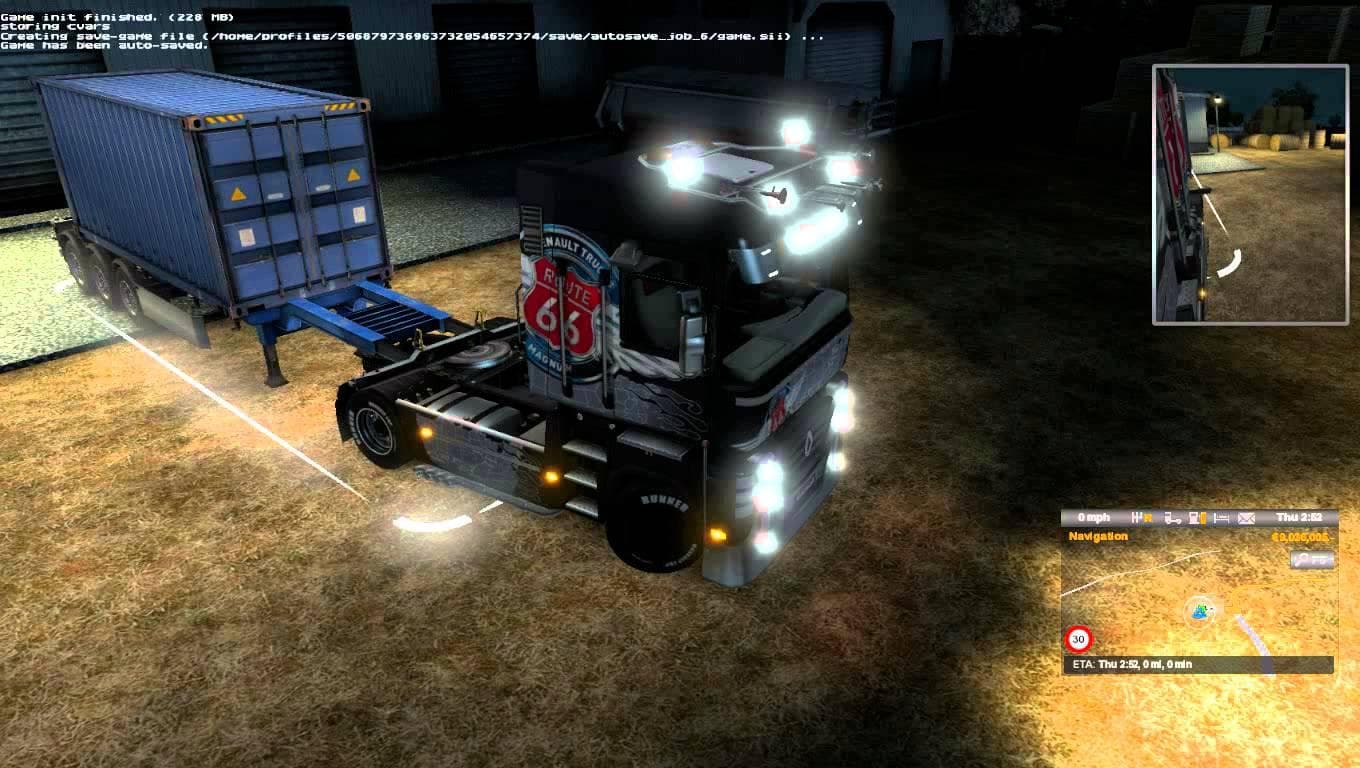
This mod adds realistic engine sounds for the Renault Magnum DTI13 EEV in Euro Truck Simulator 2. Created by John Necir Rebellion, it enhances the driving exper
This mod provides a set of sounds specifically designed for the Renault Magnum DTI13 EEV engine, focusing on delivering a realistic audio experience for this particular truck model. It replaces the default engine sounds with ones that aim to reflect the actual characteristics of the DTI13 Euro 6 engine, giving players a fresh way to engage with their vehicle in Euro Truck Simulator 2. Sound mods like this one usually target specific trucks and are appreciated by those who want more immersive or varied auditory feedback while driving.
In ETS2, sound mods alter aspects such as engine noise, horns, or environmental effects. They generally need to be loaded after truck models to ensure their audio files take precedence. That means when adding a sound mod like this into your setup, placing it higher in your mod load order is recommended to override any existing sound files related to the Renault Magnum or its engine.
Compatibility wise, sound mods typically coexist well with other visual or gameplay mods since they only change audio elements. However, if you run multiple sound mods affecting the same truck or engine type, conflicts can arise where only one set of sounds will be heard depending on load priority. It's good practice to test your configuration and adjust load order accordingly.
This kind of mod appeals mostly to players who drive the Renault Magnum regularly and want an auditory experience that feels closer to real life. If you enjoy tweaking your ETS2 setup for more authenticity or just prefer different engine tones than what comes by default, sound replacements like these can add an extra layer of depth without altering gameplay mechanics.
How to install
1. Download the .scs file. 2. Drop it into `Documents/Euro Truck Simulator 2/mod/`. 3. Enable in Mod Manager. Sound mods usually need to load **above** truck mods in load order. 4. Restart the game so the audio engine picks up new samples.
After the mod loads, save your game inside a safe area (parking lot or service) before deciding whether to keep it. If the game refuses to load with the mod enabled, check that all required DLCs are installed and that the supported ETS2 version chips on this page include your installed game patch.
Reviews
No ratings yetNo reviews yet — be the first to rate this mod.





