REALISTIC SOUND MOD FOR BUTTONS & SWITCHES
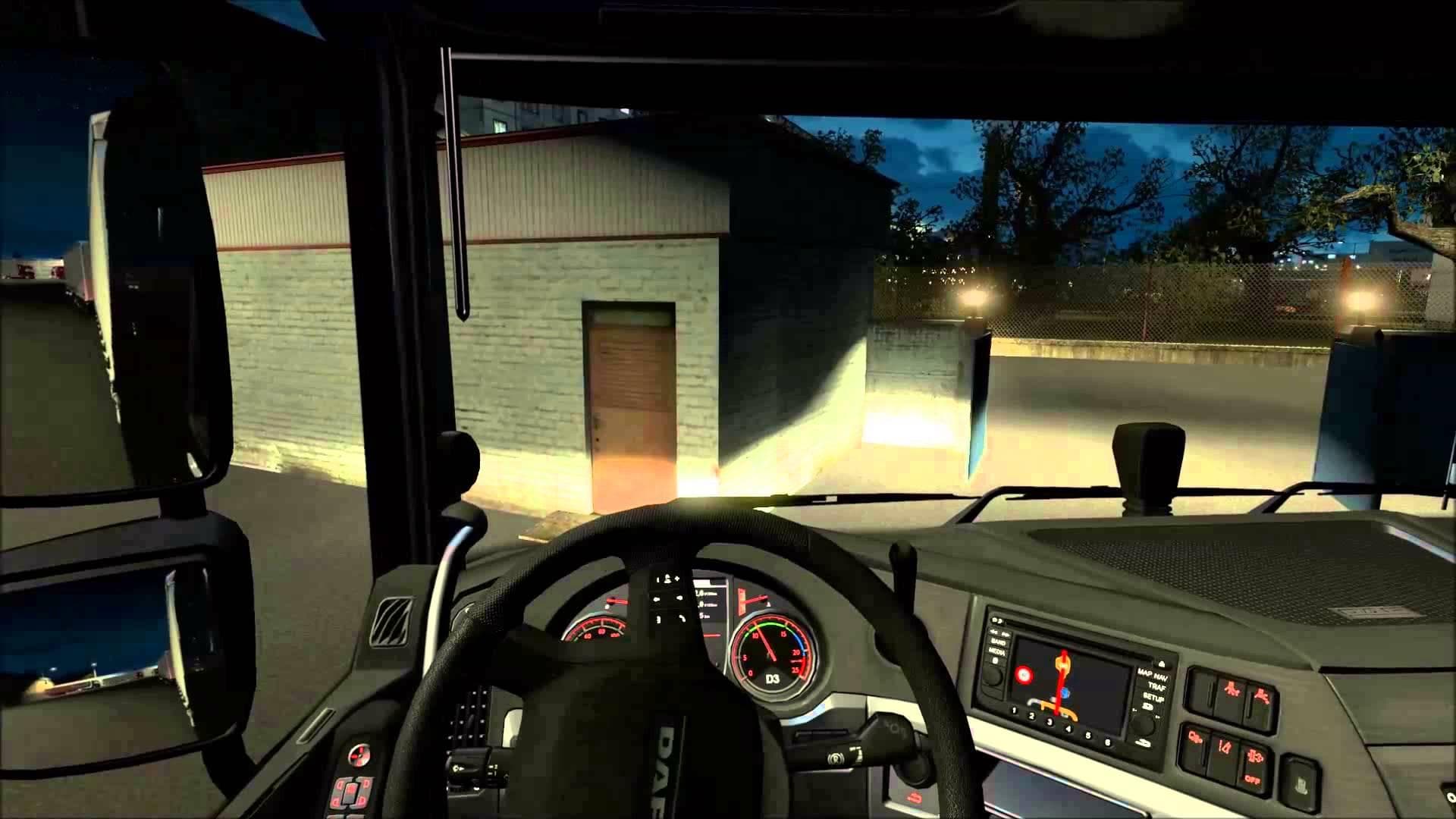
This mod adds realistic sounds for buttons and switches in Euro Truck Simulator 2, enhancing the interior experience. The latest patch introduces new noises, pa
The Realistic Sound Mod for Buttons & Switches adds new interior noises to Euro Truck Simulator 2, specifically targeting the sounds made when using stalk switches inside the cab. This kind of sound mod enhances immersion by replacing or supplementing in-game audio cues that accompany player interactions with truck controls. It doesn't alter engine or environmental sounds but focuses on the detailed auditory feedback from buttons and switches, which are usually quite subtle in the base game.
Sound mods like this one generally need to be loaded high in the mod order to properly override default game sounds and any conflicting audio from other mods, especially truck-specific ones. Since this mod deals only with interior switch noises, it fits well into a modded setup where multiple sound enhancements are used alongside visual and gameplay modifications without causing interference.
Players aiming for a deeper simulation experience might appreciate this mod because it brings attention to small details that often go unnoticed but add up to a more authentic driving feel. It’s particularly suited for those who enjoy spending time inside the cabin, as these additional sounds respond directly to their input and make vehicle operation more tactile.
Given that the original game added some beta-stage sounds recently, this mod builds upon those additions by providing enhanced audio effects tied to button presses and stalk movements. While specifics about compatibility or supported ETS2 versions aren’t provided, sound mods typically work across most versions unless major updates change core audio systems.
How to install
1. Download the .scs file. 2. Drop it into `Documents/Euro Truck Simulator 2/mod/`. 3. Enable in Mod Manager. Sound mods usually need to load **above** truck mods in load order. 4. Restart the game so the audio engine picks up new samples.
After the mod loads, save your game inside a safe area (parking lot or service) before deciding whether to keep it. If the game refuses to load with the mod enabled, check that all required DLCs are installed and that the supported ETS2 version chips on this page include your installed game patch.
Reviews
No ratings yetNo reviews yet — be the first to rate this mod.





