Realistic Headlights v1
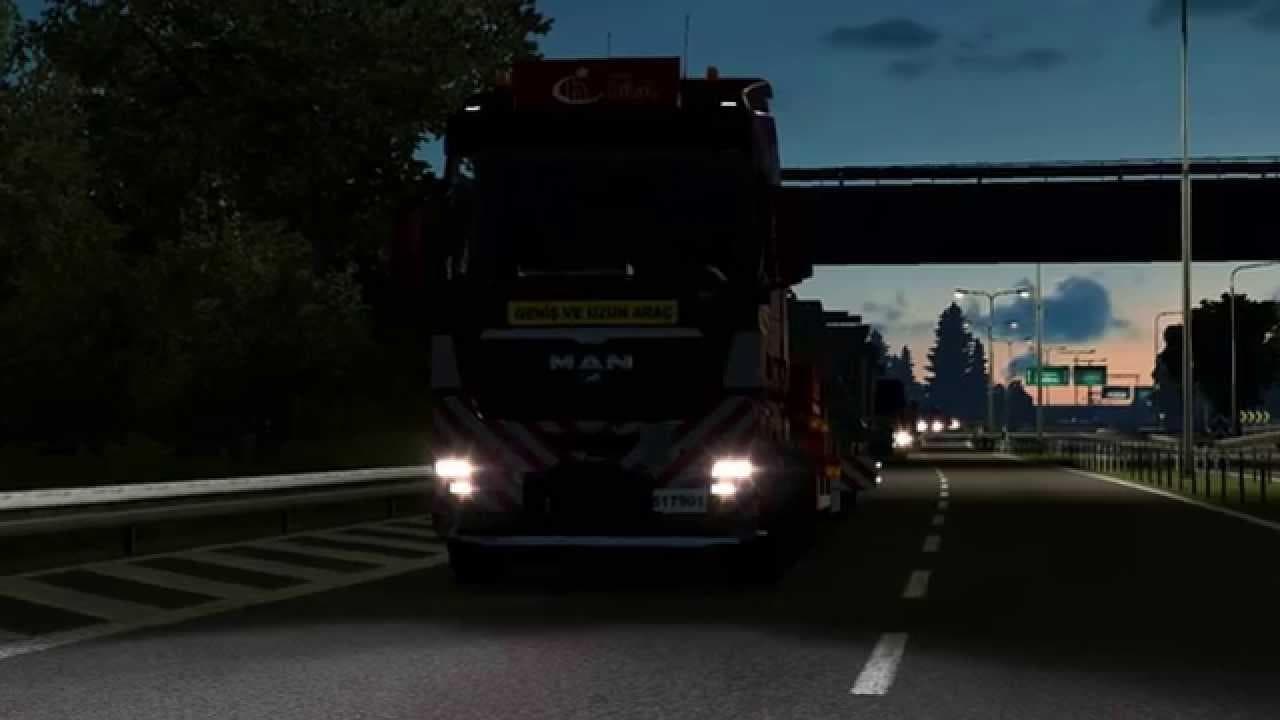
Realistic Headlights v1 is a parts mod for ETS2 version 1.21 created by Euro Truck Simulator 2. The mod enhances the quality of headlights to reflect the next v
Realistic Headlights v1 is a parts mod designed to enhance the lighting components of trucks in Euro Truck Simulator 2, specifically compatible with game version 1.21. Parts mods like this one typically add or improve vehicle accessories such as lights, mirrors, and exhausts through the truck customization menu, allowing players to tailor their rigs more closely to their preferences or realism goals.
This type of mod focuses on upgrading the headlights' appearance and functionality, giving them a more true-to-life look that better mimics real-world lighting behavior. While it doesn't change gameplay mechanics directly, it improves immersion by making night driving visually richer and potentially easier on the eyes due to improved light rendering.
In a modded setup, parts mods are usually loaded after map and graphics mods but before any major gameplay overhauls. Since this mod modifies headlights specifically, it’s advisable to check for compatibility if you’re using other lighting or visual enhancement mods that might conflict with the same assets. Load order matters here to avoid visual glitches or unintended overrides.
Players who prioritize a realistic driving experience and pay attention to visual details will likely appreciate this mod. It fits well with setups aiming for authenticity in truck appearance and environmental interaction during night hauls across various ETS2 maps and regions.
Although the creator is unknown, Realistic Headlights v1 serves as a straightforward option for those wanting better light quality without extensive changes to their trucks. Its file size is modest, so it's easy to add alongside other tuning mods without significantly impacting load times.
How to install
1. Download the file(s) from the original source linked above. 2. Drop them into `Documents/Euro Truck Simulator 2/mod/`. 3. Enable in Mod Manager and restart the game.
After the mod loads, save your game inside a safe area (parking lot or service) before deciding whether to keep it. If the game refuses to load with the mod enabled, check that all required DLCs are installed and that the supported ETS2 version chips on this page include your installed game patch.
Reviews
No ratings yetNo reviews yet — be the first to rate this mod.