REALISTIC FLARES
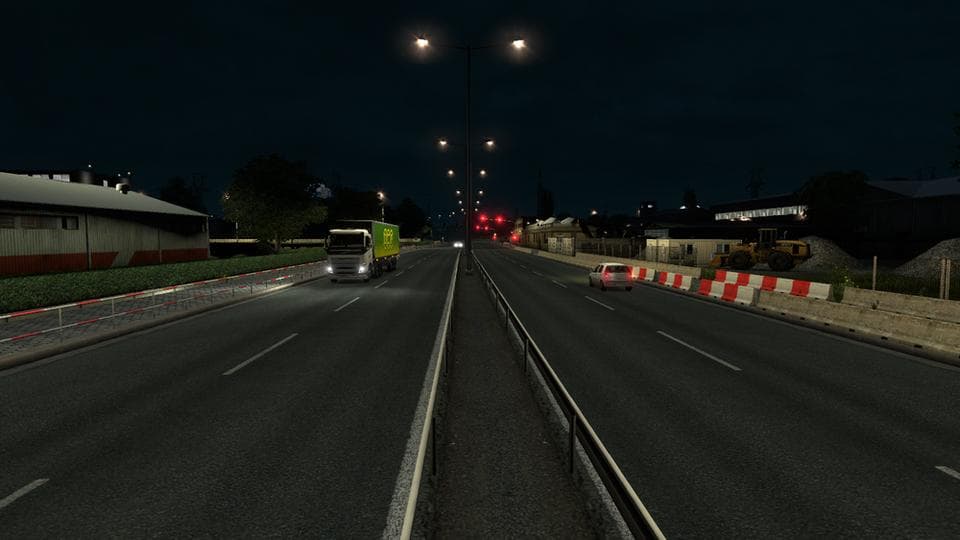
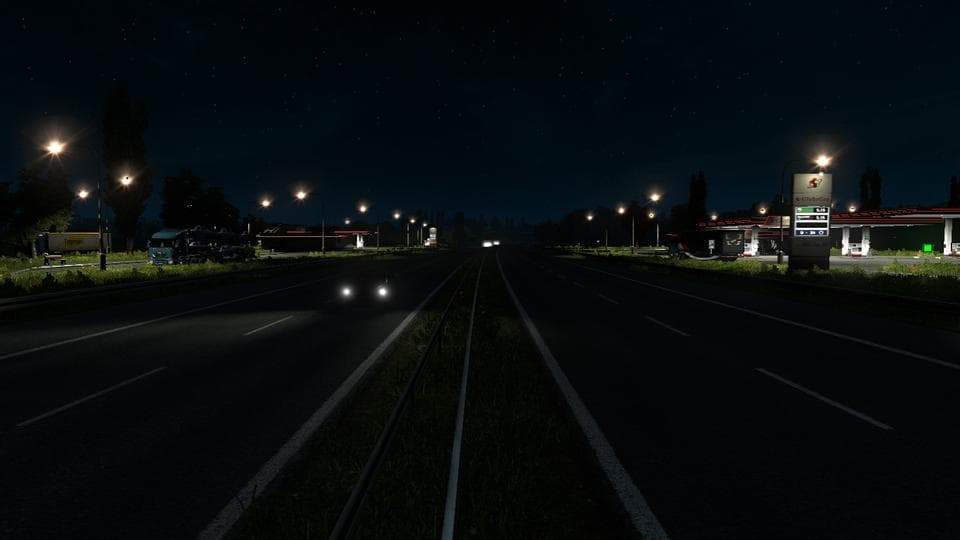
REALISTIC FLARES is a sound mod that enhances the brightness effect of flares, especially those from the headlights of forward lamps. While it doesn't change visual textures directly, it improves the auditory perception linked to these lighting elements, making the flare sounds more pronounced in the game environment. Sound mods like this one replace or augment specific audio components, such as engine noises or environmental sounds, to add more depth and realism to ETS2.
In Euro Truck Simulator 2, sound mods play an important role in creating immersion by updating or replacing default audio cues. Since this mod focuses on flare sounds, it affects how players experience nighttime driving and signaling. These types of mods typically need to be loaded near the top of your mod list so they can override other mods that may alter truck sounds or lighting effects.
Adding a sound mod like REALISTIC FLARES fits well into a setup that already includes truck customization or graphical enhancements. Players who run multiple mods should be mindful of load order; placing sound mods above vehicle models ensures that audio changes take effect properly without conflicts. Compatibility with ETS2 version 1.0 suggests it's designed for earlier game versions but might still work with newer ones if no major engine changes occurred.
This mod will appeal to players looking for a subtle yet noticeable improvement in their driving experience at night or under low visibility conditions. If you enjoy fine-tuning your truck's ambiance through sound adjustments rather than purely visual tweaks, this mod offers a straightforward upgrade without adding complexity.
Overall, REALISTIC FLARES adds an extra layer of detail for those focused on realistic soundscapes in Euro Truck Simulator 2. It's suited for anyone wanting to refine how their headlights' flares come across audibly while maintaining compatibility with other common mod types.
How to install
1. Download the .scs file. 2. Drop it into `Documents/Euro Truck Simulator 2/mod/`. 3. Enable in Mod Manager. Sound mods usually need to load **above** truck mods in load order. 4. Restart the game so the audio engine picks up new samples.
After the mod loads, save your game inside a safe area (parking lot or service) before deciding whether to keep it. If the game refuses to load with the mod enabled, check that all required DLCs are installed and that the supported ETS2 version chips on this page include your installed game patch.
Reviews
No ratings yetNo reviews yet — be the first to rate this mod.





