REAL LIVESTOCK HAULER SKINS BY LUCASI AND SKINER
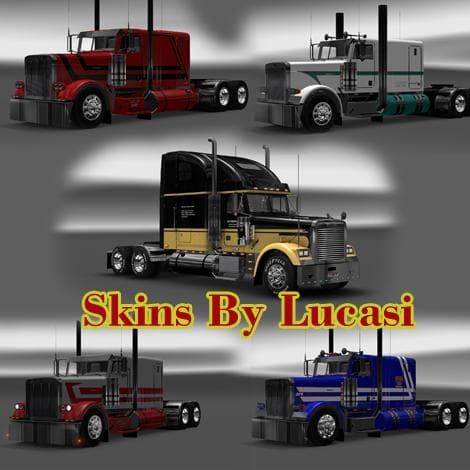
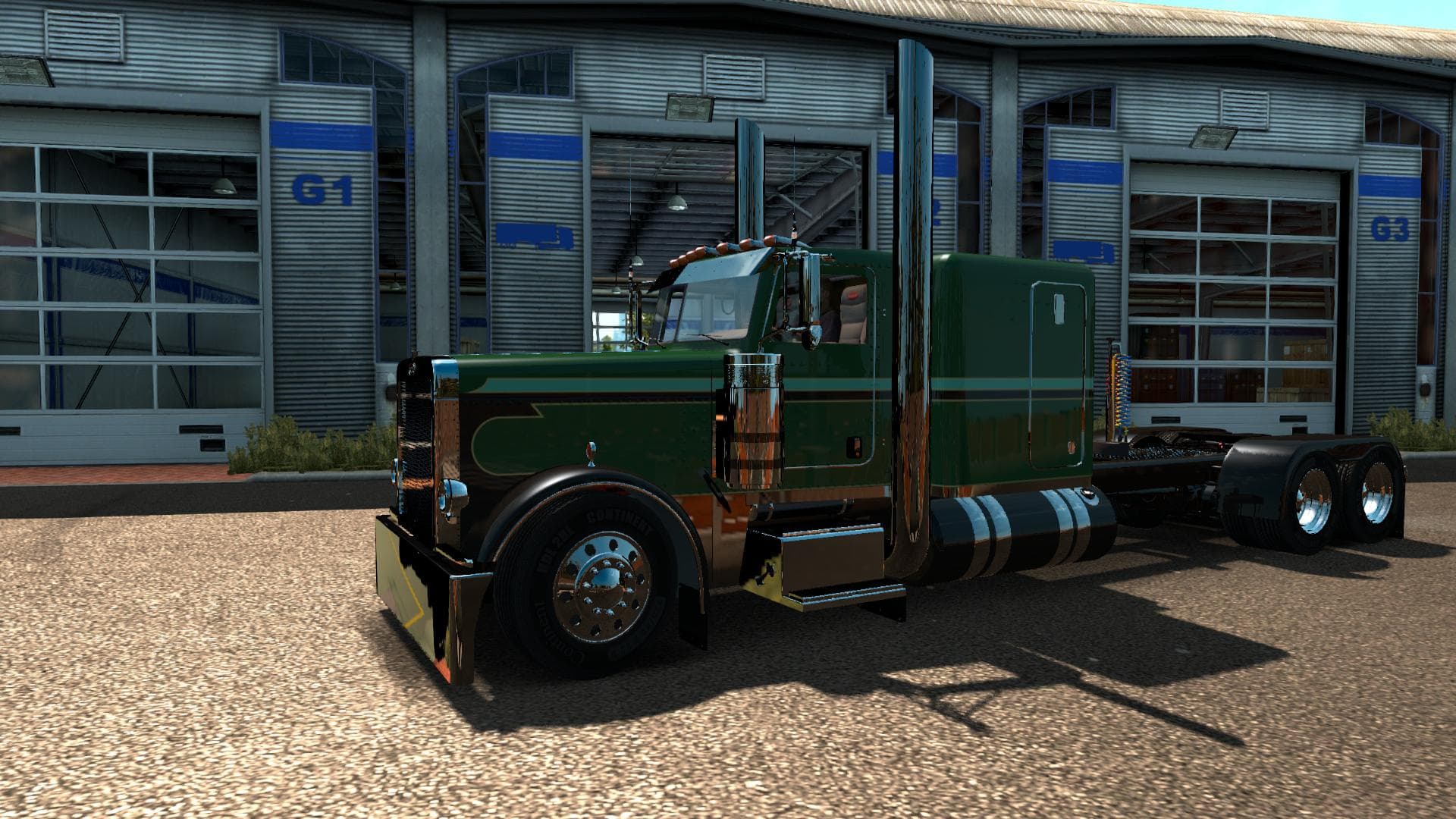
This mod features realistic livestock hauler skins by Lucasi and Skiner for Euro Truck Simulator 2. The skins showcase various livestock hauling companies with
The REAL LIVESTOCK HAULER SKINS BY LUCASI AND SKINER offer a fresh look for trucks involved in livestock transport within Euro Truck Simulator 2. These skins repaint existing vehicles to reflect the branding of real-life livestock hauling companies, adding more realism and variety to your fleet's appearance. Since skins don’t change the truck model itself, this mod works by applying new textures onto compatible trucks at the paint shop.
Skin mods like this one enhance immersion without affecting gameplay mechanics or vehicle performance. They are ideal for players who want their trucks to stand out on the road or fit a particular theme without installing entirely new models. The Real Livestock Hauler skins focus specifically on trucking companies specializing in animal transport, which complements cargo and trailer mods related to livestock hauling.
When incorporating skin mods into a modded setup, it’s wise to keep load order in mind. Skins should be placed after any truck model mods so they can properly overwrite textures. Compatibility issues are rare with skins compared to other mod types, but conflicts might occur if multiple skins target the same vehicle. Testing them individually or grouping similar skins can help maintain stability.
This type of mod suits players who enjoy roleplaying as professional livestock haulers or simply want more authentic liveries for their trucks. It blends well with map expansions and cargo packs that include animal-related freight, making your transportation experience feel more integrated and believable.
Since details like supported ETS2 versions or file size aren’t specified, it's recommended to check compatibility with your current game version before use. Installation typically involves placing the skin files into the mod folder and activating them via the in-game mod manager, similar to other skin mods.
Overall, these skins provide an easy way to customize your vehicles with designs inspired by real-world livestock transport businesses. They add visual diversity and fit naturally into setups focused on agricultural or animal freight tasks.
How to install
1. Download the .scs file. 2. Drop it into `Documents/Euro Truck Simulator 2/mod/`. 3. Enable in Mod Manager. 4. Apply the skin in the truck/trailer paint shop.
After the mod loads, save your game inside a safe area (parking lot or service) before deciding whether to keep it. If the game refuses to load with the mod enabled, check that all required DLCs are installed and that the supported ETS2 version chips on this page include your installed game patch.
Reviews
No ratings yetNo reviews yet — be the first to rate this mod.





