REAL COMPANY LOGO FIX
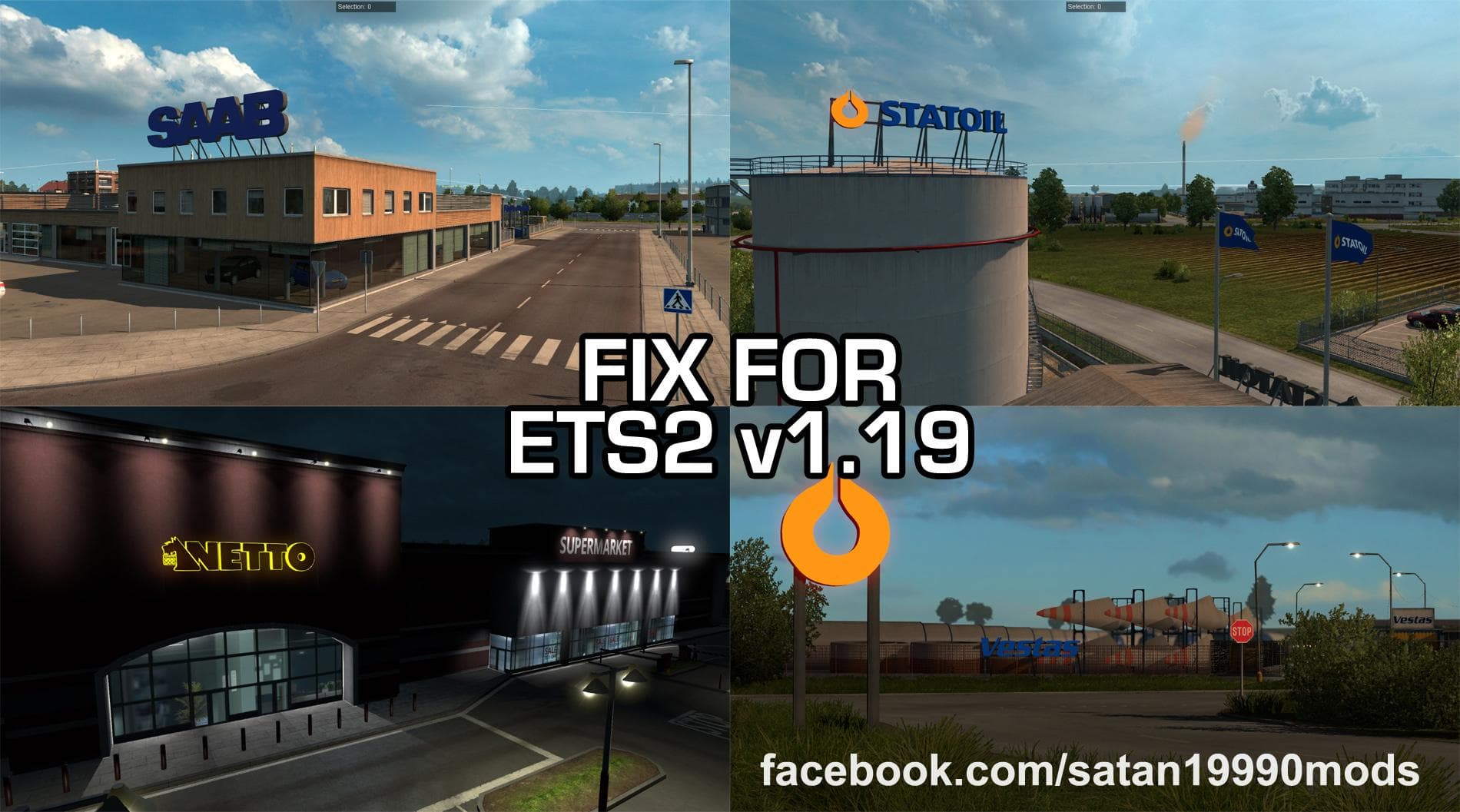
The REAL COMPANY LOGO FIX is a **skin mod** designed to correct issues with real company logos in Euro Truck Simulator 2, specifically for version 1.19. It serves as a patch that needs to be loaded after the original logo mod to function properly. These types of mods don't change truck models but repaint existing vehicles, often improving or fixing visual elements like logos on trailers and cabins.
In ETS2, skin mods like this one are applied through the paint shop and depend heavily on the base vehicle they target. They offer players a way to customize or enhance the look of their trucks without altering core game assets. This particular fix ensures that logos appear as intended, addressing any graphical glitches or missing textures from earlier versions.
When integrating this mod into a broader collection, it’s crucial to observe its load order. Since it fixes an existing logo mod, it must be placed after that mod in the load priority list to avoid conflicts or override issues. Skins generally have good compatibility with most other mods unless those also alter the same textures or vehicle models.
This fix is especially useful for players who want their game to feature accurate company branding without graphical errors. Anyone running real company logo packs on ETS2 1.19 will find this helpful for keeping visuals consistent and avoiding immersion-breaking mistakes in their fleet appearance.
How to install
1. Download the .scs file. 2. Drop it into `Documents/Euro Truck Simulator 2/mod/`. 3. Enable in Mod Manager. 4. Apply the skin in the truck/trailer paint shop.
After the mod loads, save your game inside a safe area (parking lot or service) before deciding whether to keep it. If the game refuses to load with the mod enabled, check that all required DLCs are installed and that the supported ETS2 version chips on this page include your installed game patch.
Reviews
No ratings yetNo reviews yet — be the first to rate this mod.





