Project Russia v5.7.1a 1.60 ETS2 - Euro Truck Simulator 2 Mods | American Truck Simulator Mods
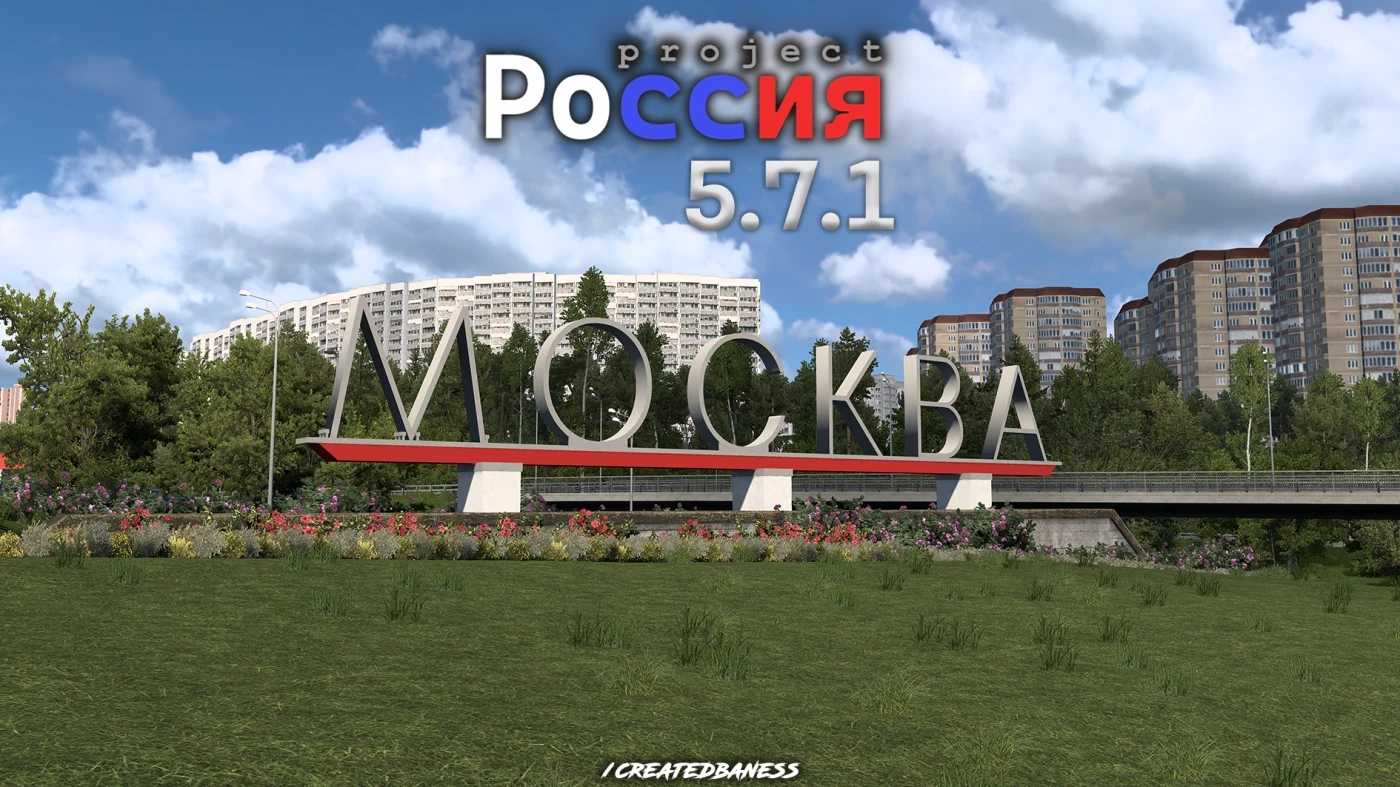
Project Russia v5.7.1a 1.60 is a map mod for ETS2, expanding into the Moscow region with high-quality details. It adds new cities and is compatible with most ot
Project Russia v5.7 is a map mod that adds a significant chunk of territory around Moscow and neighboring regions to Euro Truck Simulator 2. It expands the base Europe map by including over 40 cities, ranging from major hubs like Moscow and Voronezh to smaller urban areas such as Yaroslavl and Arkhnagelsk. The mod aims to refresh older locations while introducing new ones, creating a more diverse driving experience in the Russian part of the game world.
Map mods like Project Russia alter or extend the drivable area within ETS2 by adding new roads, cities, and points of interest. They come as one or more .scs files that need to be loaded correctly in the game’s mod manager. Since these mods modify large portions of the map, they can affect game performance and often require a compatible profile or certain base DLCs to work properly.
In terms of compatibility, Project Russia fits well into a modded setup thanks to its design for version 1.60 of ETS2 and backward support for 1.58. It tends to play nicely with most other mods but should be placed carefully in your load order because map mods are sensitive; typically, they go toward the bottom so they override conflicting data. Users should avoid mixing it with other large-scale map mods covering overlapping areas to prevent conflicts.
This type of expansion appeals mostly to players who want more variety on their European routes or are specifically interested in exploring Russian landscapes and cities without leaving ETS2’s core gameplay. If you enjoy driving through different environments and want a richer set of destinations beyond the default game, this mod offers an extensive addition without requiring extra add-ons.
How to install
1. Download every .scs file from the source page (map mods often ship multiple files). 2. Copy all files to `Documents/Euro Truck Simulator 2/mod/`. 3. Enable each file in Mod Manager **in the order documented by the modder**. Load order matters for maps. 4. Start a new save or use an existing save that already supports the map's base regions.
After the mod loads, save your game inside a safe area (parking lot or service) before deciding whether to keep it. If the game refuses to load with the mod enabled, check that all required DLCs are installed and that the supported ETS2 version chips on this page include your installed game patch.
Known conflicts
No conflicts reported for this mod yet. Running a big mod list? Check your whole setup for conflicts →
Reviews
No ratings yetNo reviews yet — be the first to rate this mod.