PETERBILT 389 MAKING WAVES SKIN 1.22
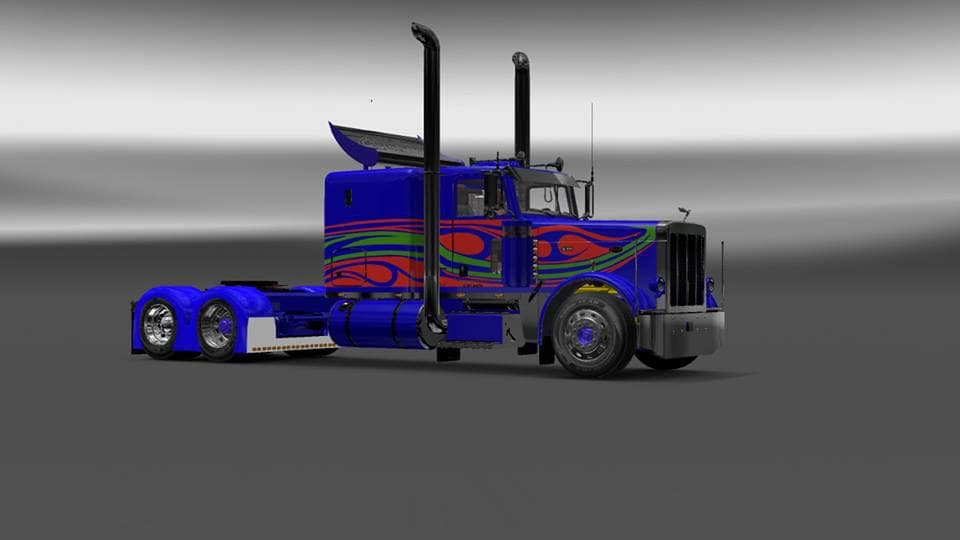
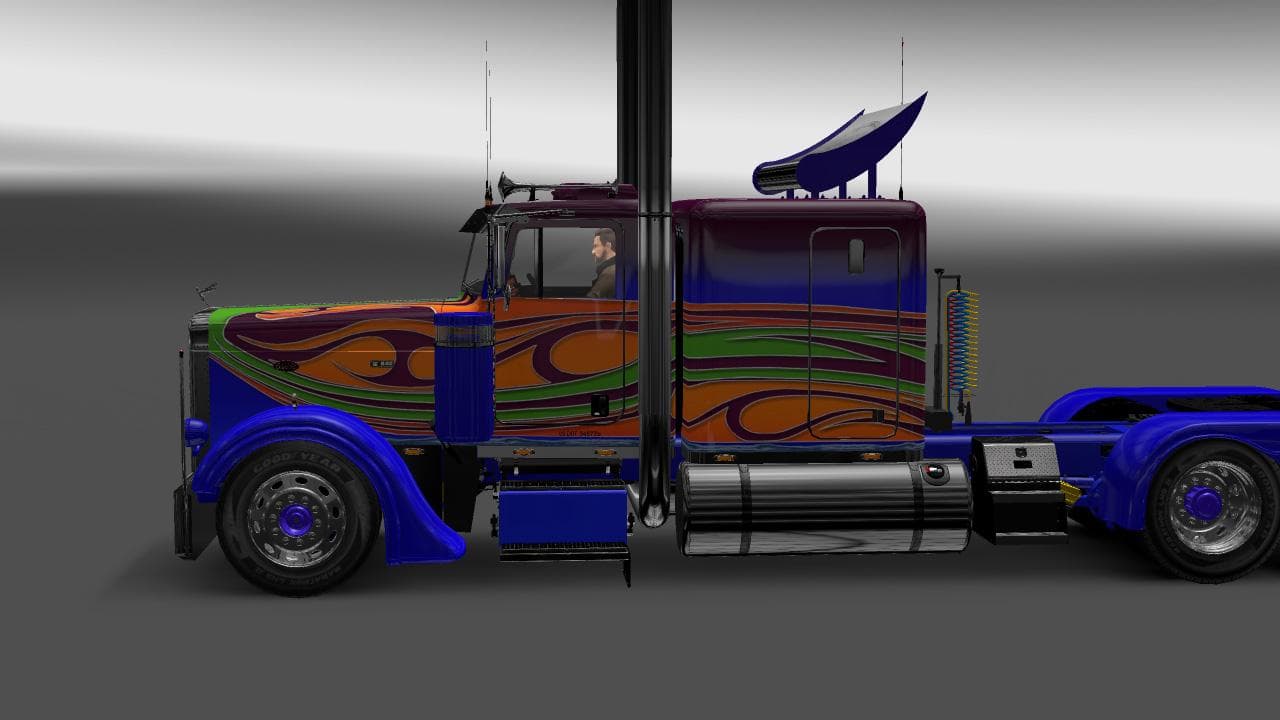
This mod is a skin for the Peterbilt 389 truck in ETS2, compatible with versions 1.22 and 1.3. Created by Euro Truck Simulator 2, the file size and last update
The PETERBILT 389 MAKING WAVES SKIN 1.22 is a paint job mod specifically designed for the Peterbilt 389 truck in Euro Truck Simulator 2. This type of mod doesn't alter the truck's model or performance but instead changes its visual appearance by applying a new design that you can select in the paint shop. It works with game versions 1.22 and 1.3, so make sure your ETS2 version matches to avoid compatibility issues.
Skin mods like this one rely on the base vehicle they were created for, meaning you need to have the Peterbilt 389 truck installed first to use it. These mods add variety and personalization options, letting players customize their trucks without affecting gameplay mechanics. They fit well into any modded setup focused on aesthetics or role-playing elements, especially if you prefer detailed truck designs over structural changes.
When using skin mods, load order is generally straightforward since they only affect textures and don't conflict with most other mod types such as map or gameplay mods. However, if you have multiple skins for the same truck, only one will be active at a time. It's advisable to keep backups of original files and be mindful when updating ETS2 to maintain skin compatibility.
This particular skin might appeal to players who enjoy giving their Peterbilt 389 a fresh look with unique artwork rather than sticking to default colors or patterns. If you're someone who enjoys customizing your trucks’ appearance and want something that stands out on the road, this mod fits perfectly into that niche.
Overall, it's a simple but effective way to personalize your favorite American rig within ETS2’s extensive customization framework without needing complex installations or additional dependencies.
How to install
1. Download the .scs file. 2. Drop it into `Documents/Euro Truck Simulator 2/mod/`. 3. Enable in Mod Manager. 4. Apply the skin in the truck/trailer paint shop.
After the mod loads, save your game inside a safe area (parking lot or service) before deciding whether to keep it. If the game refuses to load with the mod enabled, check that all required DLCs are installed and that the supported ETS2 version chips on this page include your installed game patch.
Reviews
No ratings yetNo reviews yet — be the first to rate this mod.





