PETERBILT 389 FLAME SKIN 1.22
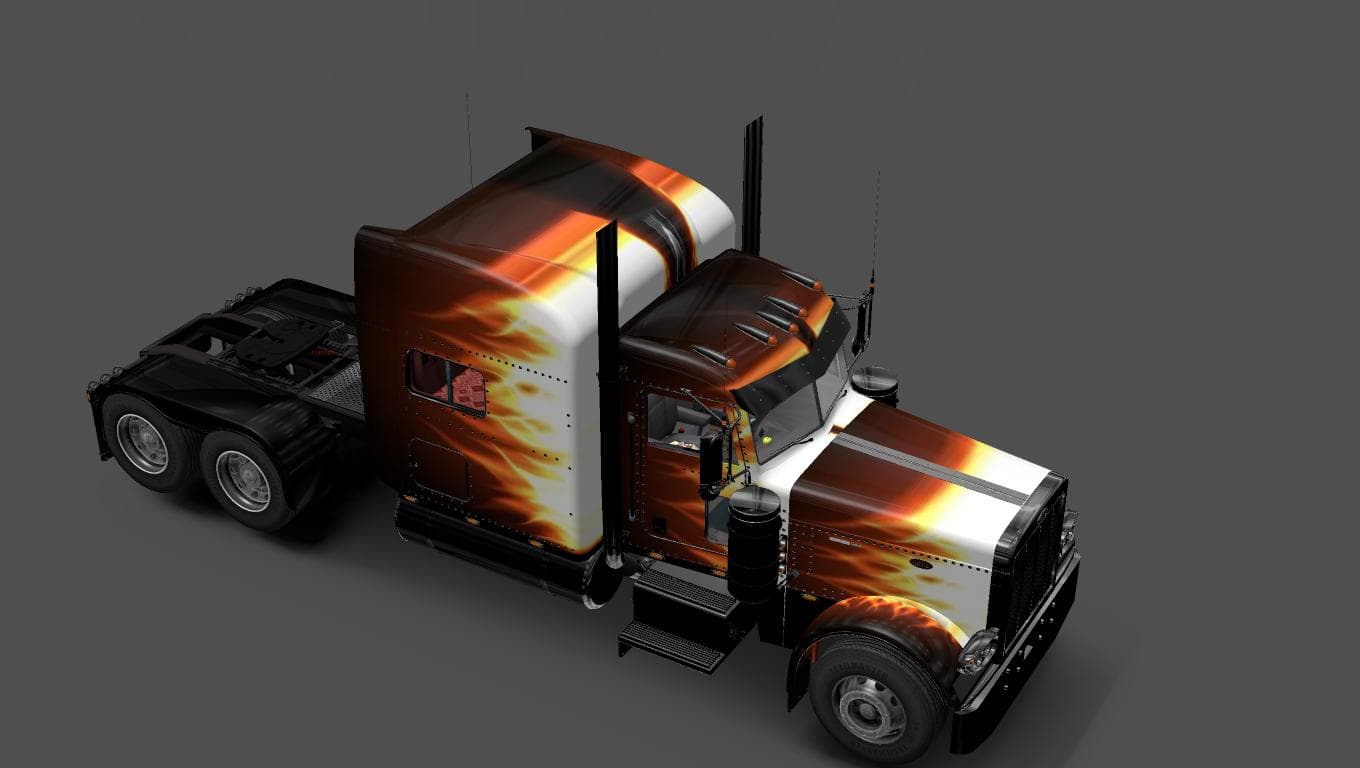
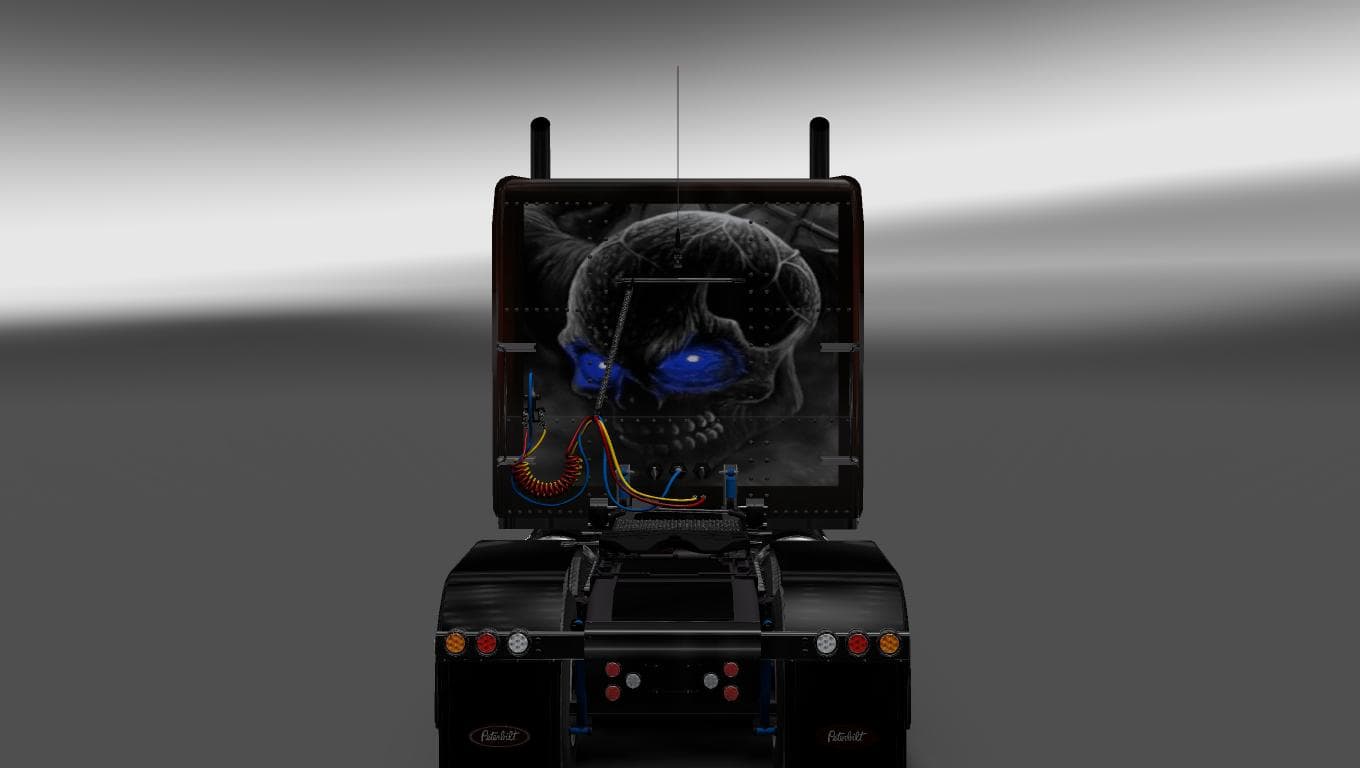
This mod is a skin for the Peterbilt 389 truck in ETS2 version 1.22, created by Euro Truck Simulator 2. The Flame Skin mod, created by Solix.77, is 392 KB in si
The PETERBILT 389 FLAME SKIN 1.22 is a repaint mod designed specifically for the Peterbilt 389 truck model in Euro Truck Simulator 2. Instead of altering the truck's structure or performance, this mod changes its exterior appearance with a flame-themed design, giving the vehicle a distinctive look on the road. It works by applying a new texture over the base vehicle within the game's paint shop.
Skin mods like this one don't affect gameplay mechanics but offer players visual customization options to personalize their trucks. They rely on the existing truck models and only change colors and graphics. This means they are generally lightweight and straightforward to install, fitting easily into any modded setup without requiring additional dependencies.
When integrating skins into a modded setup, it’s useful to load them after any mods that modify the truck model itself to ensure textures display correctly. Since this skin is made for game version 1.22, it should be compatible with other mods designed for that same version. Players typically place skins lower in their load order than heavy gameplay mods but above general map or traffic mods.
This type of skin is perfect for those who enjoy customizing their trucks visually without altering gameplay balance or mechanics. If you’re running a Peterbilt 389 in your fleet and want to add some personality through a fiery flame paint job, this mod suits that purpose well. It blends easily into various themed setups whether you prefer realistic or more stylized visuals.
Because it’s focused solely on appearance, it complements other mods like sound packs, AI traffic updates, or map expansions without conflict. Skin files are usually simple .scs archives placed in your mod folder and activated through the in-game menu, making them accessible even for newer players interested in enhancing their trucking experience.
How to install
1. Download the .scs file. 2. Drop it into `Documents/Euro Truck Simulator 2/mod/`. 3. Enable in Mod Manager. 4. Apply the skin in the truck/trailer paint shop.
After the mod loads, save your game inside a safe area (parking lot or service) before deciding whether to keep it. If the game refuses to load with the mod enabled, check that all required DLCs are installed and that the supported ETS2 version chips on this page include your installed game patch.
Reviews
No ratings yetNo reviews yet — be the first to rate this mod.





