PETERBILT 389 DARK INTERIOR
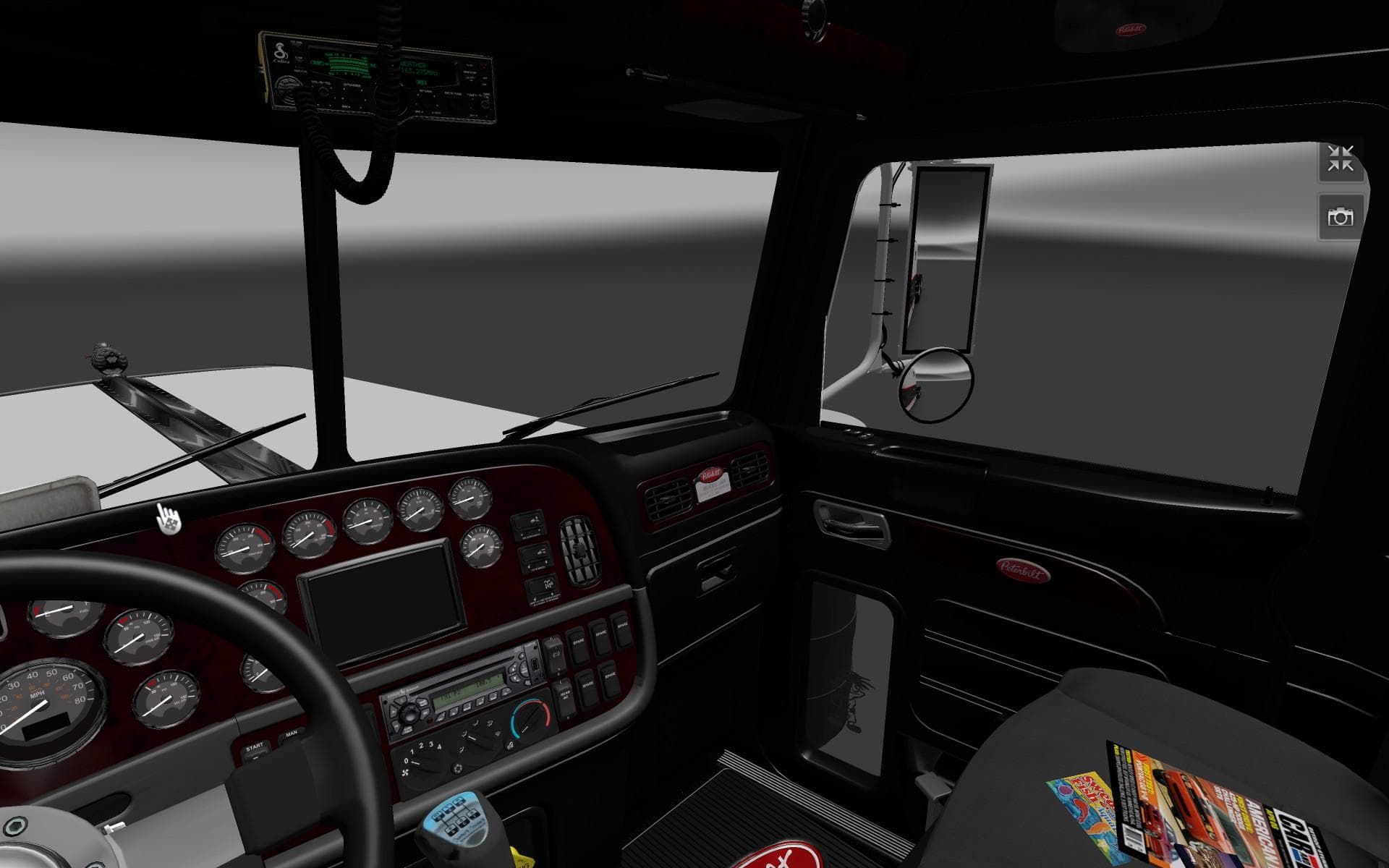
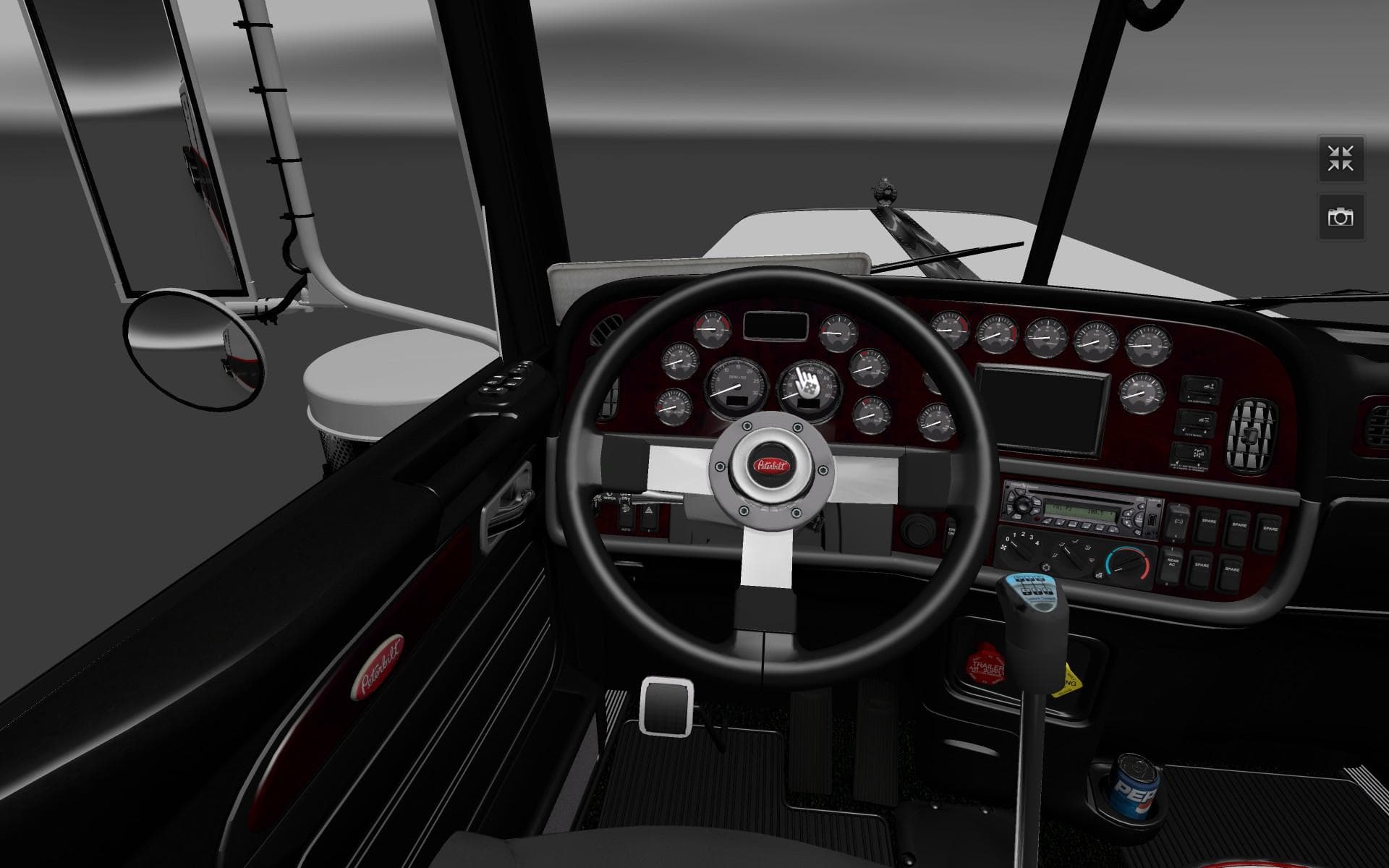
The "PETERBILT 389 DARK INTERIOR" mod by Euro Truck Simulator 2 offers a revamped interior with darker plastics and richer wood textures. The changes aim to enh
The PETERBILT 389 DARK INTERIOR mod offers a subtle but noticeable change to the cabin environment of the Peterbilt 389 truck. It adjusts the textures inside, giving the plastics a darker tone while shifting the wood trim towards a redder, browner shade. This modification focuses solely on interior aesthetics, enhancing the mood inside the truck without altering gameplay or performance.
Mods like this one typically operate by replacing or overlaying existing texture files within ETS2. They are installed through the game's Mod Manager, making it straightforward to activate or deactivate them as needed. Since this is an 'other' category mod focused on visual tweaks, it usually sits well alongside other mods without causing conflicts, provided load order is respected.
When building a modded setup for ETS2, it’s common to prioritize larger mods such as map expansions or truck skins first. Visual interior mods like this should be loaded later in the order to ensure their texture changes apply correctly over any broader skin packs or cabin enhancements. Compatibility issues are rare but always worth testing after installation.
This kind of mod suits players who enjoy personalizing their trucks beyond factory looks and want a different ambiance inside their cab while driving across regions like Texas or California. It adds character without being intrusive or requiring additional assets, making it an easy way to refresh your driving experience.
While information on version support and file size isn't available here, users familiar with ETS2 mods will recognize that these texture-focused alterations rarely demand frequent updates unless there’s a major game patch affecting interiors. It’s ideal for those seeking small but distinct aesthetic improvements for their Peterbilt 389.
How to install
1. Download the file(s) from the original source linked above. 2. Drop them into `Documents/Euro Truck Simulator 2/mod/`. 3. Enable in Mod Manager and restart the game.
After the mod loads, save your game inside a safe area (parking lot or service) before deciding whether to keep it. If the game refuses to load with the mod enabled, check that all required DLCs are installed and that the supported ETS2 version chips on this page include your installed game patch.
Reviews
No ratings yetNo reviews yet — be the first to rate this mod.





