PETERBILT 389 AGRISSIVE SKIN 1.22
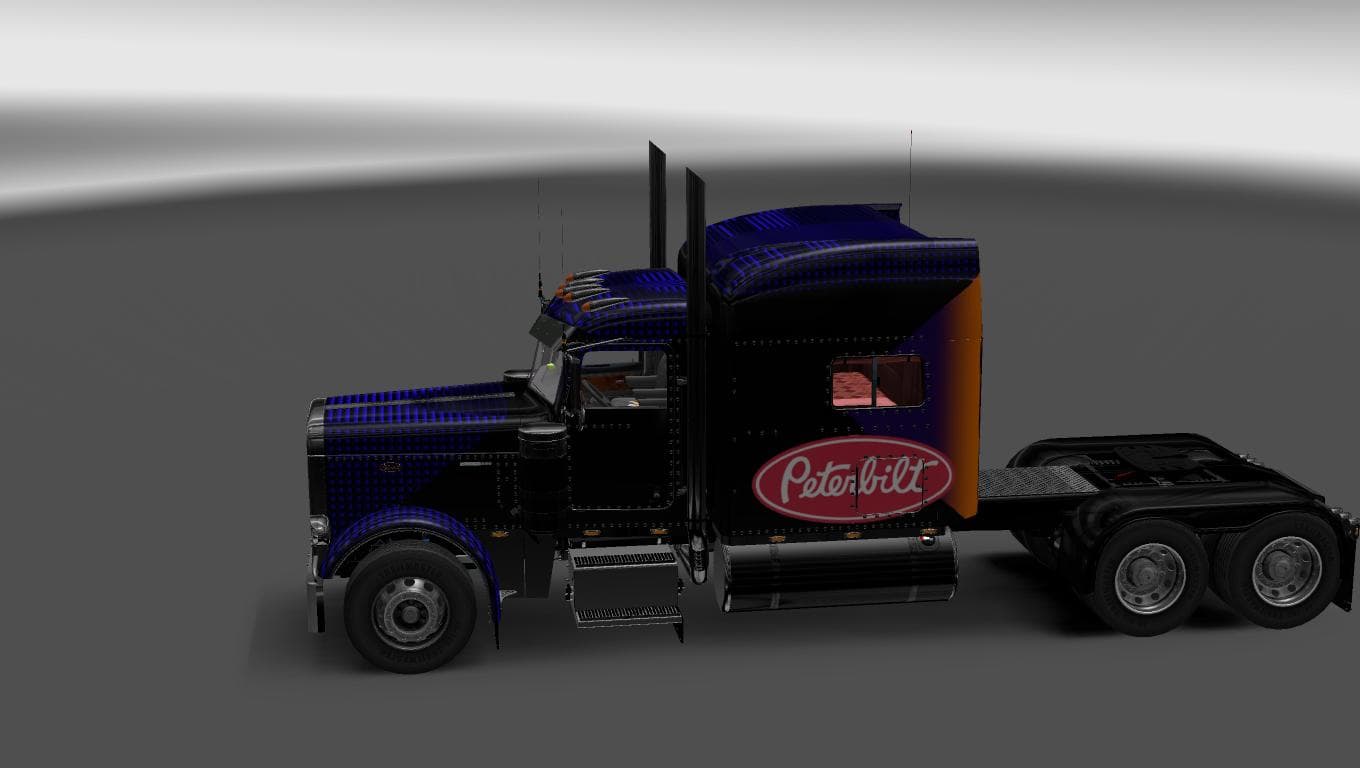
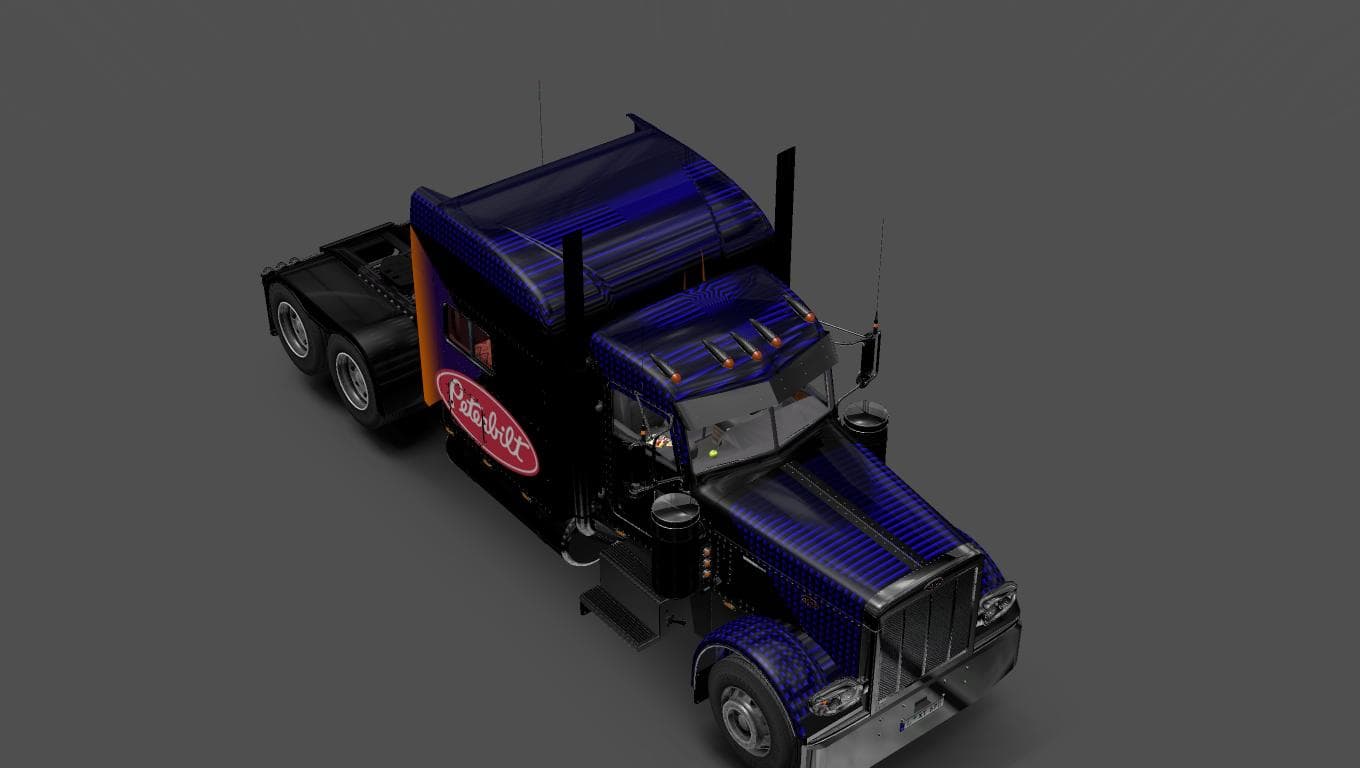
This mod is a skin for the Peterbilt 389 truck in ETS2, designed by Euro Truck Simulator 2. It is compatible with version 1.22 of the game and was created by So
The PETERBILT 389 AGRISSIVE SKIN 1.22 offers a fresh paint design for the Peterbilt 389 truck in Euro Truck Simulator 2. It doesn't alter the truck's model or performance but gives your rig a distinct look through its custom skin. This type of mod is applied directly in the paint shop, letting you change your truck's appearance without affecting gameplay mechanics.
Skin mods like this one are straightforward to use and fit well into any modded setup since they only repaint existing trucks or trailers. They rely on the base vehicle being present, so you'll need the Peterbilt 389 model installed for this skin to work properly. Because skins don't conflict with gameplay mods, they usually slot in smoothly alongside other types of modifications.
In terms of compatibility and load order, skin mods generally come near the end to avoid overriding by other paint jobs or mods that affect visual elements of the same vehicle. It's wise to check if other skins or cabin accessories are loaded later, as they might override this paint job if not arranged properly.
This particular skin was tested on ETS2 version 1.22, so it matches that game version well. If you're running that exact version or something very close, you should expect it to function without issues. Keep in mind that skins won't work on trucks other than their intended model, so this is specifically for fans of the Peterbilt 389 truck.
Players who enjoy customizing their fleet with new looks but want to keep their current setup intact might appreciate adding this aggressive-themed paint job. It adds personality and variety without touching gameplay balance or introducing complex changes.
Overall, PETERBILT 389 AGRISSIVE SKIN 1.22 fits neatly into a collection of visual mods aimed at enhancing immersion through customized appearances rather than altering how you drive or interact with the game world.
How to install
1. Download the .scs file. 2. Drop it into `Documents/Euro Truck Simulator 2/mod/`. 3. Enable in Mod Manager. 4. Apply the skin in the truck/trailer paint shop.
After the mod loads, save your game inside a safe area (parking lot or service) before deciding whether to keep it. If the game refuses to load with the mod enabled, check that all required DLCs are installed and that the supported ETS2 version chips on this page include your installed game patch.
Reviews
No ratings yetNo reviews yet — be the first to rate this mod.





