PETERBILT 351 GREEN ENVY SKIN 1.22
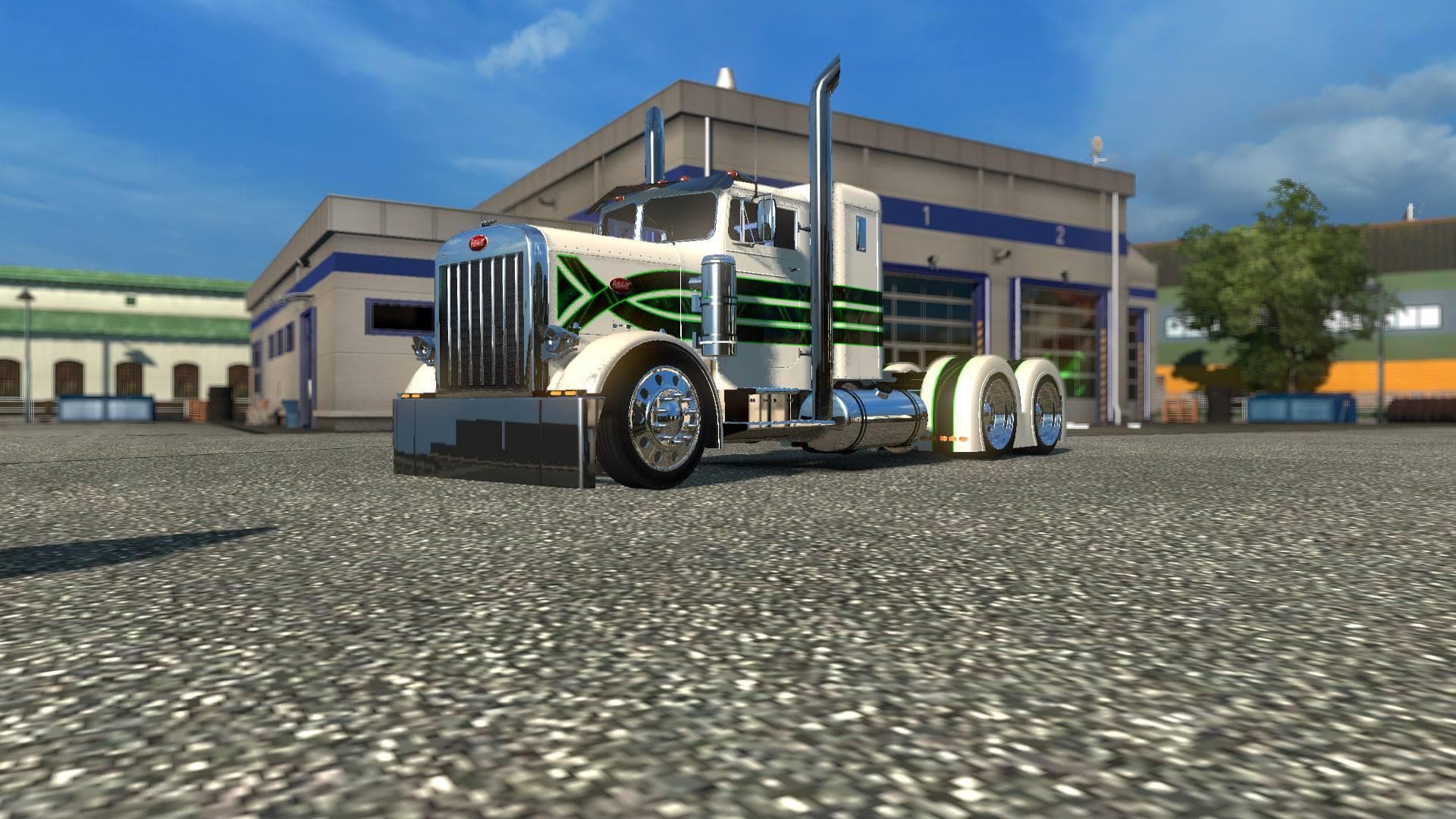
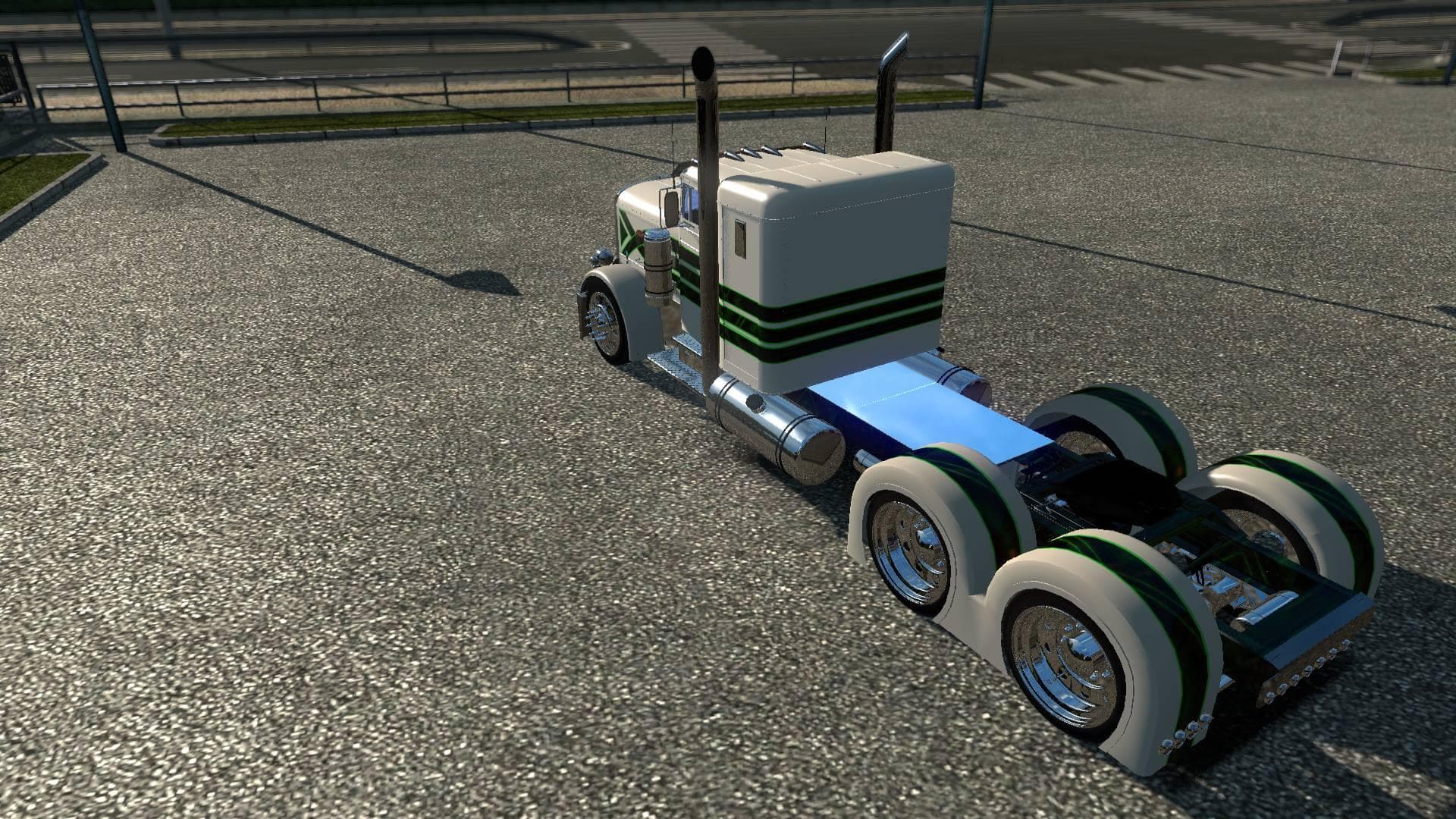
The "PETERBILT 351 GREEN ENVY SKIN 1.22" mod is a skin for Euro Truck Simulator 2, version 1.22. Created by Euro truck simulator 2, the file size and update inf
The PETERBILT 351 GREEN ENVY SKIN 1.22 is a repaint mod designed specifically for the Peterbilt 351 truck in Euro Truck Simulator 2 version 1.22. It changes the truck's appearance by applying a green-themed livery, offering a fresh visual update without altering the original model or performance. This type of mod is popular among players who want to customize their trucks with unique paint jobs while retaining the base vehicle's characteristics.
Skin mods like this one are applied through the game's paint shop and rely on having the compatible base truck installed, in this case, the Peterbilt 351. They don't modify gameplay mechanics but focus solely on enhancing aesthetics, allowing players to express their style or create themed fleets within their virtual trucking setup.
When adding skins to a modded ETS2 setup, it's helpful to keep load order in mind since skins generally overwrite each other if they target the same vehicle and slot. Skins tend to be compatible with most other mods as long as those mods don't alter the same paint layers or truck models. Players often use multiple skins for different trucks or rotate between them depending on their preferences.
This skin fits well into a modded environment where users have incorporated American trucks like Peterbilt and want to add variety beyond default options. It complements other cosmetic mods such as cabin accessories or trailer skins, contributing to a more personalized driving experience.
Players who enjoy customizing their vehicles' look without changing game dynamics will find this repaint useful. It's also suitable for those running American truck mods and wanting to diversify their fleet colors with something distinct yet subtle.
Overall, if you're running ETS2 version 1.22 and have the Peterbilt 351 installed, this green envy skin offers an easy way to refresh your truck's appearance using a straightforward skin mod approach.
How to install
1. Download the .scs file. 2. Drop it into `Documents/Euro Truck Simulator 2/mod/`. 3. Enable in Mod Manager. 4. Apply the skin in the truck/trailer paint shop.
After the mod loads, save your game inside a safe area (parking lot or service) before deciding whether to keep it. If the game refuses to load with the mod enabled, check that all required DLCs are installed and that the supported ETS2 version chips on this page include your installed game patch.
Reviews
No ratings yetNo reviews yet — be the first to rate this mod.





