PETER LOVAAS SKIN FOR SCANIA STREAMLINE
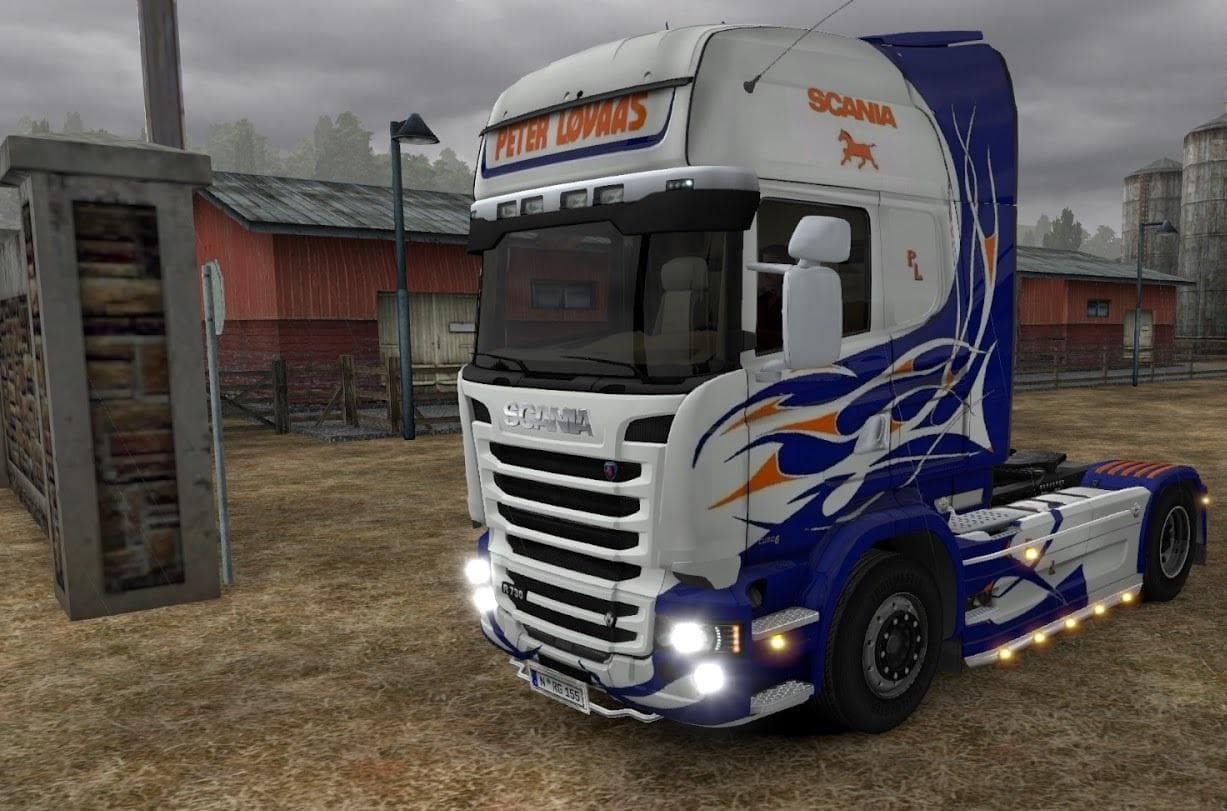
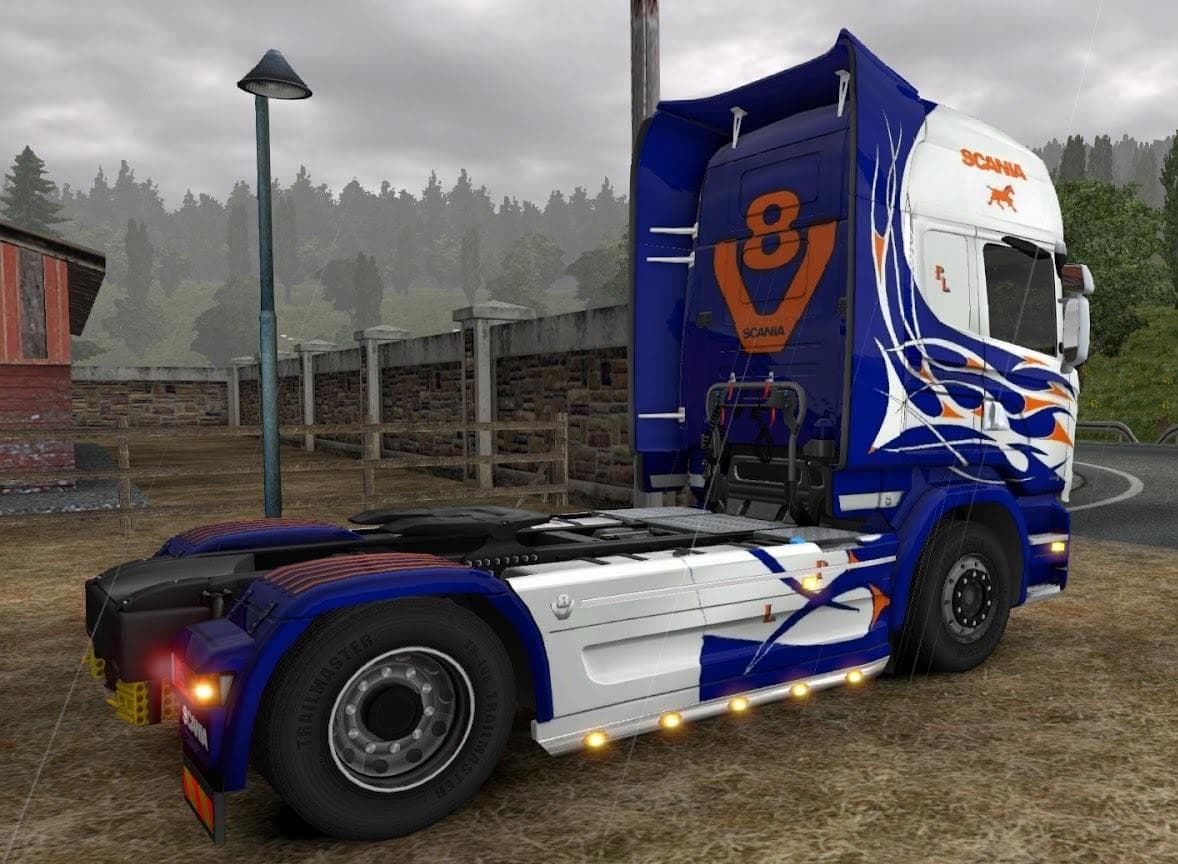
This skin mod for Scania Streamline is compatible with GTM Scania Reworks Karma Edit truck. Manifest files are included. Created by Euro Truck Simulator 2, cred
The PETER LOVAAS SKIN FOR SCANIA STREAMLINE is a repaint mod designed specifically for the Scania Streamline trucks in Euro Truck Simulator 2. This type of skin mod changes the visual appearance of the truck without altering its model or gameplay mechanics. It’s tailored to work with both the standard Scania Streamline from SCS and the GTM Scania Reworks Karma Edit variant, adding versatility for players who use different versions of this truck.
Skin mods like this one are installed through the paint shop in ETS2 and require the base vehicle to be compatible with the design. Since it only modifies textures, it won't affect performance or require complex load orders. However, users should still be mindful of placing skins correctly in their mod manager to avoid conflicts with other paint job mods.
This particular skin includes manifest files, which help ensure smooth integration and proper recognition by the game. It fits well into a modded setup that focuses on enhancing truck visuals while keeping core gameplay intact. There’s no indication that it conflicts with other types of mods such as maps or AI traffic, but general practice is to load skins after any large truck tuning mods.
Players who enjoy customizing their fleet’s look will appreciate adding this skin to their collection. It suits those wanting a fresh aesthetic for their Scania Streamline without switching up models or adding new trucks. The compatibility with popular rework variants also makes it appealing for users mixing stock and modded vehicles.
Overall, if you’re running a setup centered around Scania trucks and want a straightforward way to change their appearance, this skin provides an easy addition. It caters especially well to fans of detailed visual customization without extra frills.
How to install
1. Download the .scs file. 2. Drop it into `Documents/Euro Truck Simulator 2/mod/`. 3. Enable in Mod Manager. 4. Apply the skin in the truck/trailer paint shop.
After the mod loads, save your game inside a safe area (parking lot or service) before deciding whether to keep it. If the game refuses to load with the mod enabled, check that all required DLCs are installed and that the supported ETS2 version chips on this page include your installed game patch.
Reviews
No ratings yetNo reviews yet — be the first to rate this mod.





