Peach Girl Skin Pack for All Trucks
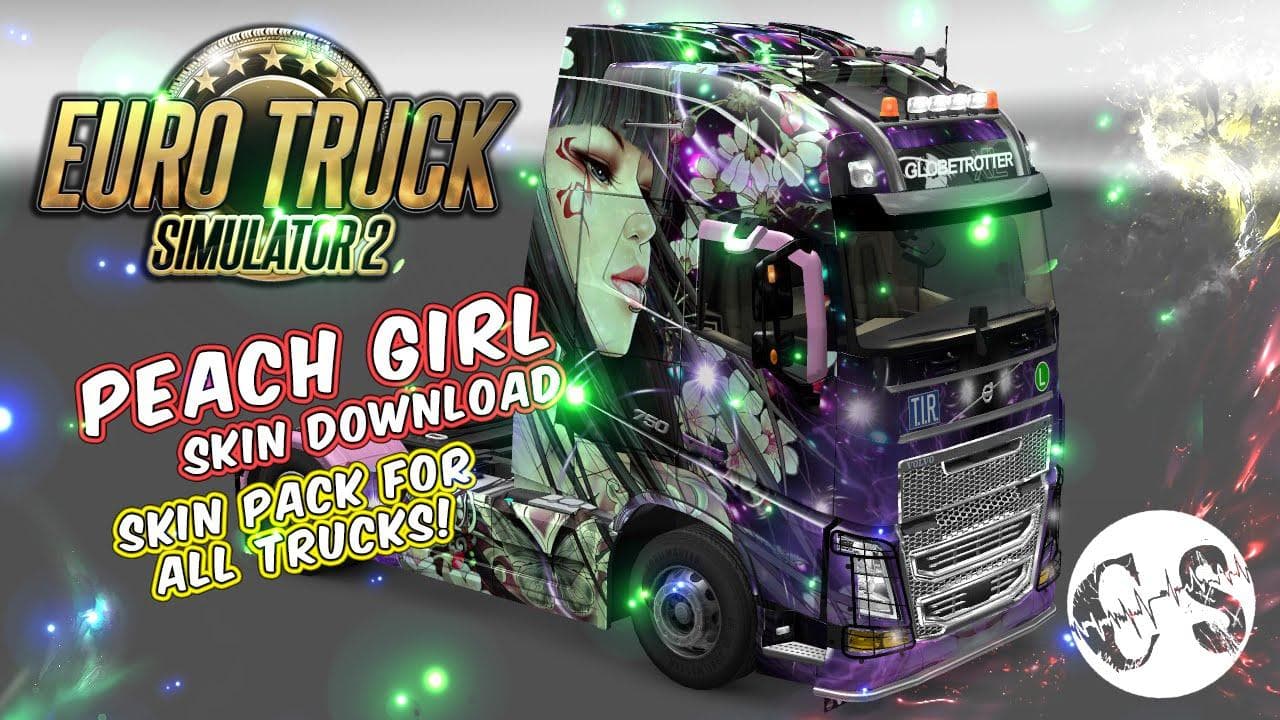
Peach Girl Skin Pack for All Trucks - ETS2 mods download is an ETS2 skins.
The Peach Girl Skin Pack for All Trucks is a skin mod designed to change the appearance of trucks in Euro Truck Simulator 2 without altering the base model. This type of mod works by repainting an existing vehicle, applying new graphics and colors to the truck's exterior. It's installed through the game's mod folder and activated via the profile editor, making it easy to add a fresh look to your fleet.
Skin mods like this one don't affect gameplay or truck performance but offer visual customization options that can make driving more personal or thematic. Since they rely on the original truck models, compatibility generally extends across all trucks they were designed for. However, players should keep in mind that skins need to be loaded after any mods that change truck models to avoid conflicts.
Adding a skin pack such as this fits well into a modded setup where you might already have various truck enhancements or map expansions installed. Because it only changes paint jobs, it usually plays nicely with other mods and doesn't require special load order adjustments beyond standard practice: skins should come after model mods in your load order.
This particular pack targets users who enjoy customizing their vehicles visually without diving into more complex modifications. If you prefer a specific theme or want your trucks to stand out on roads spanning regions like Germany, France, or Spain, applying new skins can add variety to long hauls across Europe and beyond.
Installation involves extracting the files into your ETS2 mod directory and enabling them from within the game's profile manager. This straightforward process makes it accessible even for those newer to modding who want a simple way to refresh their trucks' look.
Overall, if you're looking for a paint job update without changing how your trucks handle or perform, this skin pack offers a hassle-free way to personalize your game experience visually.
How to install
1. Download the .scs file. 2. Drop it into `Documents/Euro Truck Simulator 2/mod/`. 3. Enable in Mod Manager. 4. Apply the skin in the truck/trailer paint shop.
After the mod loads, save your game inside a safe area (parking lot or service) before deciding whether to keep it. If the game refuses to load with the mod enabled, check that all required DLCs are installed and that the supported ETS2 version chips on this page include your installed game patch.
Reviews
No ratings yetNo reviews yet — be the first to rate this mod.





