Over The Top
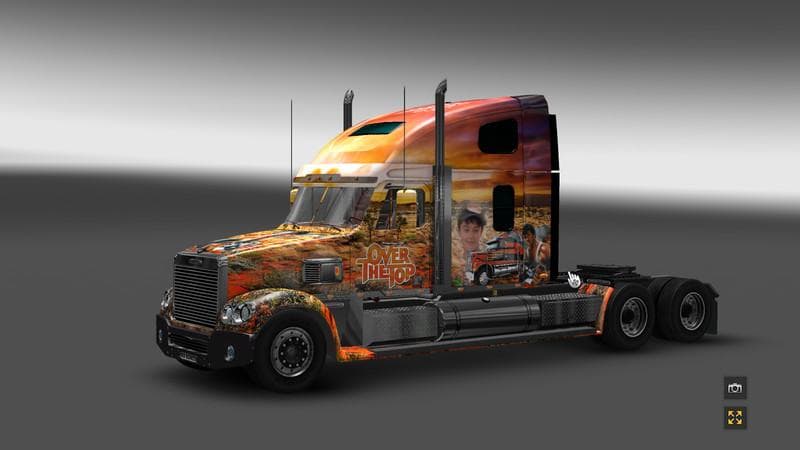
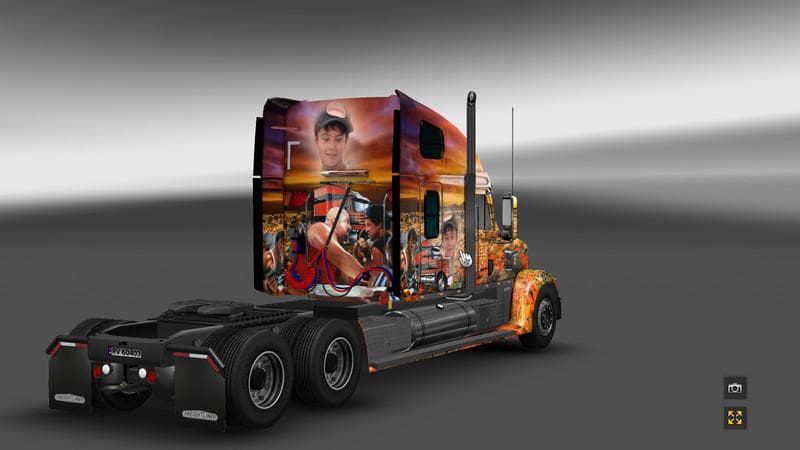
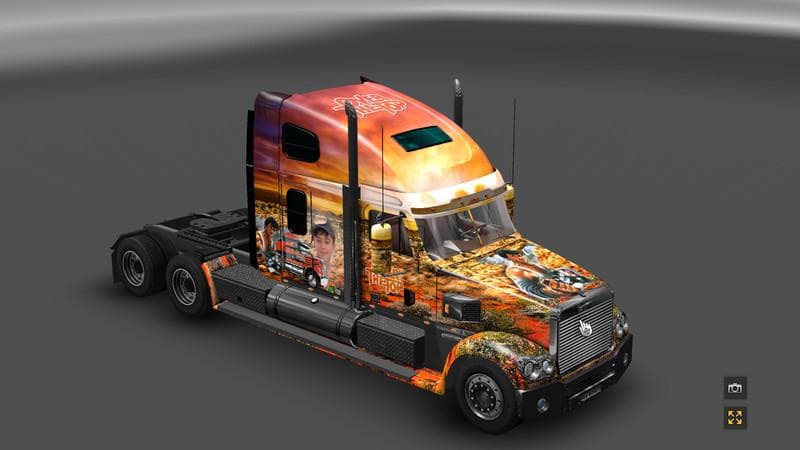
The Over The Top skin mod offers a fresh repaint option for your truck in Euro Truck Simulator 2. This type of mod doesn't alter the truck's model but changes its appearance by applying a new paint job in the game's paint shop. It relies on the base vehicle to function correctly, so you need to have the compatible truck model installed.
Skin mods like Over The Top are popular among players who enjoy customizing their rigs beyond the standard options provided by the game. They fit well into any modded setup that enhances visual variety without interfering with gameplay mechanics or vehicle physics. Since this is purely a cosmetic change, it generally won't conflict with other mods unless they also modify the same paint layers.
When loading skin mods, it's advisable to place them lower in your mod priority list if you use multiple skins or paint-related mods, ensuring that only one skin affects each truck at a time. Compatibility issues are rare for skins but can arise if two skins target the exact same vehicle and paint layer.
This mod suits players who want to personalize their trucks and add some visual flair without altering performance or adding new features. If you're someone who enjoys driving through regions like Arizona, California, or Texas and wants your rig to stand out on those roads, this repaint could be a fitting choice.
How to install
1. Download the .scs file. 2. Drop it into `Documents/Euro Truck Simulator 2/mod/`. 3. Enable in Mod Manager. 4. Apply the skin in the truck/trailer paint shop.
After the mod loads, save your game inside a safe area (parking lot or service) before deciding whether to keep it. If the game refuses to load with the mod enabled, check that all required DLCs are installed and that the supported ETS2 version chips on this page include your installed game patch.
Reviews
No ratings yetNo reviews yet — be the first to rate this mod.





