NO POLICE FINES
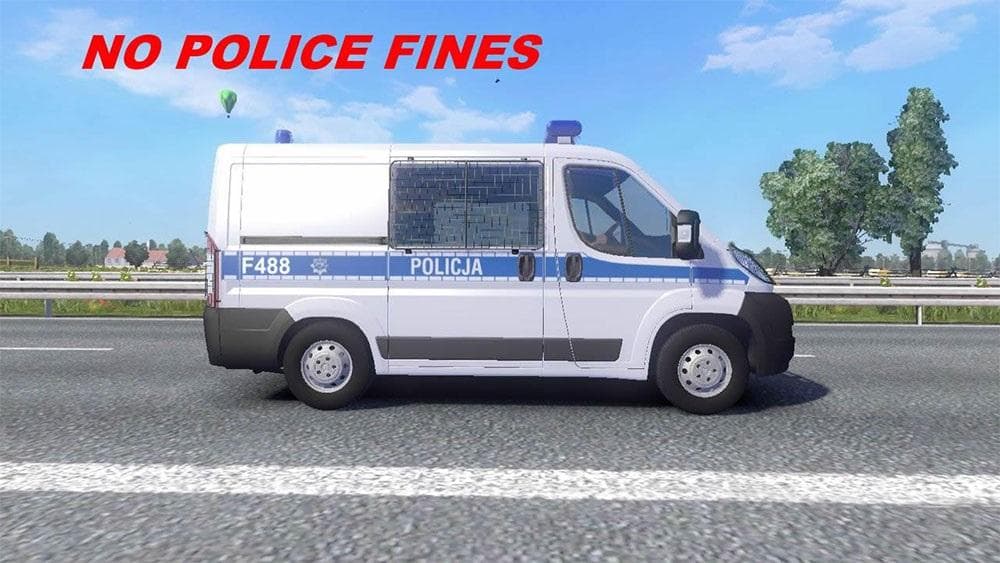
The "NO POLICE FINES - ETS2 mods download" mod disables police fines in Euro Truck Simulator 2, allowing players to avoid penalties for crashes or other violati
The NO POLICE FINES mod for Euro Truck Simulator 2 removes the penalty sounds and effects related to police fines. This means players won't hear or experience any notifications when they crash or commit other traffic violations that would normally result in fines. It's a sound mod, so it replaces specific audio elements tied to the game's law enforcement system.
Sound mods like this one focus on altering or removing particular noises in ETS2. They often need to be loaded above other mods, especially truck modifications, to ensure the sound changes take effect properly. Since this mod targets police fine sounds, it fits well into setups where users want a less punitive driving experience without changing core gameplay mechanics.
In terms of compatibility, sound mods generally work smoothly alongside most map or truck mods but should be placed higher in the load order for priority. Players who use multiple audio-related mods might want to check which sounds are replaced to avoid conflicts or overlapping effects.
This mod will appeal mainly to those who prefer a more relaxed playstyle or want to focus on driving without interruptions from police penalties. It can also be useful for streamers or content creators seeking a cleaner audio environment during their sessions without police sirens or fine alerts.
Since its creator and version details aren't specified, users should test this mod carefully with their current ETS2 setup and backup their files before installation. Still, if avoiding police fines sounds aligns with your style, this mod does just that by muting those specific game sounds.
How to install
1. Download the .scs file. 2. Drop it into `Documents/Euro Truck Simulator 2/mod/`. 3. Enable in Mod Manager. Sound mods usually need to load **above** truck mods in load order. 4. Restart the game so the audio engine picks up new samples.
After the mod loads, save your game inside a safe area (parking lot or service) before deciding whether to keep it. If the game refuses to load with the mod enabled, check that all required DLCs are installed and that the supported ETS2 version chips on this page include your installed game patch.
Reviews
No ratings yetNo reviews yet — be the first to rate this mod.





