New Volvo Interior
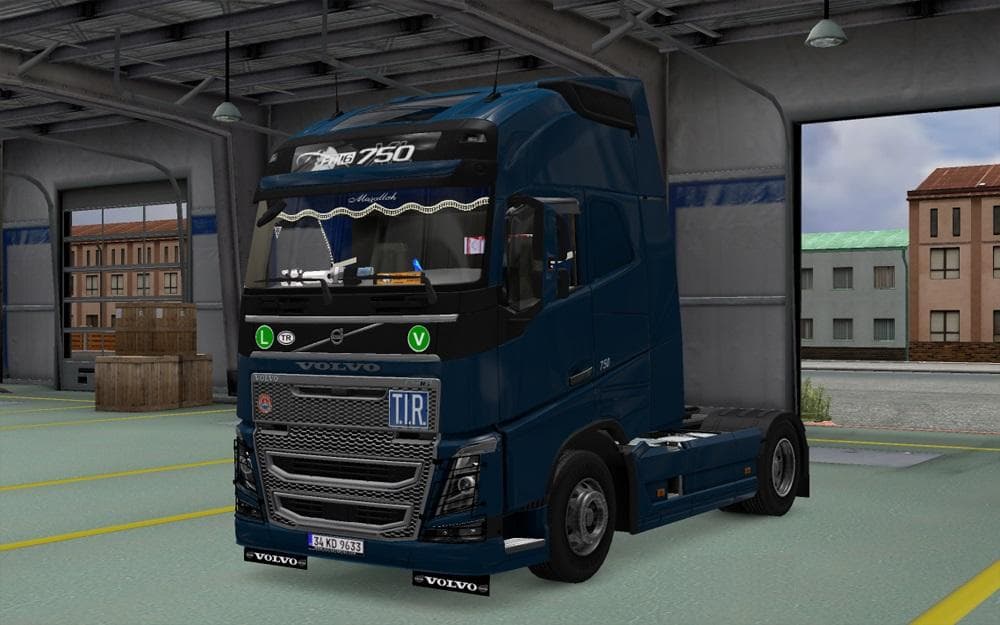
The "New Volvo Interior" mod version 4.5 for Euro Truck Simulator 2 offers an updated interior design for Volvo trucks. The creator is Euro truck simulator 2, a
New Volvo Interior is a mod that updates the cabin environment inside Volvo trucks in Euro Truck Simulator 2. This type of mod focuses on changing or enhancing the truck's interior, which can include everything from dashboard details to seat textures and lighting effects. While specifics about this particular version 4.5 aren't detailed, such mods generally aim to make the driving experience more immersive by offering a fresh visual take on the cabin.
Interior mods like this one are installed through the game's Mod Manager, making them easy to activate or deactivate depending on your setup. They usually work alongside other cosmetic or gameplay modifications without major conflicts, but it's wise to check load order if you use multiple interior or skin mods. Typically, these mods don't interfere with core game mechanics but rather enhance what you see when you're behind the wheel.
In a modded ETS2 setup, New Volvo Interior fits well with other truck customization options like paint jobs, sound packs, and exterior accessories. Players who enjoy personalizing their trucks often seek out interior mods to complement their overall theme or just to refresh the look inside the cabin. Since this mod belongs to the 'other' category, it doesn't replace trucks or maps but instead targets visual details within existing vehicles.
Truckers who want a change of scenery without switching rigs might appreciate an updated Volvo interior for variety during long hauls across Europe. Whether you're cruising through Germany, France, or Spain, having a different cockpit feel can add subtle enjoyment to your virtual trucking sessions. This mod is suitable for anyone looking to tweak their driving environment without complicating their mod list.
How to install
1. Download the file(s) from the original source linked above. 2. Drop them into `Documents/Euro Truck Simulator 2/mod/`. 3. Enable in Mod Manager and restart the game.
After the mod loads, save your game inside a safe area (parking lot or service) before deciding whether to keep it. If the game refuses to load with the mod enabled, check that all required DLCs are installed and that the supported ETS2 version chips on this page include your installed game patch.
Reviews
No ratings yetNo reviews yet — be the first to rate this mod.





