NEW ICONS IN THE MENU
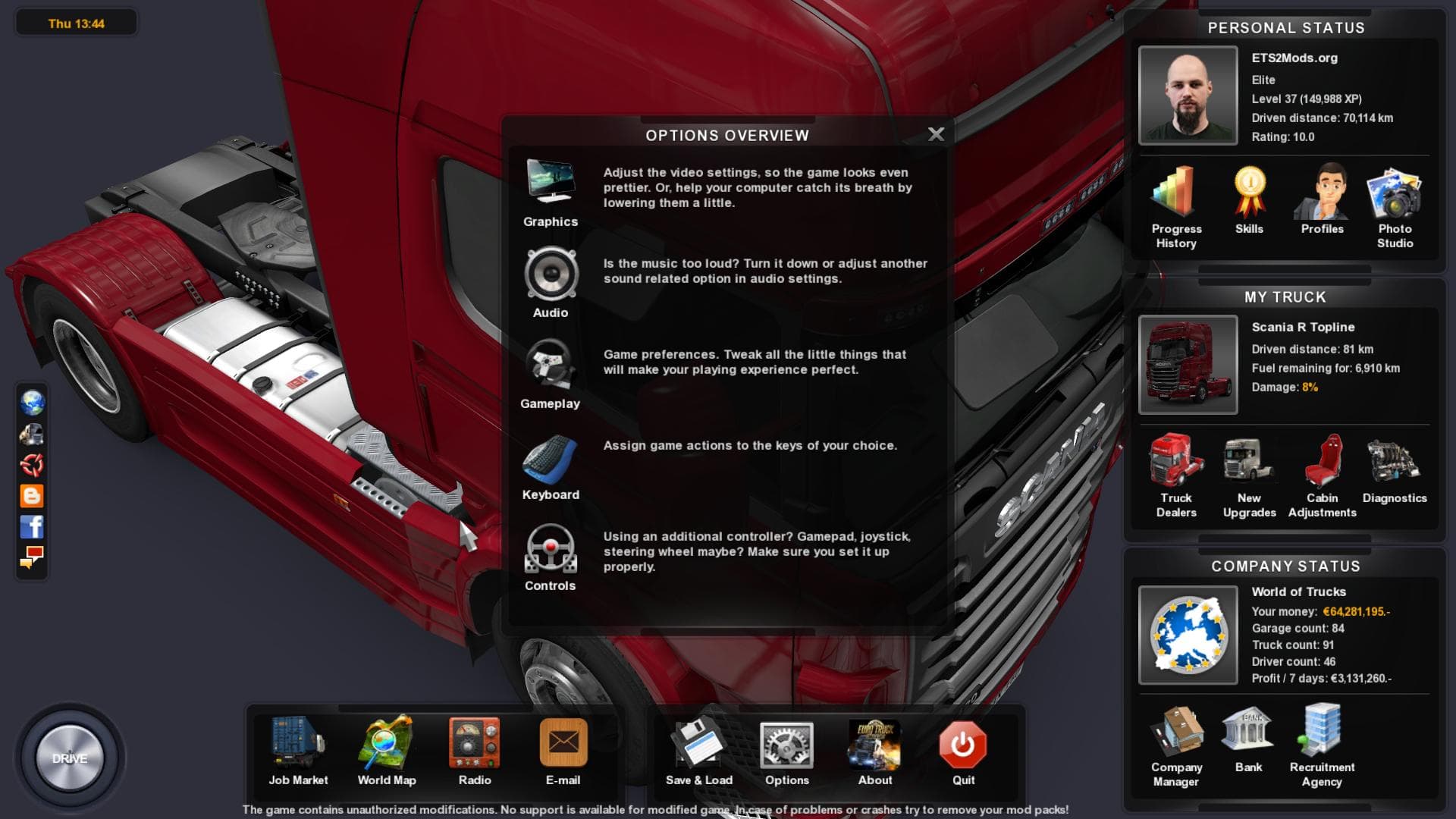
This mod adds new icons to the menu and map in ETS2. The file size is 2.1 MB and it is credited to TlesGames.
This mod replaces the default icons you see in the ETS2 menu and on the map with a new set, offering a fresh visual touch to these interface elements. While it doesn't affect gameplay directly, changing menu and map icons can make your game feel a bit more personalized or modernized. Mods like this typically work by swapping out texture files within the game's user interface, so they don't interfere with truck or world models.
Skin mods in ETS2 usually focus on altering trucks, trailers, or cabins by repainting them without changing their models. Although this particular mod deals with icons rather than vehicle appearances, it fits into the general category of cosmetic enhancements that let players tweak the game's look to their liking. Unlike skins applied in the paint shop, icon mods load alongside other UI customizations and generally don't conflict with vehicle skin mods.
When adding mods that alter menus or maps, it's wise to pay attention to load order if you use multiple UI-related tweaks. Placing this kind of mod after others affecting similar files helps avoid overwriting issues. Since there are no known compatibility notes for this specific mod, users should test it alongside their existing setup to ensure everything displays correctly.
Players who enjoy customizing every aspect of ETS2’s presentation beyond just trucks might appreciate this mod. It's particularly suited for those who want a subtle change in how information is presented on-screen without altering gameplay elements. If your current mod collection includes several visual tweaks, refreshing your menu and map icons could be a nice complement.
How to install
1. Download the .scs file. 2. Drop it into `Documents/Euro Truck Simulator 2/mod/`. 3. Enable in Mod Manager. 4. Apply the skin in the truck/trailer paint shop.
After the mod loads, save your game inside a safe area (parking lot or service) before deciding whether to keep it. If the game refuses to load with the mod enabled, check that all required DLCs are installed and that the supported ETS2 version chips on this page include your installed game patch.
Reviews
No ratings yetNo reviews yet — be the first to rate this mod.





