MIDDEN TRANSPORT SCANIA RJL SKIN
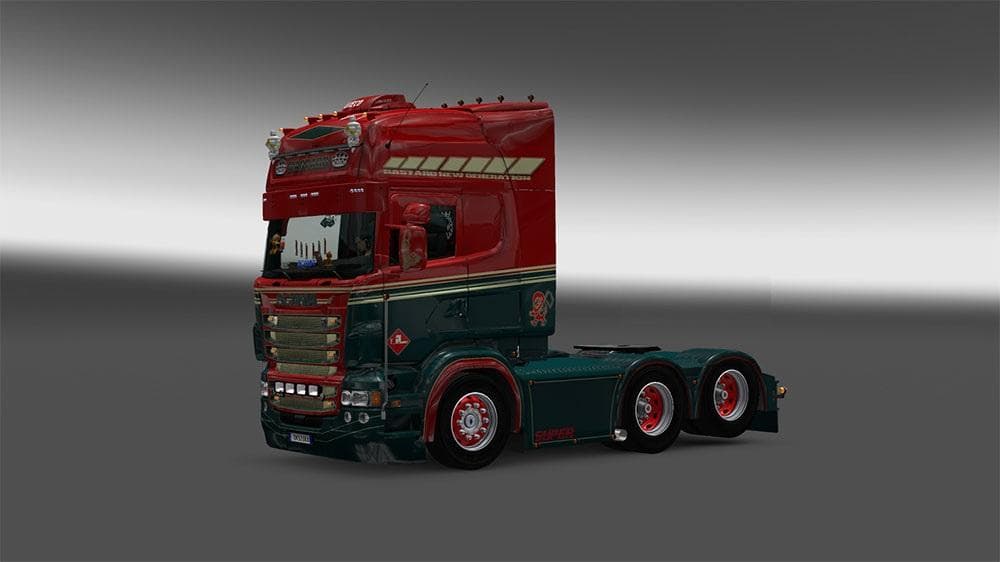
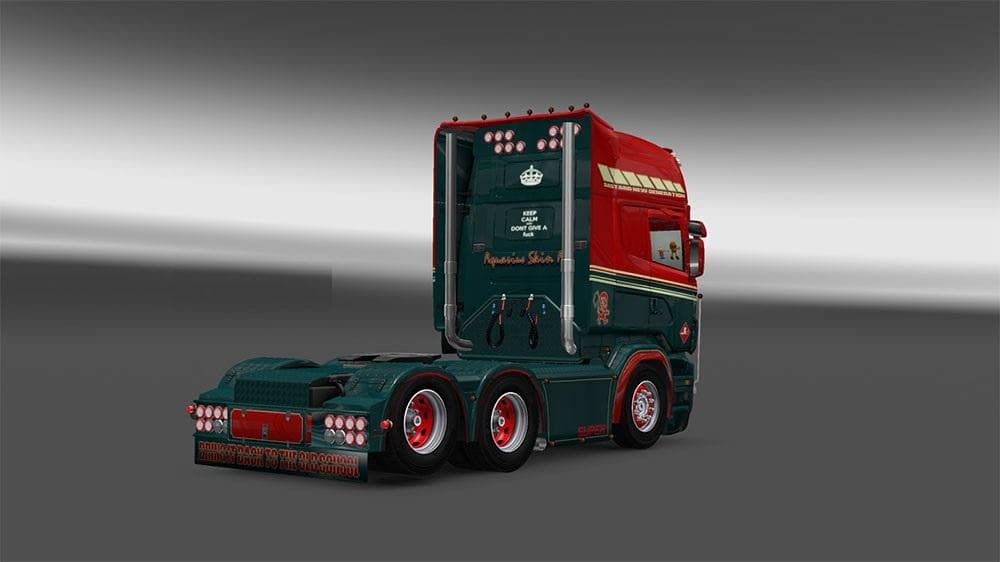
MIDDEN TRANSPORT SCANIA RJL SKIN is a skin mod for Scania RJL trucks, tested on ETS2 versions 1.4, 1.20, 1.21, and 1.22. Created by Euro truck simulator 2, the
The MIDDEN TRANSPORT SCANIA RJL SKIN is a repaint mod designed for the Scania RJL truck model in Euro Truck Simulator 2. Instead of altering the truck's structure or adding new mechanics, this skin changes the visual appearance by applying a new paint job to the existing vehicle. Skins like this one are installed through the in-game paint shop and rely on having the base truck model present.
Skin mods serve to customize your truck's look without affecting gameplay or performance. They offer a straightforward way to personalize your driving experience, especially if you want your rig to stand out on European roads. Since this skin is tested on versions 1.20, 1.21, and 1.22 of ETS2, it fits well within those game versions and should be compatible with any setups using Scania RJL trucks from version 1.4 onwards.
In a modded environment, skin files typically load after model or tuning mods, so they don’t usually conflict with other modifications that add parts or features to the same truck model. It’s wise to keep an eye on load order if you have multiple skins for the Scania RJL, as only one paint job can be active at once.
This particular skin would appeal to players who favor subtle customization or want their Scania RJL to reflect a specific transport company theme without changing gameplay elements. It’s useful for those who enjoy enhancing immersion by tailoring their fleet's visuals or simply want a fresh look on an already familiar truck.
Overall, MIDDEN TRANSPORT SCANIA RJL SKIN is one of many available skins that help diversify how your trucks appear in ETS2, fitting naturally into collections focused on Scania models or transport company liveries.
How to install
1. Download the .scs file. 2. Drop it into `Documents/Euro Truck Simulator 2/mod/`. 3. Enable in Mod Manager. 4. Apply the skin in the truck/trailer paint shop.
After the mod loads, save your game inside a safe area (parking lot or service) before deciding whether to keep it. If the game refuses to load with the mod enabled, check that all required DLCs are installed and that the supported ETS2 version chips on this page include your installed game patch.
Reviews
No ratings yetNo reviews yet — be the first to rate this mod.





