MERCEDES BENZ VARIO 812D IN TRAFFIC
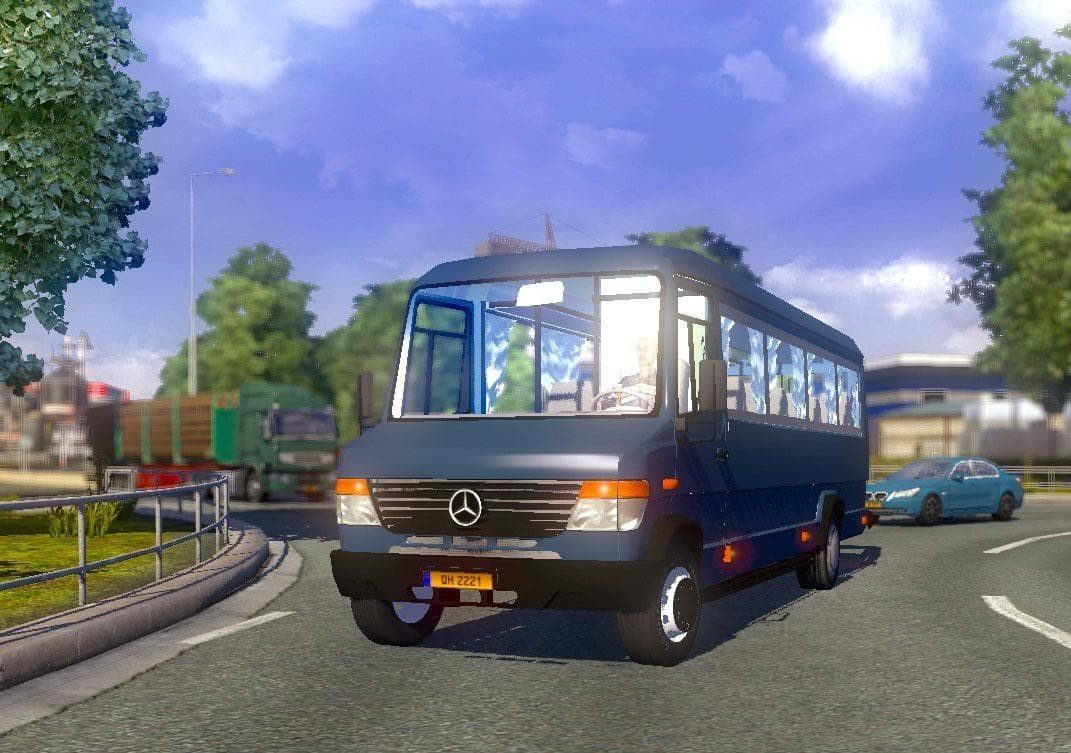
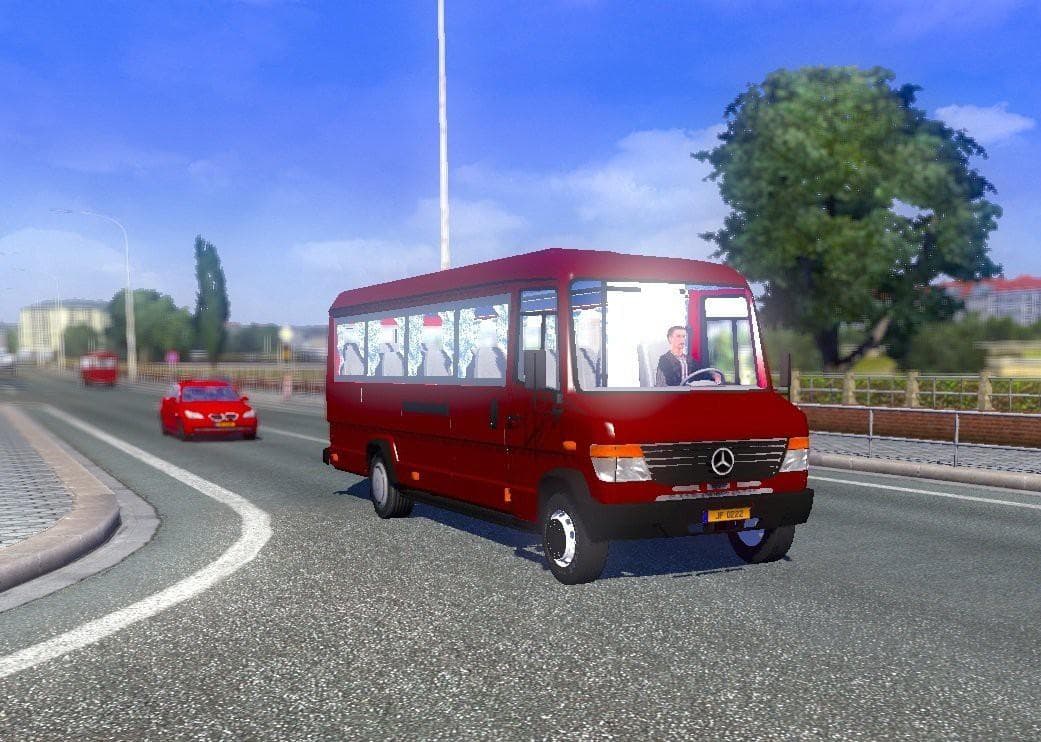
The "MERCEDES BENZ VARIO 812D IN TRAFFIC" mod adds the Mercedes Benz Vario 812D to ETS2 traffic on version 1.21. Created by Euro Truck Simulator 2, the mod is u
This mod adds the Mercedes Benz Vario 812D as a traffic vehicle in Euro Truck Simulator 2, specifically tested for compatibility with version 1.21. Traffic mods like this one inject new AI vehicles into the game world, helping diversify what you see on roads beyond the standard truck models.
Mods that introduce unique traffic vehicles usually work by replacing or adding to the game's existing AI traffic pool. They're installed through ETS2's Mod Manager and typically require no special setup besides ensuring they're enabled in your mod list. This particular mod fits well within a modded environment aiming to enrich urban and highway scenes with more varied vehicle types.
When integrating traffic vehicle mods, it's good practice to check their load order relative to other AI vehicle mods. Conflicts can arise if multiple mods try to overwrite the same traffic files, so placing this one appropriately in your load order helps maintain stability and ensures it functions as intended.
Players who enjoy a more diverse and realistic road experience will appreciate this addition. Seeing different models like the Mercedes Benz Vario among AI traffic can make driving feel less repetitive and more immersive, especially on maps covering European or American regions where such vehicles are common.
Since this mod is categorized under 'other,' it doesn't alter gameplay mechanics but enhances visual variety in traffic patterns. It's compatible with version 1.21 of ETS2, so users running that or nearby versions should have no trouble loading it alongside other content.
Overall, if you're looking to spice up your daily drives with additional vehicle types roaming the streets, adding this Mercedes Benz model into your AI traffic roster is a straightforward way to do so.
How to install
1. Download the file(s) from the original source linked above. 2. Drop them into `Documents/Euro Truck Simulator 2/mod/`. 3. Enable in Mod Manager and restart the game.
After the mod loads, save your game inside a safe area (parking lot or service) before deciding whether to keep it. If the game refuses to load with the mod enabled, check that all required DLCs are installed and that the supported ETS2 version chips on this page include your installed game patch.
Reviews
No ratings yetNo reviews yet — be the first to rate this mod.





