MERCEDES BENZ TUNING 1.19
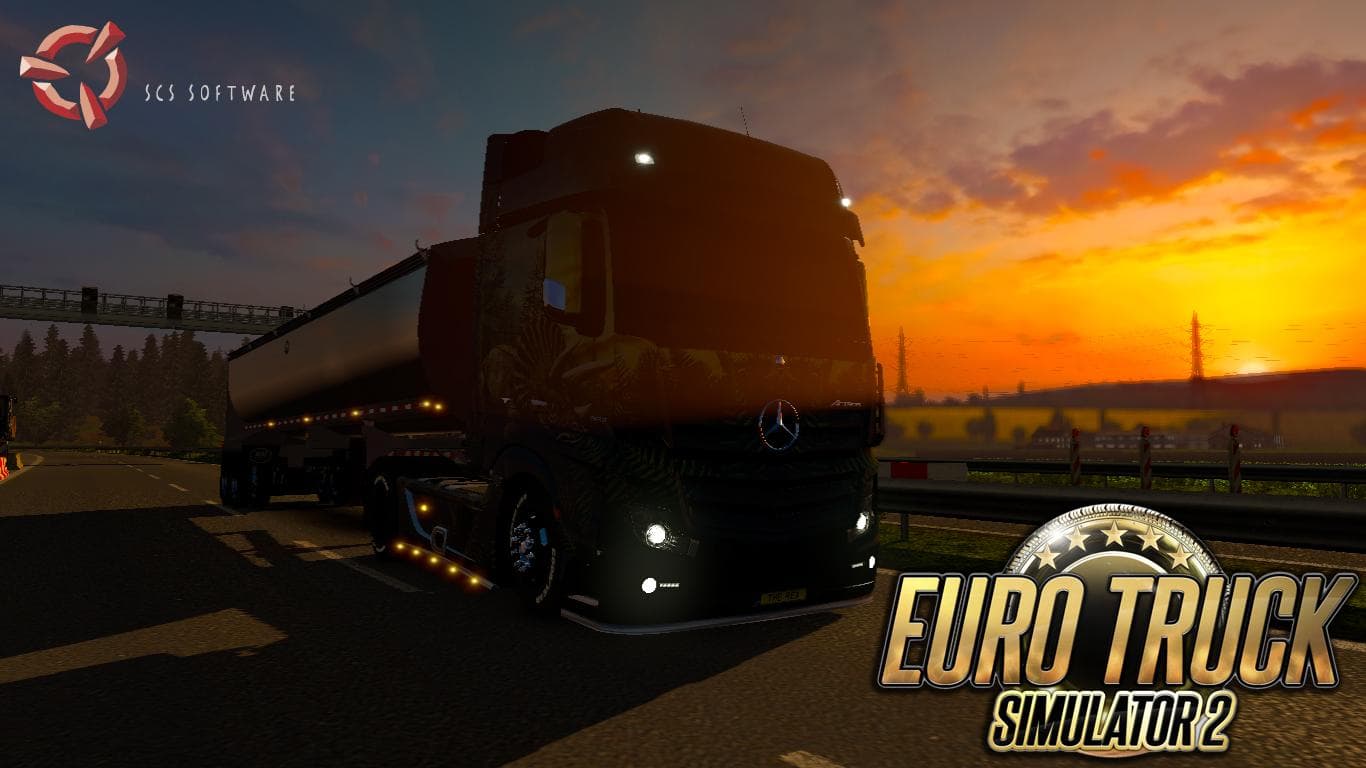
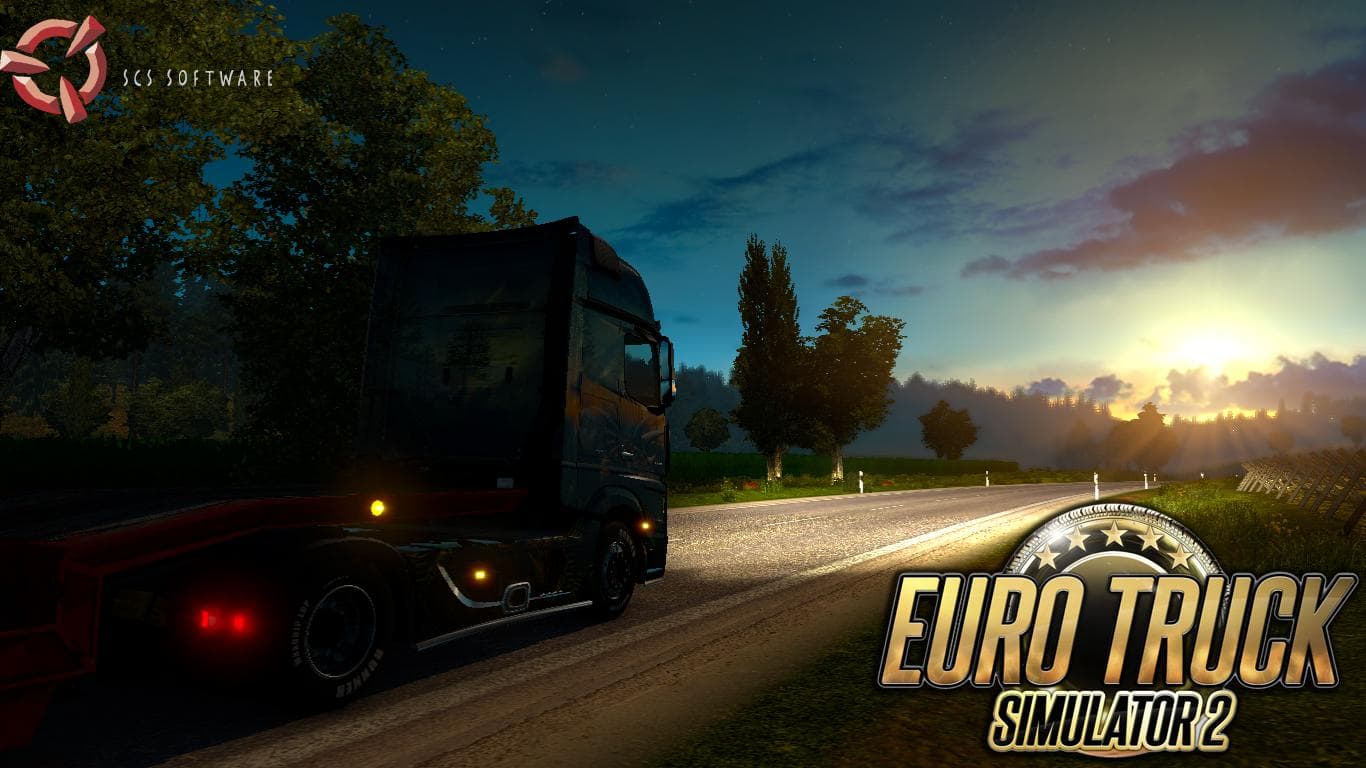
The MERCEDES BENZ TUNING 1.19 mod is a sound enhancement designed specifically for Euro Truck Simulator 2 version 1.19. It focuses on delivering distinctive audio tweaks related to Mercedes-Benz trucks, including modifications to air brake sounds and engine tones that reflect higher power outputs. This kind of mod typically replaces or upgrades the stock sound files to add more personality and immersion when driving these vehicles.
Sound mods like this one alter various in-game noises such as engine roars, horn blares, or other environmental effects connected to the truck's mechanics. They work by overriding default audio assets with new ones stored in the mod’s files. Because they affect how a truck sounds, players often place these mods near the top of their load order so the changes apply correctly over any other vehicle modifications.
Integrating a sound mod into a setup that already includes multiple truck skins or chassis upgrades can enhance the overall experience without causing conflicts, provided it loads after those visual mods. This ensures that the new audio replaces any similar sounds from other sources instead of being ignored or layered incorrectly. Compatibility is usually good since these mods only touch sound files and not gameplay elements or models.
Drivers who appreciate tuning their trucks beyond mere appearance will find this mod useful for adding another layer of customization. It suits those wanting their Mercedes-Benz rigs to stand out audibly on roads across regions like Germany, France, or Italy while hauling freight through ETS2’s extensive map.
Since no specific creator information is available, users should verify that their game version matches 1.19 before installing to avoid issues. Also, backing up original sound files prior to installation can help restore defaults if needed later on.
Overall, MERCEDES BENZ TUNING 1.19 fits neatly into collections emphasizing realism and deeper immersion by enhancing how trucks sound rather than look. It complements visual mods well by bringing an audible dimension that casual players might overlook but enthusiasts will appreciate.
How to install
1. Download the .scs file. 2. Drop it into `Documents/Euro Truck Simulator 2/mod/`. 3. Enable in Mod Manager. Sound mods usually need to load **above** truck mods in load order. 4. Restart the game so the audio engine picks up new samples.
After the mod loads, save your game inside a safe area (parking lot or service) before deciding whether to keep it. If the game refuses to load with the mod enabled, check that all required DLCs are installed and that the supported ETS2 version chips on this page include your installed game patch.
Reviews
No ratings yetNo reviews yet — be the first to rate this mod.





