MERCEDES BENZ TRAVEGO 15-17 MALATYA BEYDAGI SKIN V1.0
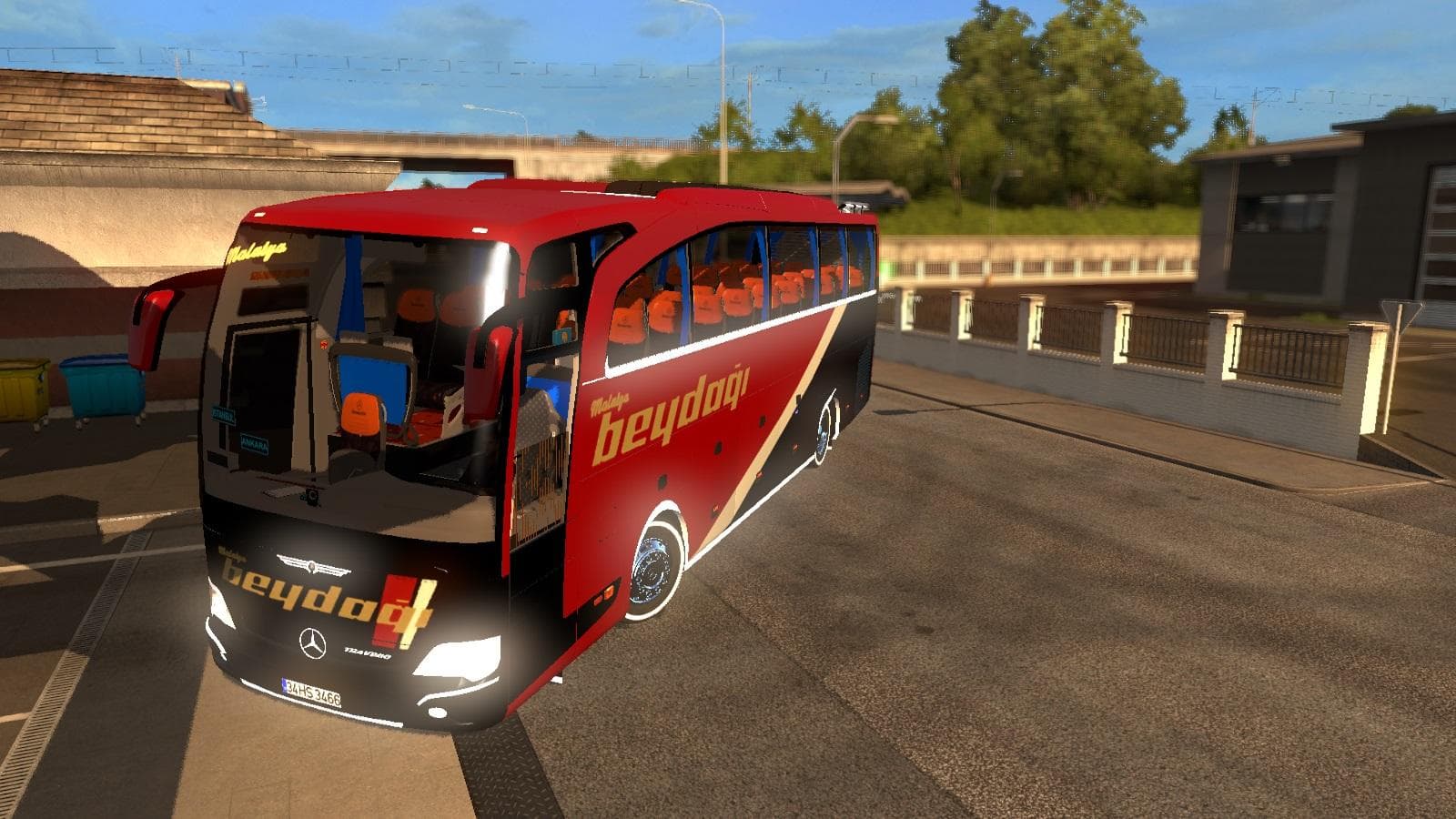
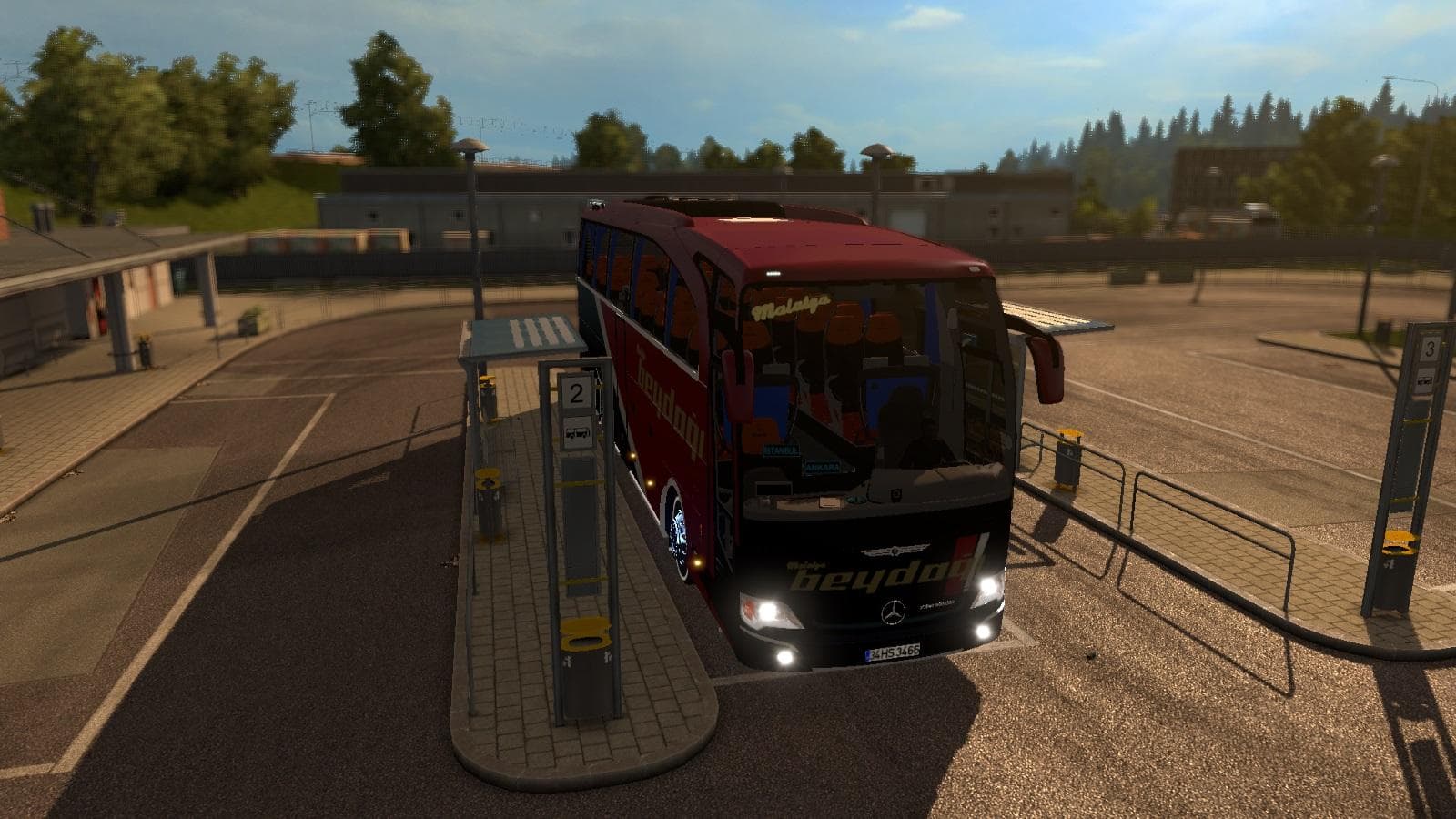
This mod is a skin for the Mercedes Benz Travego 15-17, featuring the Malatya Beydağı design. It is compatible with ETS2 versions 1.20 and 1.21, created by Euro
The MERCEDES BENZ TRAVEGO 15-17 MALATYA BEYDAGI SKIN V1.0 offers a fresh repaint for the Mercedes Benz Travego model in Euro Truck Simulator 2. This type of mod modifies the truck's exterior look without altering its structure or performance, applying a new livery that players can select directly in the paint shop. It’s designed specifically for the Travego versions spanning from 2015 to 2017, matching their existing design perfectly.
Skin mods like this one rely on the base vehicle being present in your game to function properly, so it won’t add new trucks but will enhance your visual variety. They typically work across multiple game versions if compatible, and this skin supports ETS2 versions from 1.0 up through 1.21, which covers a good range of updates and expansions.
In terms of fitting into a modded setup, skins generally have straightforward compatibility since they only change textures rather than models or mechanics. However, load order can matter if you run multiple skins for the same truck; make sure this skin loads after others targeting the Mercedes Benz Travego to see it correctly applied.
This particular skin references Malatya Beydağı, a detail that might appeal to players interested in Turkish themes or wanting to diversify their fleet with regional liveries. Anyone running a modded garage focusing on Turkish or regional European transport could find this repaint worth trying out.
Because skin mods don’t affect gameplay but enhance visual immersion, they suit players who enjoy customizing their trucks’ appearance without adding complexity. If you appreciate switching up your truck looks now and then and want something specific to the Travego model years mentioned, this skin fits right in.
How to install
1. Download the .scs file. 2. Drop it into `Documents/Euro Truck Simulator 2/mod/`. 3. Enable in Mod Manager. 4. Apply the skin in the truck/trailer paint shop.
After the mod loads, save your game inside a safe area (parking lot or service) before deciding whether to keep it. If the game refuses to load with the mod enabled, check that all required DLCs are installed and that the supported ETS2 version chips on this page include your installed game patch.
Reviews
No ratings yetNo reviews yet — be the first to rate this mod.





